POS MV V4 User Guide
System Configuration
Copyright © Applanix Corporation, 2009
4-1
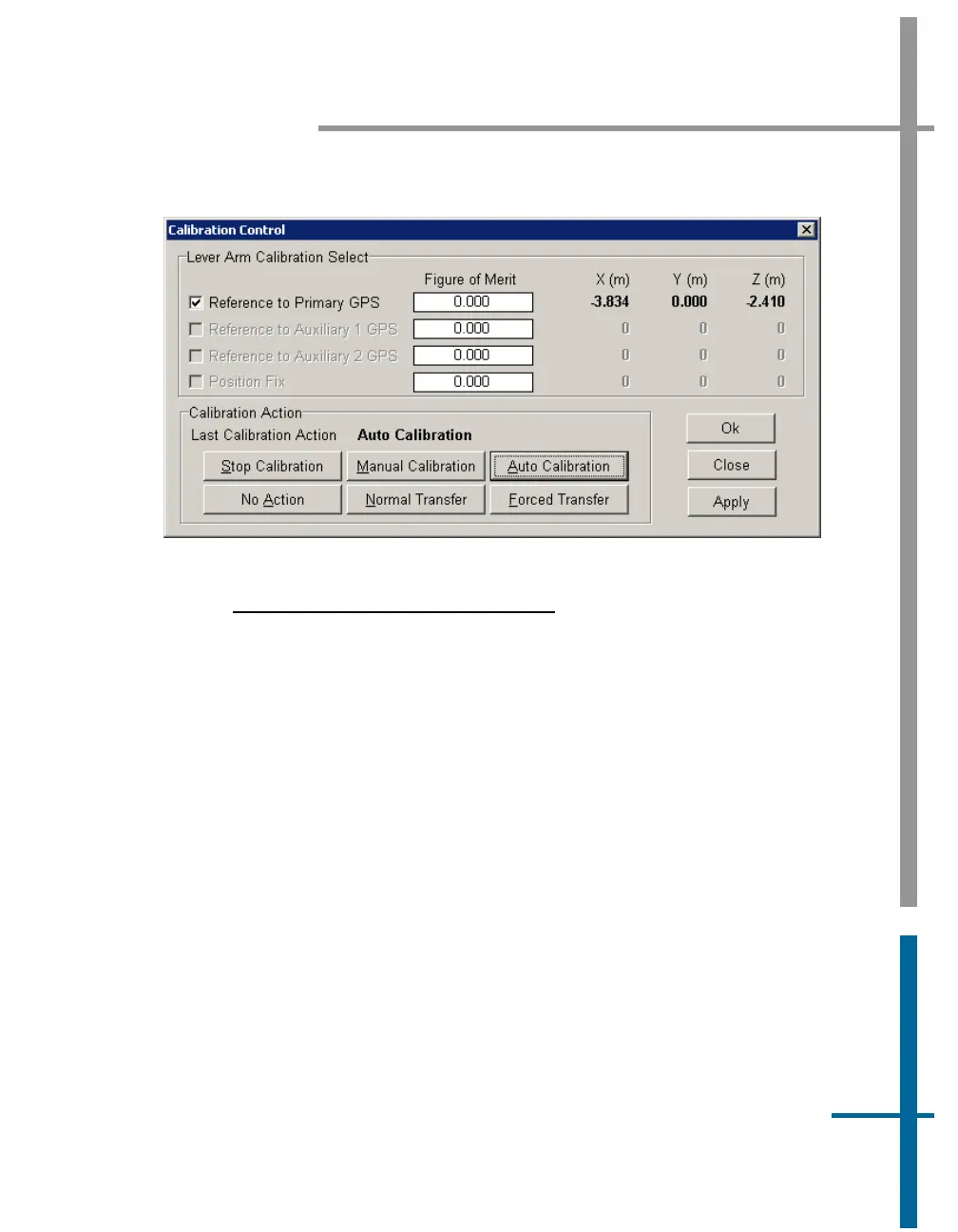
Figure 23: Calibration Control Screen
L
EVER ARM CALIBRATION SELECT PANE
Note: The Figure of Merit (FOM) may not reach 100 if the vessel
dynamics (speed and rate of turn) are not great enough, the GNSS
coverage is not good or the base corrections are not reliably received.
Figure of Merit field - indicates the completeness of the
correction level of the selected parameter; the calibration (X, Y
and Z) are complete when FOM reaches 100
X, Y, Z fields - computed values are complete when the Figure of
Merit reaches 100 and the field values stop changing; the field
values may not correspond with the measured values
Reference to Primary GNSS check box - select to compute
corrected values
Reference to Auxiliary 1 GNSS check box - not enabled
Reference to Auxiliary 2 GNSS check box - not enabled



 To Next Page