POS MV V4 User Guide
System Configuration
Copyright © Applanix Corporation, 2009
4-19
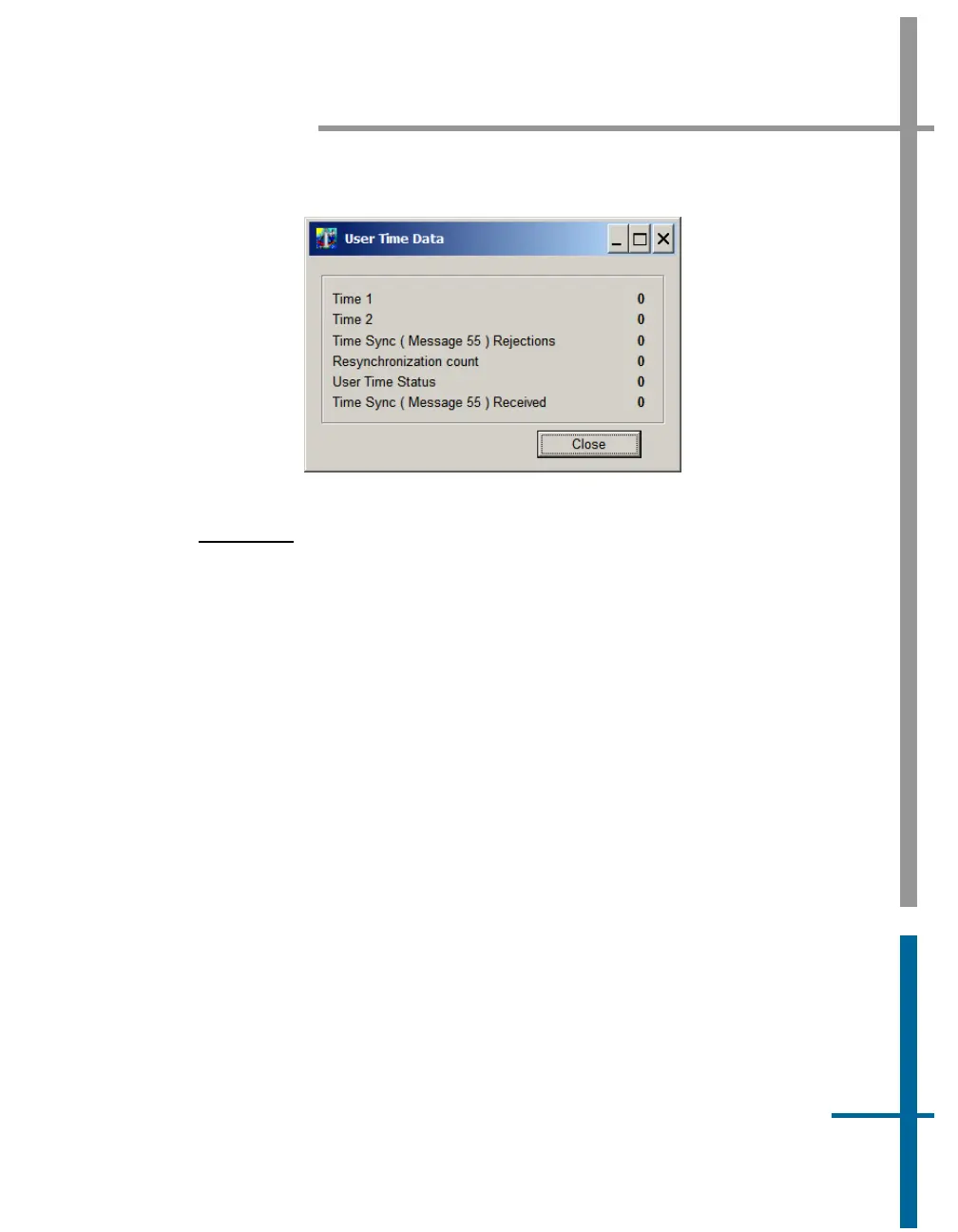
Figure 25: User Time Data Screen
AutoStart
AutoStart is a feature of POS MV that allows operation in a stand-alone
configuration. With AutoStart enabled, POS MV will transition to navigate
mode after power-on, without operator intervention.
• With AutoStart enabled, POS MV will transition to navigate mode
each time the PCS is powered-on. In this configuration, the PCS can
operate independently without the need for a controlling PC.
• With AutoStart disabled, the system will remain in standby mode after
power-on. The operator must issue a command from the controlling
PC, via the controller program, to make the system transition to
navigate mode.
To enable AutoStart, select Settings, Installation, Lever Arms & Mounting
from the MV-POSView menu bar, then select the Tags, Multipath and
AutoStart tab and click the Enabled option button in the AutoStart pane, see
Figure 24. Select the OK button to accept the change.
Note: The AutoStart configuration change must be saved to NVM to retain its
new setting when POS MV is powered-on again; refer to the
Save Settings
description on page
4-26 for instructions.



 To Next Page