EN – 39
IMPORTANT: Interlock cams will fall from camshafts in
next step.
3. Remove hardware retaining camshafts to clutch levers
and remove camshafts. See Figure 92.
4. Remove cams.
Install Interlock Cams
IMPORTANT: Ensure nylon bushings are seated in
interlock bracket. See Figure 93.
1. Reinstall right camshaft through interlock bracket and
secure to clutch lever with one tapping screw.
2. Install interlock cam onto camshaft so flat edge is
positioned downward. Secure with spring clip. See
Figure 94.
Figure 92
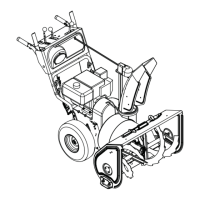
Models 921047, 921049, 921323,
921324, 921325, 921326, 921328
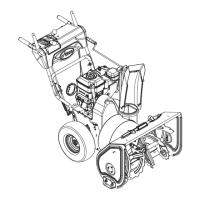
Models 921045, 921046, 921048
Figure 93
Models 921047, 921049, 921323,
921324, 921325, 921326, 921328
Models 921045, 921046,
921048




 To Next Page
