FastPak EXP Operating Manual 89
Dispensing Batches
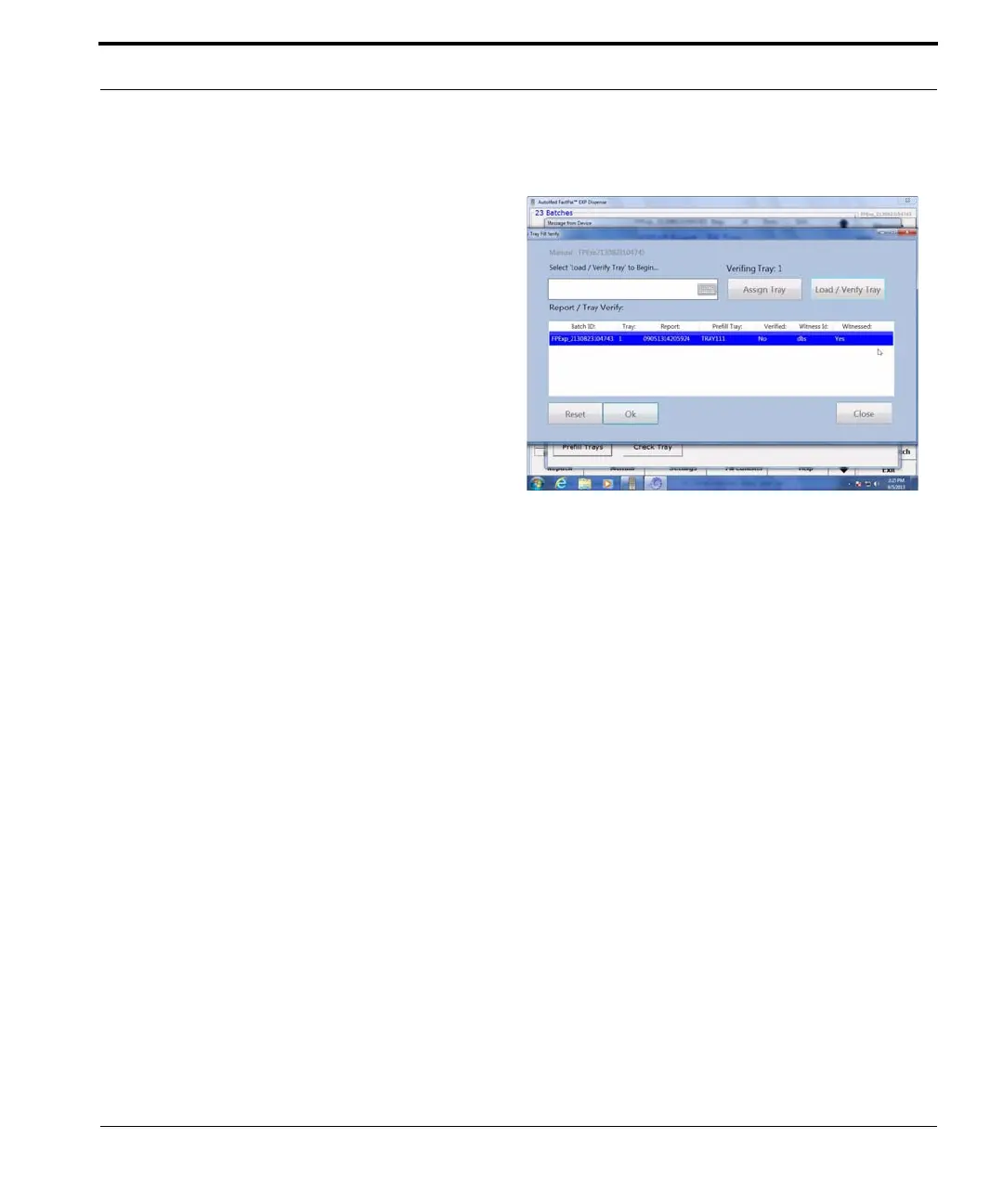
5. Scan the empty prefill tray.
6. If you are filling other prefill trays, scan the
corresponding report and prefill tray.
7. Click Close. The Tray Fill List tab window
appears.
8. Click Dispense. The Fill Tray window reappears.
9. Click Check Tray. The Check Tray Fill window
appears.
10. Choose a tray number on the Check Tray Fill
window.
11. The pharmacist checks the tray.
12. The Fill Tray window appears again.
13. Click Load Tray.
14. Scan the barcode on the prefill tray to verify.
15. When verified, chick OK. The FastPak displays
this message: “This tray is now verified. OK to
continue.
16. Put the tray into the UTC drawer.
17. Click OK.
18. Click Continue.



 To Next Page