Creating New Batches
102 FastPak EXP Operating Manual
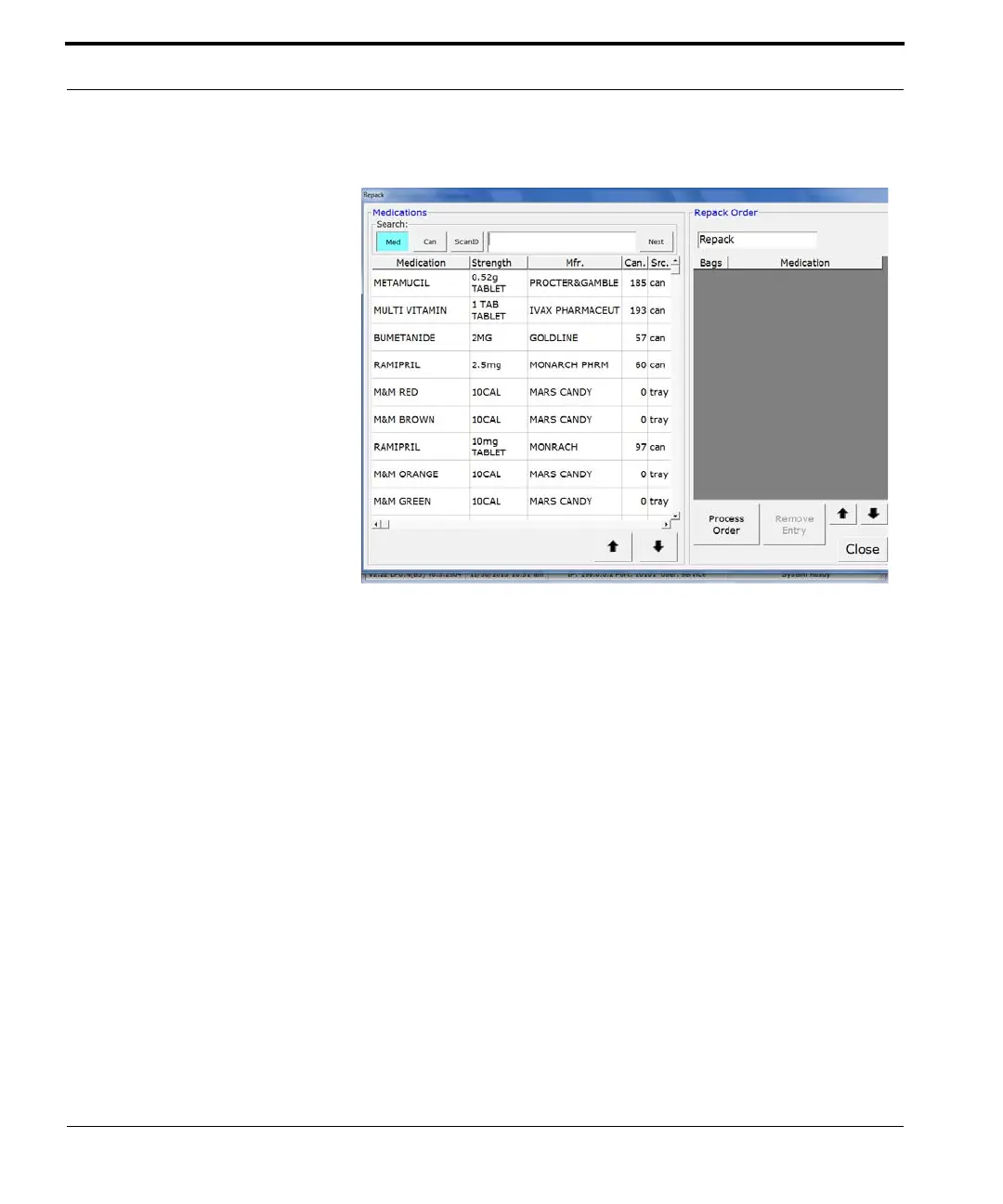
1. Click Repack. The window below appears.
Figure 7-23 Repack window
2. Highlight the medication you want to add. The
window in Figure
7-24 appears.
Note: You may also scan the medication bulk
bottle, or the canister that contains the
medication you want to repack.


 To Next Page
 Loading...