FastPak EXP Operating Manual 115
Filling Canisters
Note
Click All Canisters, Smart Canisters, or Group
Canisters to search for the corresponding canisters.
Note
Click the column heading to change the sort view.
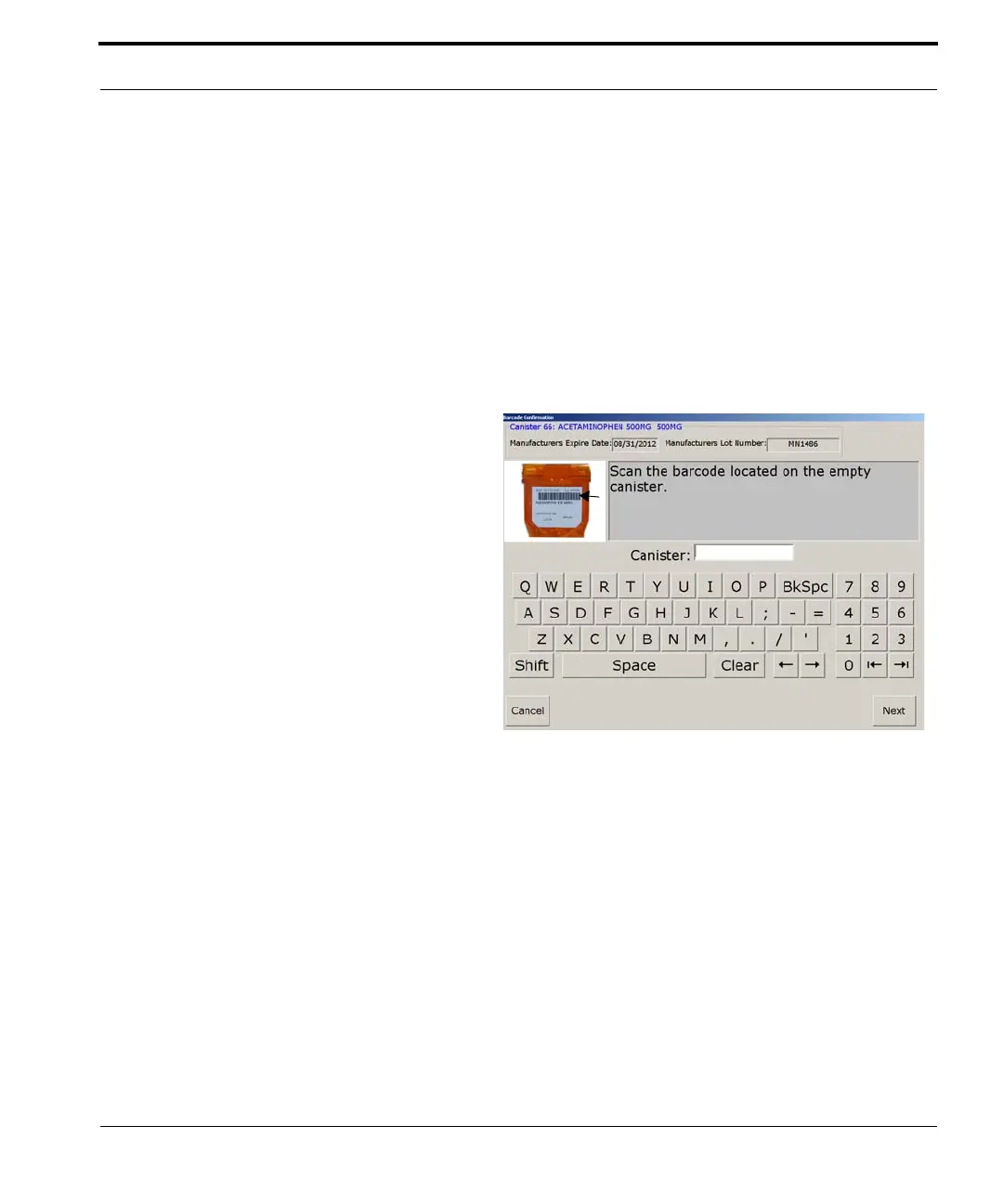
3. Highlight the canister you wish to refill and
select Update. A window similar to that shown
below appears.
Figure 7-30 Barcode Confirmation window
The scanning
windows only appear
during replenishment
if you selected the
scan verification
options in dispense
settings.



 To Next Page