FastPak EXP Operating Manual 87
Dispensing Batches
Tray Fill List tab. If there is a discrepancy in the lot
number or expiration date, for example, click the
medication line, then click Update Med. When the
Drug Information window appears, update the
medication description, lot number, and/or expiration
date, and then click OK to update the medication.
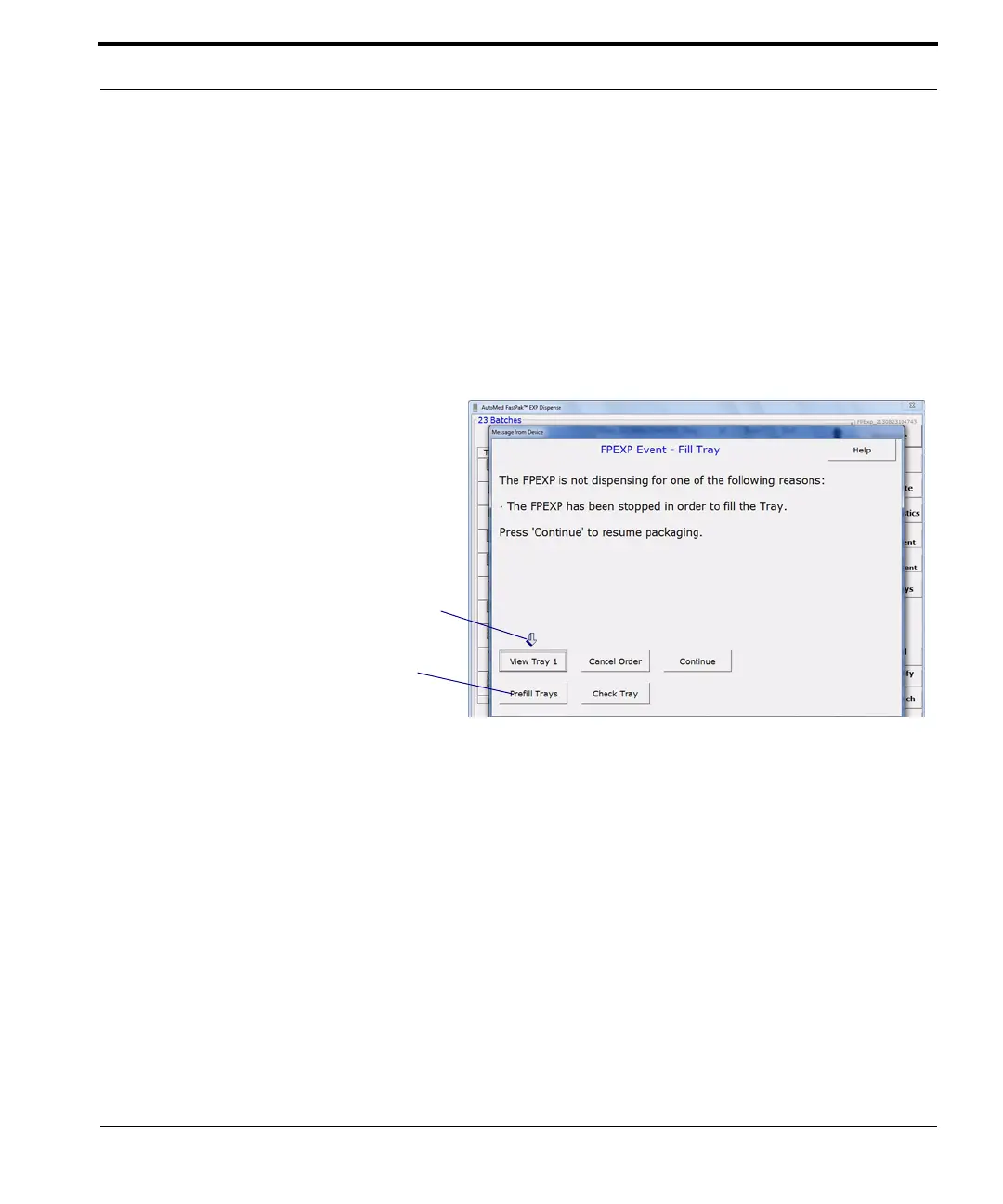
The tray opens when a tray medication is to be
packaged during dispensing, and the following
message appears:
Figure 7-12 Fill Tray window
When not using prefill trays, follow these steps:
1. Click View Tray 1, the Tray Fill List tab window
appears.
2. Click Print to print the tray fill report.
3. Click Dispense. The UTC opens.
4. Fill the UTC. LCD lights illuminate next to the
UTC cells into which the medication must be
placed for the batch.
5. Close the UTC.
The options available on this window vary,
depending on your setup. Whenever you
see this window, pay attention to the arrow,
which will direct you to the next action.
This button only appears when you are
using prefill trays.



 To Next Page