Chapter 2. Setup
NR xCell 46116A User Guide 7
Copyright © 2023, All Rights Reserved.
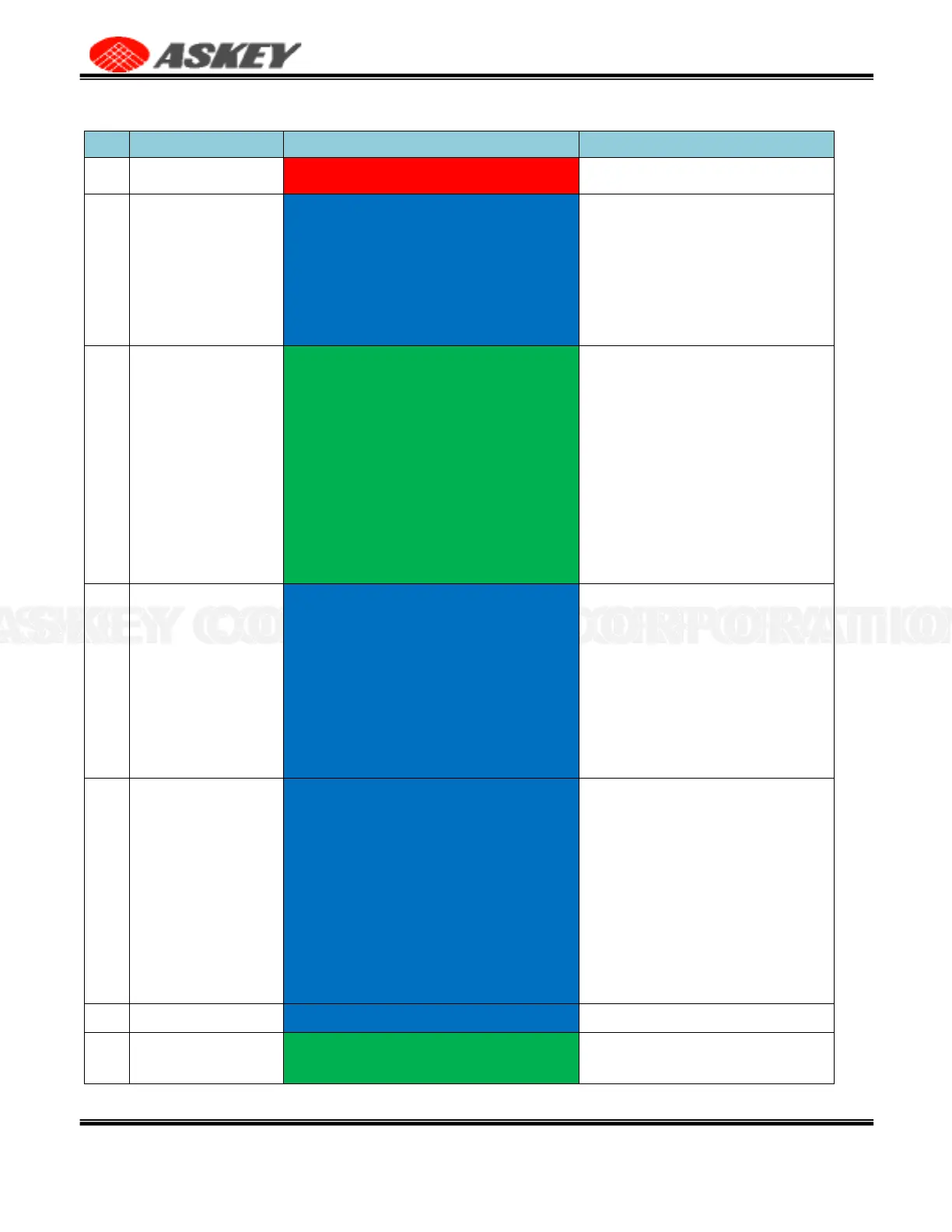
Table 4. LED Status Overview
Blue Blink (Light on for 3 seconds, light off for 3
seconds)
1. The small cell is acquiring IP address,
please wait.
2. If the LED stays at this stage for more
than 5 mins, please check the Ethernet
cable is firmly connected at both ends, and
the switch, router, or internet gateway is
turned on.
Green Blink (Light on for 1 seconds, light off for 3
seconds)
1. The small cell is syncing and acquiring
GPS signal, please wait.
2. If the LED stays at this stage for more
than 10 mins, the small cell has failed to
acquire minimally required GPS signal,
please try to move your GPS antenna
closer to the window.
3. If the issue persists, please call
Customer Service.
Note: First GPS sync lock may take 45
minutes
Blue Blink (Light on for 1 seconds, light off for 3
seconds)
1. The network management server is
provisioning the small cell, please wait.
2. If the LED stays at this stage for more
than 10 minutes, the small cell has not
received all required or correct
provisioning parameters from HeMS.
Please try reboot your device again.
3. If the issue persists, please call Customer
Service.
5G Service is initializing
Blue Blink (Light on for 1 seconds, light off for 1
seconds)
1. The small cell is syncing with 5G
network, please wait.
2. If the LED stays at this stage for more
than 10 minutes, the small cell is still trying
to connect to HeNB Gateway, please check
the LAN/ firewall setting or contact your
network administrator.
3. If the issue persists, please call Customer
Service.
5G service is ready in the small cell.
Green Blink (Light on for 1 seconds, light off for 1
seconds)
UE is connecting to 5G small cell, service is
in progress.



 To Next Page