Chapter 3. The Askey 5G NR Small Cell Admin Website
NR xCell 46116A User Guide 22
Copyright © 2023, All Rights Reserved.
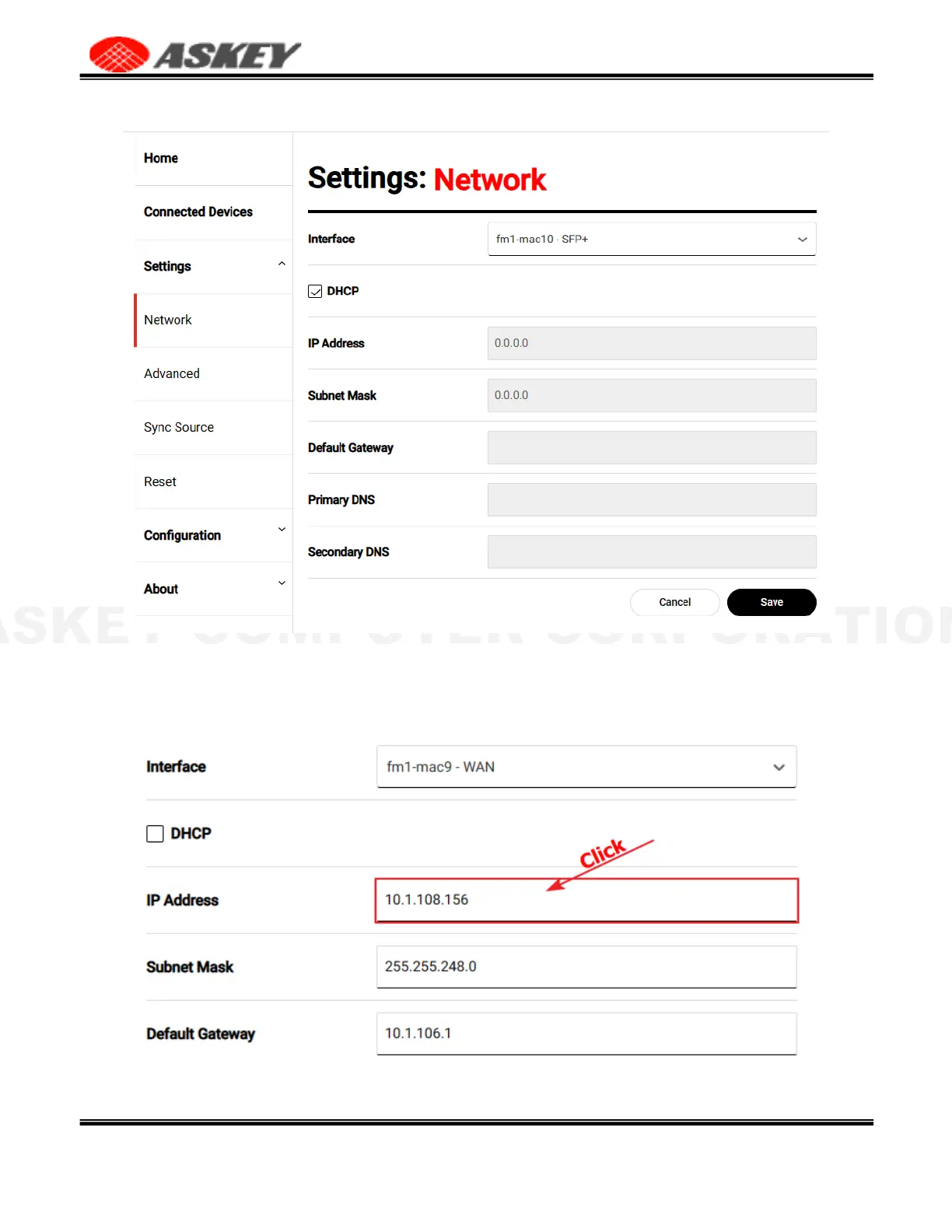
When the DHCP checkbox is disabled, you can manually set the network configurations for the specific
interface. Click the IP Address or Subnet Mask item will pop up a dialog window to edit the multiple static IP
addresses.
Figure 23. The Multiple Static IP Addresses Dialog Window



 To Next Page