ATI Series D12 Toxic Gas Transmitter with H10 Smart Sensor
Revision N (7/15) 33
Variable Editing
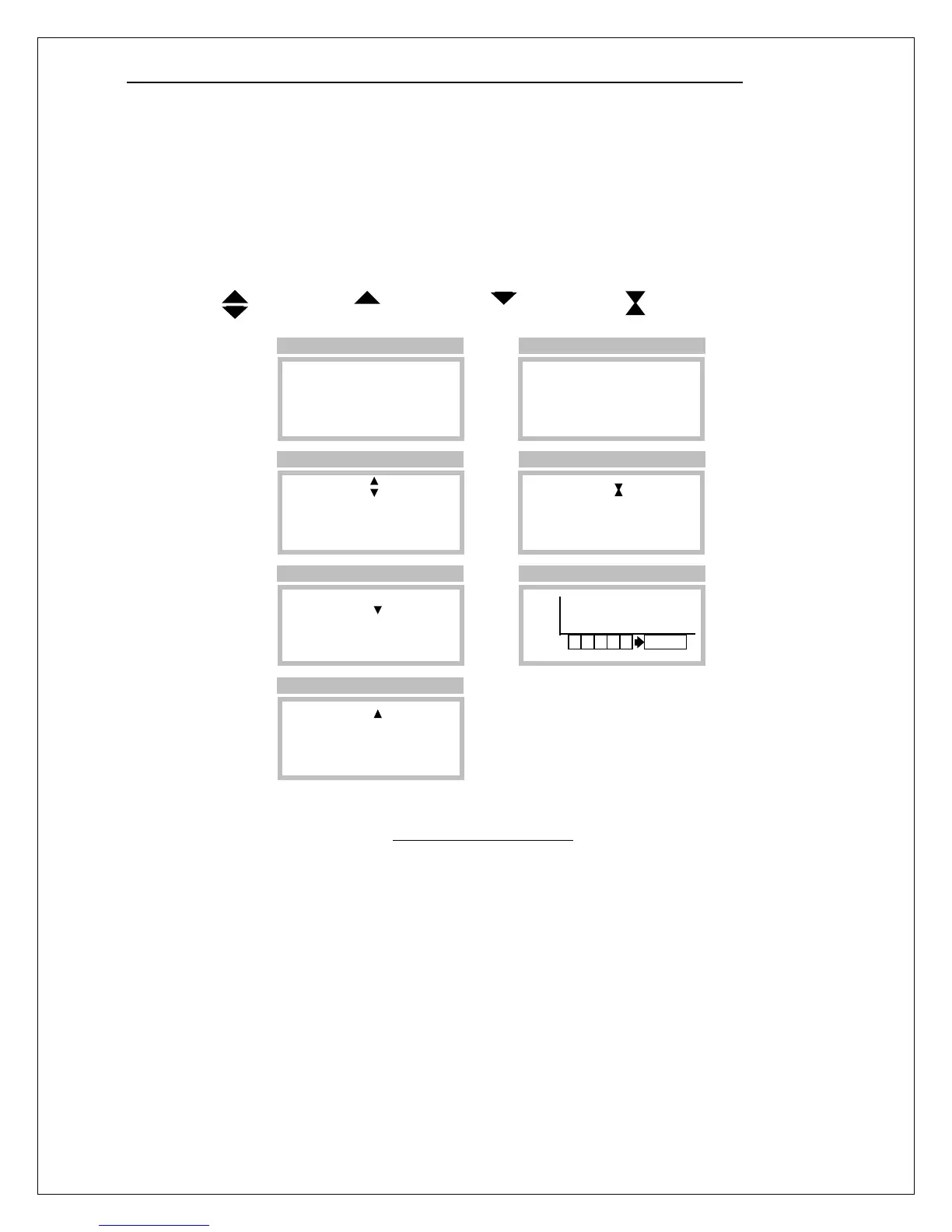
When a variable is selected, the edit cursor appears. The shape of the cursor symbolizes the up-down
scroll nature of the value being edited. To provide feedback about which key is being activated, the
cursor changes to a solid up-arrow when the magnet is touching the Up key, and to a solid down-arrow
when the magnet is touching the Down key. When the variable has been adjusted to the desired value,
touching the magnet to the Enter key changes the cursor to an hourglass shape while the program is
saving the new value (recalculating associated variables and updating non-volatile memories).
Touching the magnet to the Esc key discards the edited value and restores the original value.
Figure 28. Variable editing
1. Upon entry, the selection
cursor points to the first
variable for editing.
2. Touching the magnet to
the ENTER key selects the
variable for editing and
brings up the edit cursor.
4. Touching the magnet to
the UP key changes the edit
cursor to an up arrow and
3. Touching the magnet to
the DOWN changes the edit
cursor to a down arrow and
6. Touching the magnet to
the ENTER key changes the
cursor to the hourglass until
Edit Mode
Increase
Decrease
Save Value
5. Touching the magnet to
the ESCAPE key changes
the cursor and restores the
7. If left unattended for 5
minutes, operation reverts to
►Range = 50
Damping = 10
Blanking = 2.00
More
►Range= 50
Damping= 10
Blanking= 2.00
More
►Range= 55
Damping= 10
Blanking= 2.00
More
►Range= 45
Damping= 10
Blanking= 2.00
►Range= 50
Damping= 10
Blanking= 2.00
More
►Range= 50
Damping= 10
Blanking= 2.00
More
PPM
H2S
>Menu >Setup >Sensor
>Menu >Setup >Sensor
>Menu >Setup >Sensor
>Menu >Setup >Sensor
>Menu >Setup >Sensor
>Menu >Setup >Sensor
Main Display



 To Next Page