ATI Series D12 Toxic Gas Transmitter with H10 Smart Sensor
Revision N (7/15) 67
Deactivating Security
The procedure to deactivate security is identical to that used for activating it, and if successful, the
transmitter presents an option to automatically reactivate it after a timed interval.
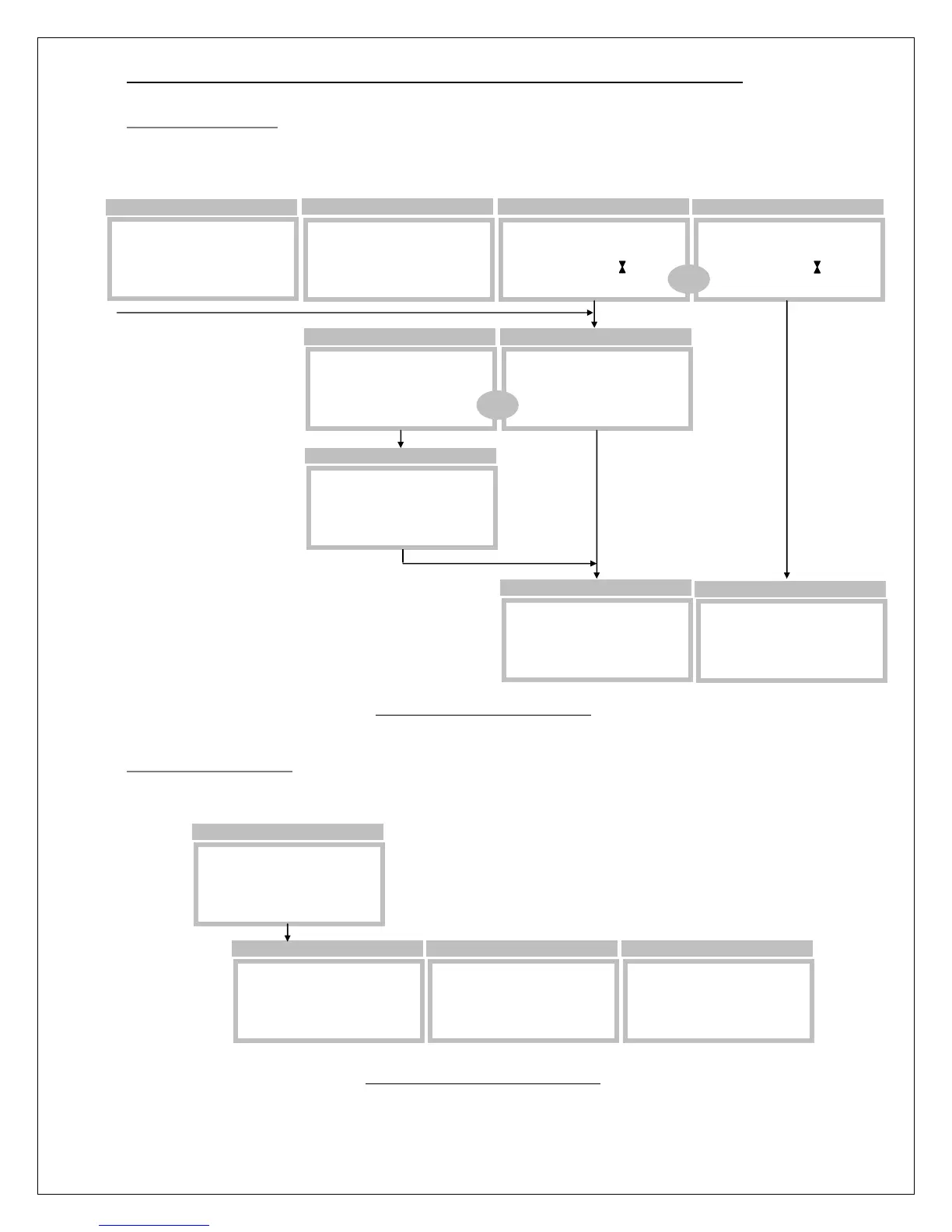
Figure 69. Deactivating security
Changing the Password
The security password is changed by selecting Change_Pswd from the Security Control page. Start by
entering the old password, the enter the new one, and repeat it.
Figure 70. Changing the password
Security is ON
…Enter Pswd to
►Enter Pswd 0
Password Entry Page
Security is OFF
…Would you like
Auto Relock?NO
Auto-Relock Page
Security is OFF
…Enter Pswd to
►Enter Pswd PASS
Password Entry Page
SECURITY
Change_Pswd
►Status=ON
>Menu>Setup>System>Secure
SECURITY
Change_Pswd
►Status=ON
>Menu>Setup>System>Secure
Security is ON
…Enter Pswd to
►Enter Pswd FAIL
Password Entry Page
OR
SECURITY
Change_Pswd
►Status=OFF
>Menu>Setup>System>Secure
Security is OFF
…Set time until
Set_Timer
30 Minutes
Auto-Relock Page
Security is OFF
…Would you like
Auto Relock?YES
Auto-Relock Page
OR
The automatic relock time
defaults to 30 minutes,
and 60 minutes.
Default is NO,
scrolled to YES to setup
the auto-relock time.
SECURITY
►Change_Pswd
Status=OFF
>Menu>Setup>System>Secure
Old_Pswd= 0
Old Password
New_Pswd= 7543
New Password
Repeat_New=7543
Accepted
New Password



 To Next Page