Display Screens
40
J
Menu area 2
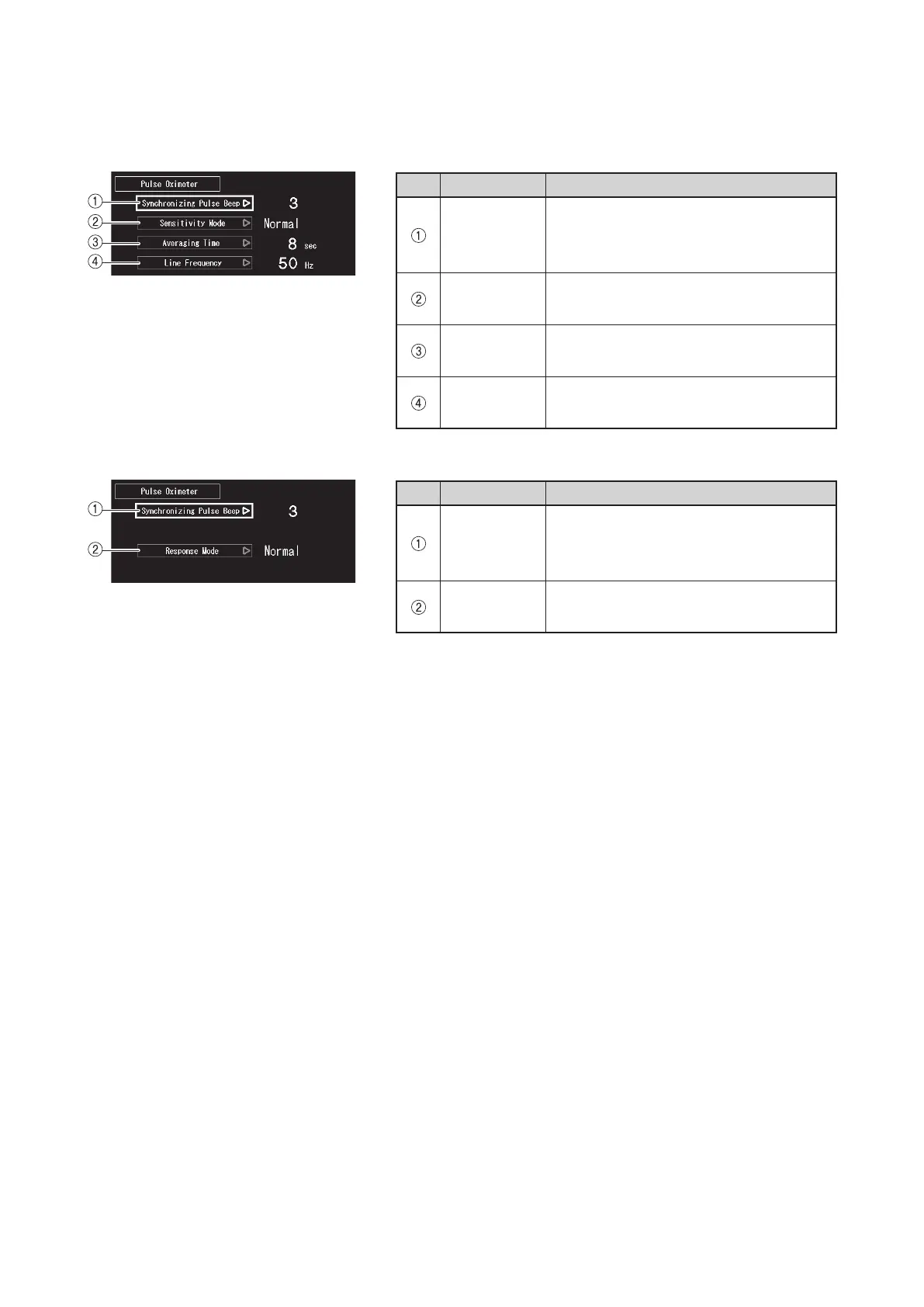
This screen appears when [Pulse Oximeter] is selected in the menu area 1.
z
FortheunitequippedwiththeMasimopulseoximeter
No. Menu Description
Synchroniz-
ing Pulse
Beep
Select this to set the synchronizing pulse
beep volume.
Sensitivity
Mode
Select this to set the pulse oximeter sen-
sitivity.
Averaging
Time
Select this to set the pulse oximeter av-
eraging time.
Line Fre-
quency
Select this to change the line frequency
of the pulse oximeter.
z
FortheunitequippedwiththeNellcorpulseoximeter
No. Menu Description
Synchroniz-
ing Pulse
Beep
Select this to set the synchronizing pulse
beep volume.
Response
Mode
Select this to set the pulse oximeter re-
sponse time.



 To Next Page