Display Screens
34
[5] Display Screens
5-1.
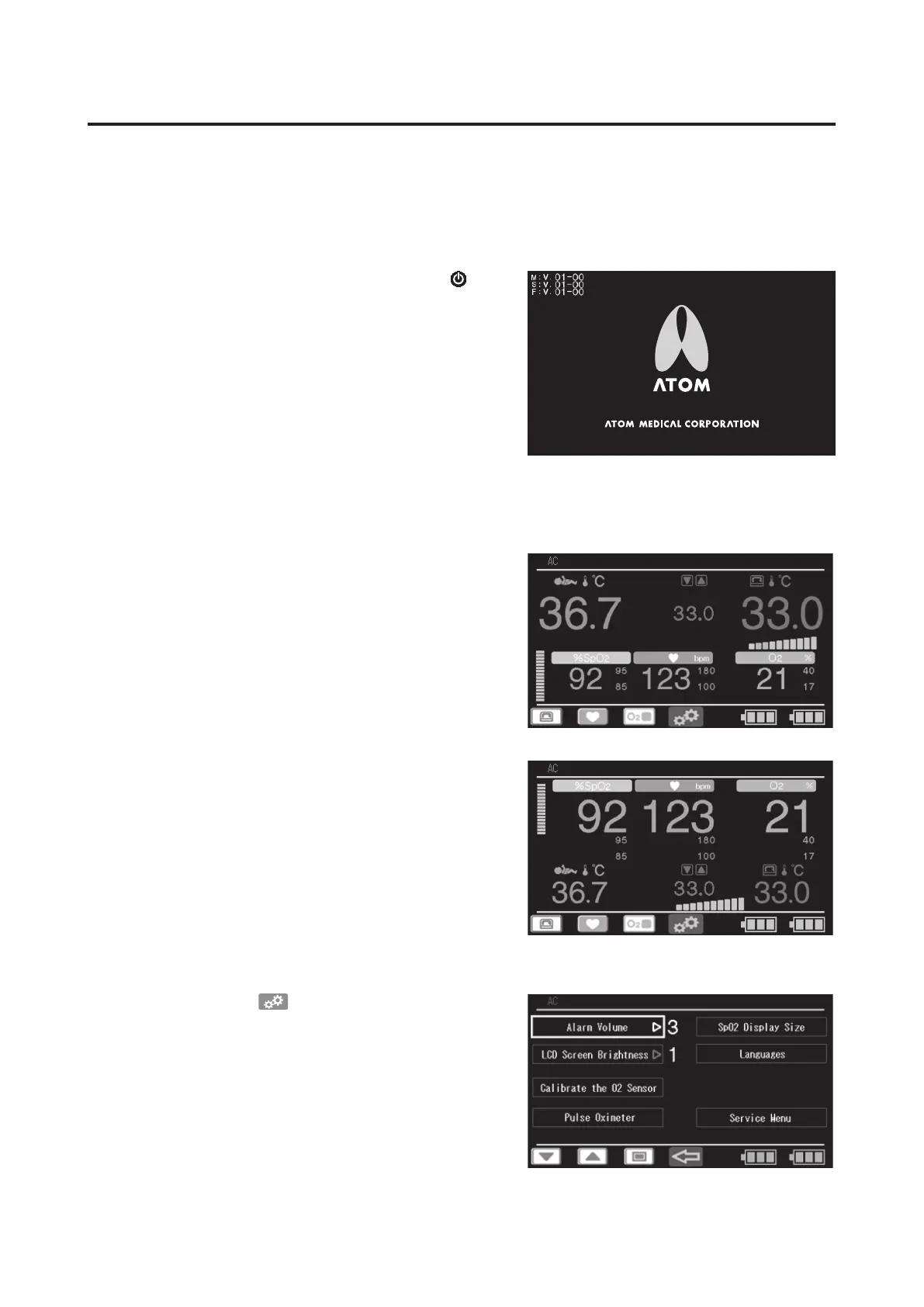
Overview of Display Screens
J
Start screen
The start screen appears when the power switch
is
turned on.
The version number of the IncuArch program appears
in the upper left of the screen.
J
Main screen
The view can be changed between the “Enlarged Tem-
perature Display (Standard Display)” that enlarges the
display of a temperature reading, and the “Enlarged
SpO
2
Display” that enlarges the display of measure-
ments taken by the pulse oximeter. For details on how
to change these views, see “9-1-3. Setting the Display
Size”.
Enlarged Temperature Display
(Standard Display)
Enlarged SpO
2
Display
J
Menu screen
When you press the
control switch on the main
screen, the screen switches to the menu screen.
Use this screen to select advanced settings.



 To Next Page