Pulse Oximeter
56
Before attaching the sensor to the infant, connect the patient cable to the unit to confirm that
an alarm occurs.
The plethysmograph bar on the display is proportional to the size of the detected pulse. (For
the unit equipped with Nellcor pulse oximeter)
Only use sensors and patient cables specified by Atom to connect to the pulse oximeter in this
unit. Do not use any other sensors or patient cables.
The above sensors and patient cables are not waterproof.
Do not set alarm limits to extreme values that render the monitoring system useless.
Please check the upper/lower alarm limit settings and confirm that it is appropriate for the pa-
tient being monitored.
8-2.
Connecting the Patient Cable
(1) Connect the patient cable to the SpO
2
sensor.
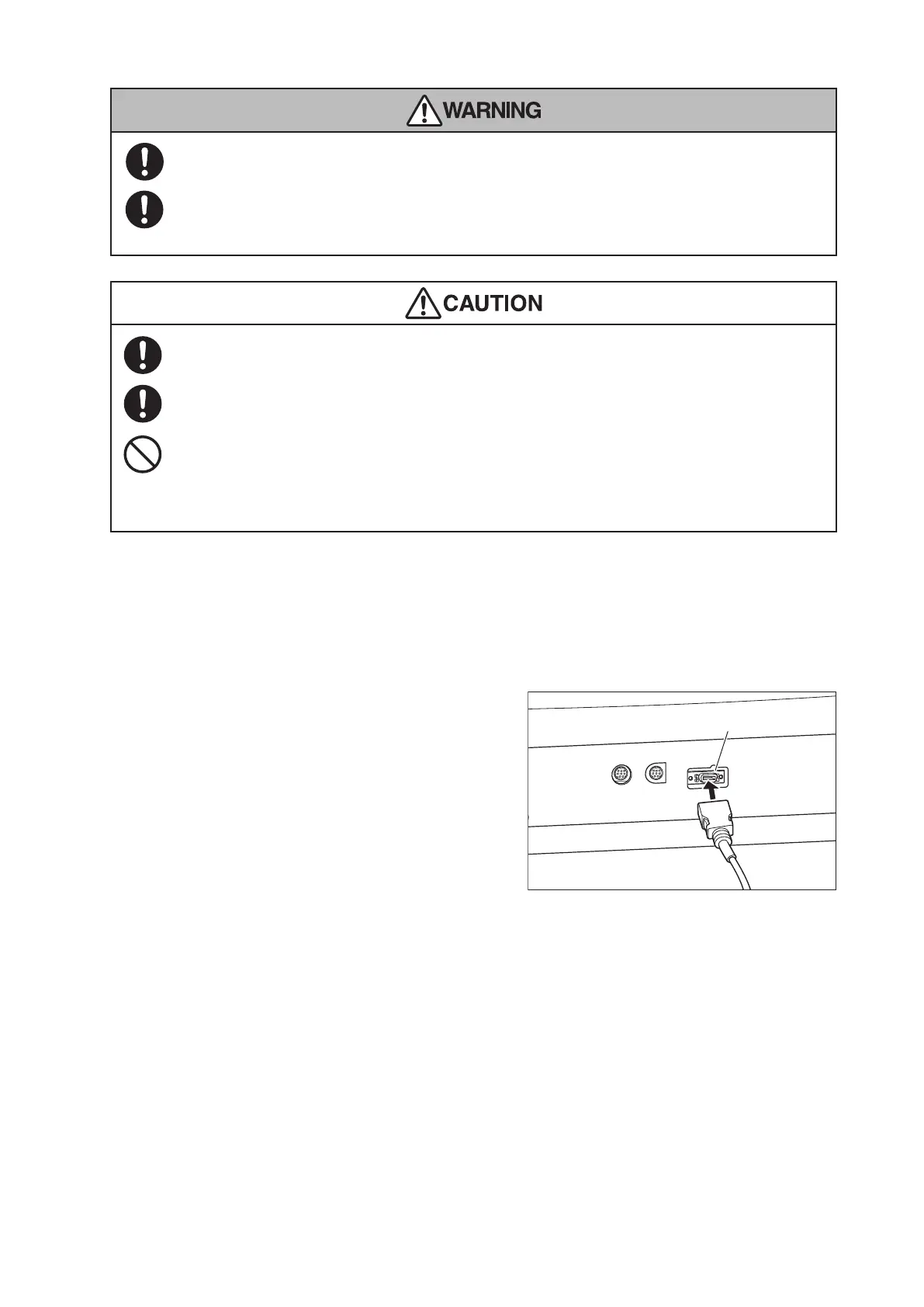
(2) Guide the patient cable out of the incubator
through the tube introduction slit and plug the ca-
ble into the connector for SpO
2
on the left side of
the main body.
After a short time, a detected SpO
2
value and pulse
rate appear in the pulse area.
Connector for SpO
2
sensor
8-3.
Setting Alarm Limits
You can set upper/lower alarm limits respectively for the SpO
2
value and the pulse rate monitored with the
pulse oximeter. Audible and visual alarms will be activated if any of the alarm limits are violated (see “[12]
Alarms”).



 To Next Page