Other Operation Procedures
62
9-1-3.
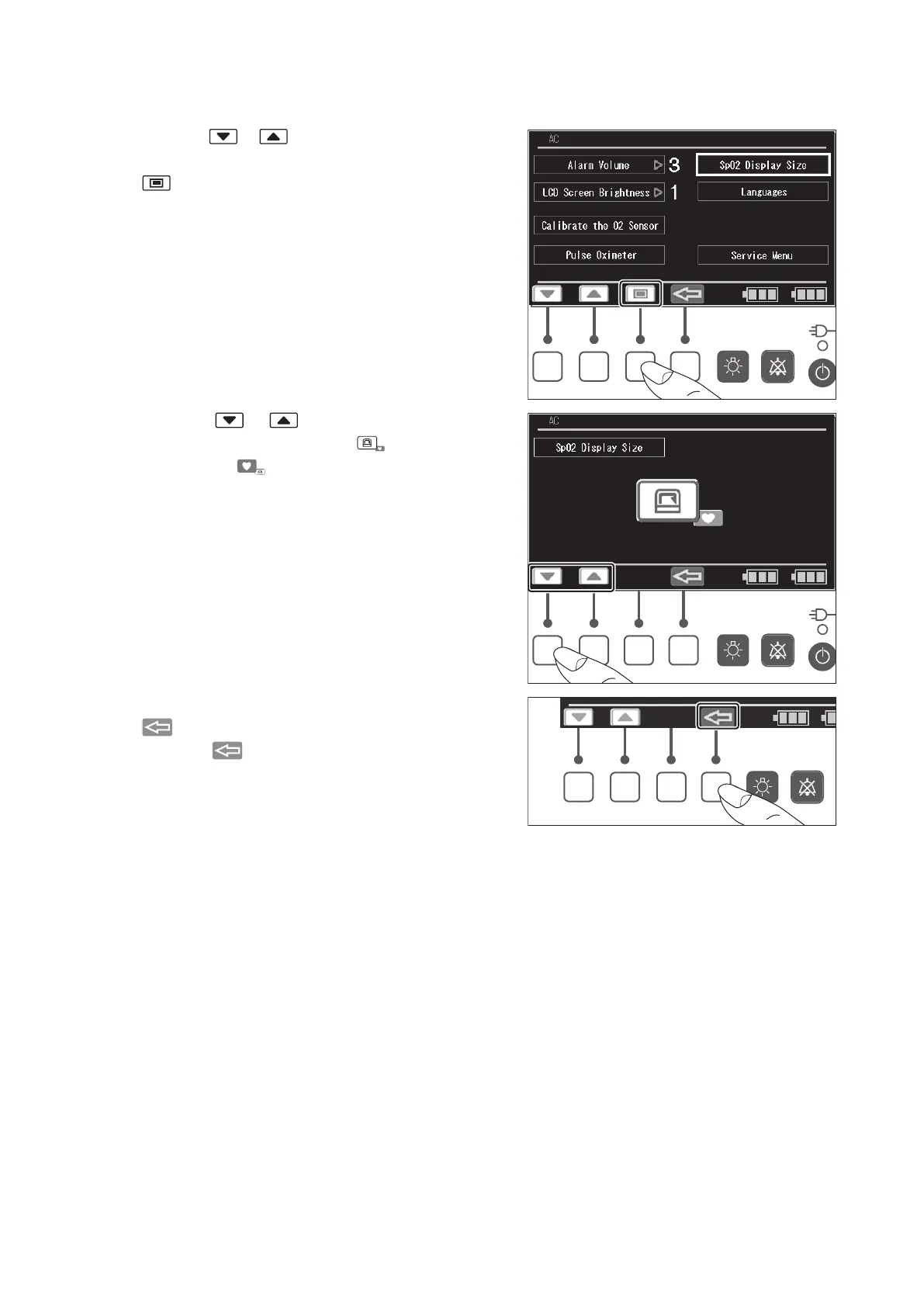
Setting the Display Size
(1) Press the or switch to place the cursor on
the [SpO
2
Display Size] menu, and then press the
switch. The SpO
2
Display Size screen appears.
(2) Press the or switch and select the En-
larged Temperature display ( ) or Enlarged
SpO
2
display ( ).
(3) The screen returns to the menu screen when the
switch is pressed.
Press the switch again to return to the main
screen.



 To Next Page