Other Operation Procedures
66
(3) The screen returns to the cursor control screen
when the switch is pressed.
Press the switch again to return to the menu
screen.
9-1-7.
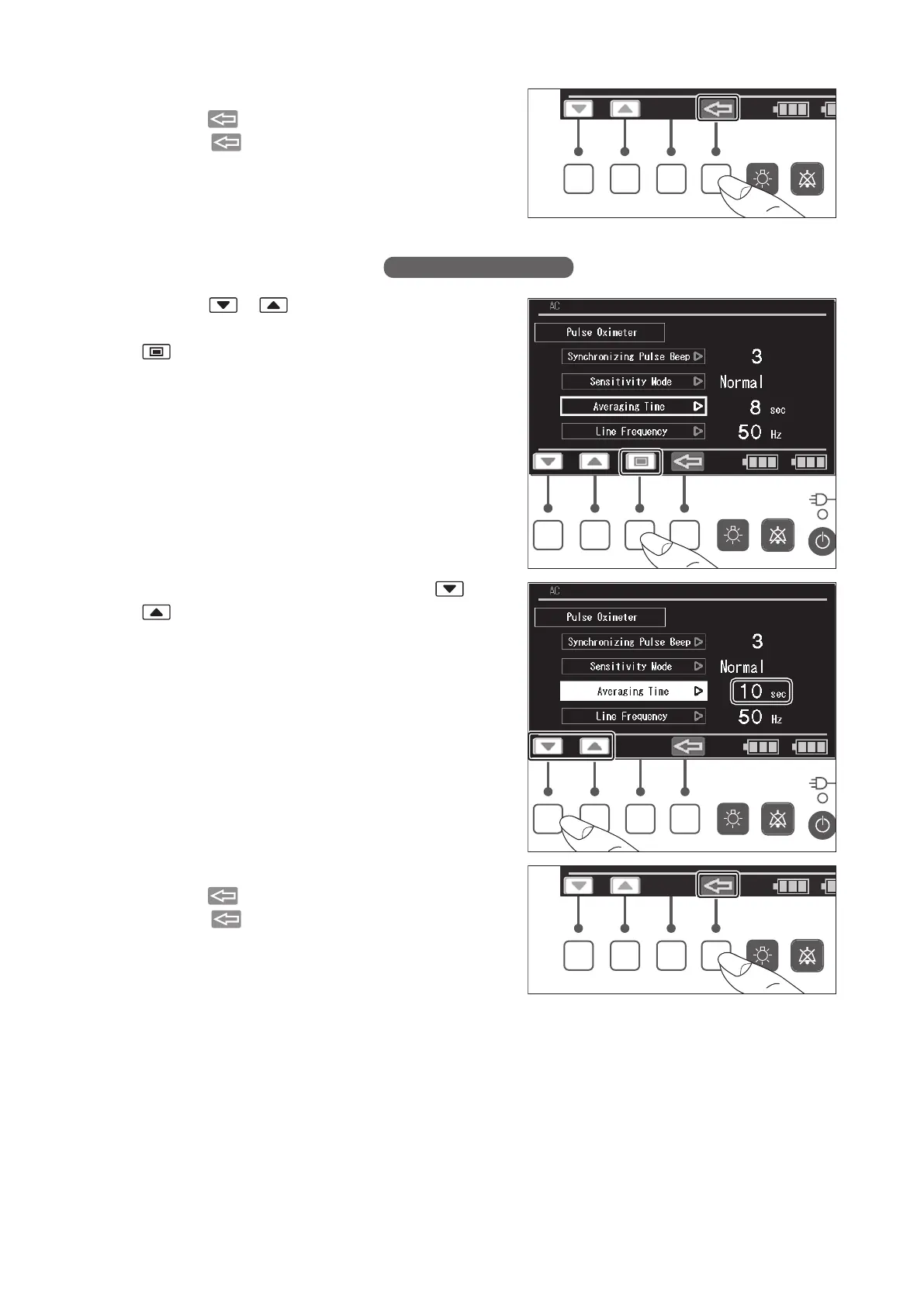
Setting the Averaging Time
(1) Press the or switch to place the cursor on
the [Averaging Time] menu, and then press the
switch. The menu is then highlighted.
(2) While the menu is highlighted, press the or
switch until the desired averaging time (2, 4, 8,
10, 12, 14 or 16 sec) is obtained.
(3) The screen returns to the cursor control screen
when the switch is pressed.
Press the switch again to return to the menu
screen.



 To Next Page