SETUP TOOLS
710-14888-00C EMX4i User Manual 35
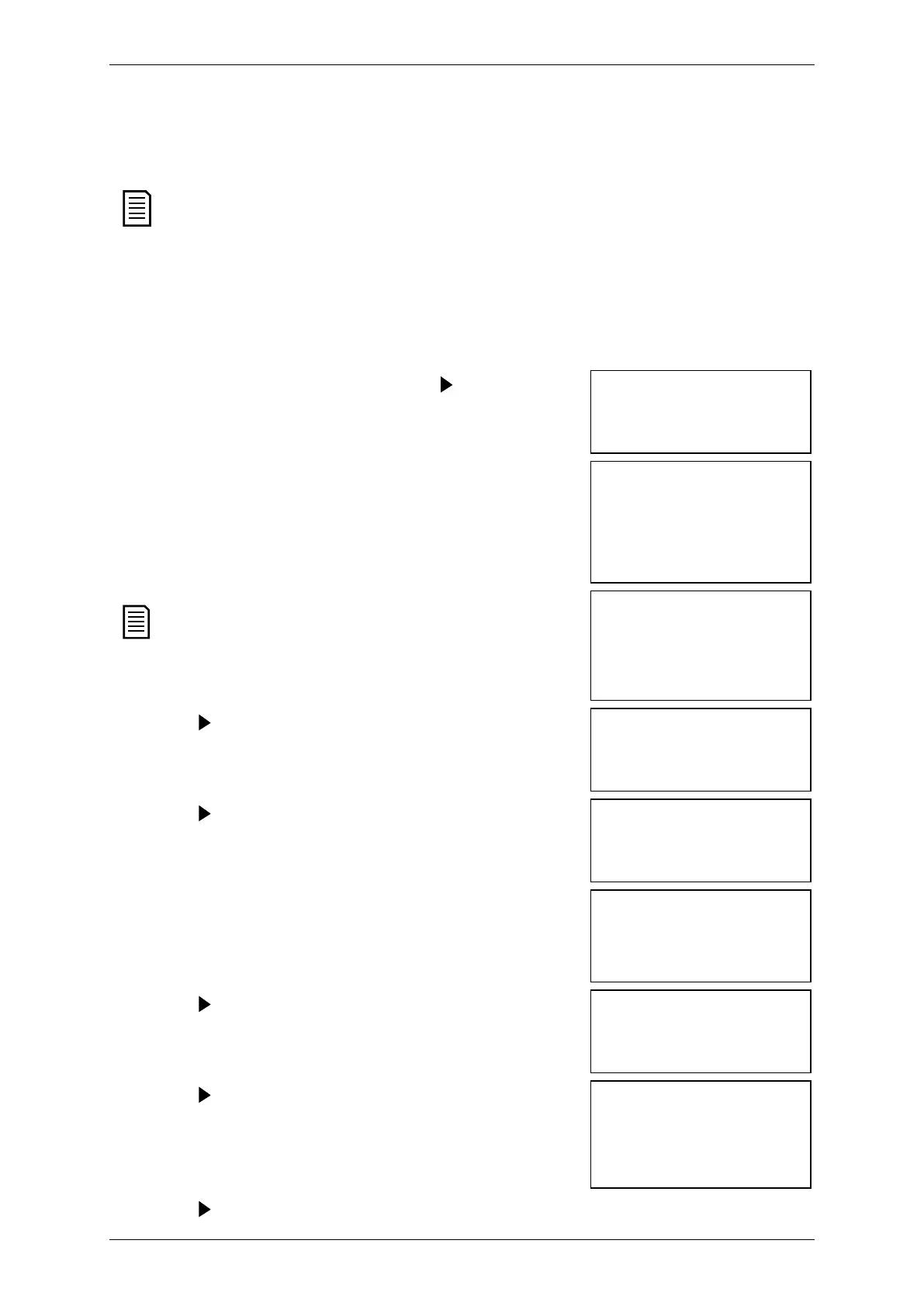
5.4 Run simulation
The run simulation simulates a motor starting, running and stopping to confirm
that the soft starter and associated equipment have been installed correctly.
The soft starter must be disconnected from mains voltage.
The simulation is only available when the soft starter is in Ready state.
To use the run simulation:
1. Press
to open the menu then select Setup
Tools.
2. Scroll to Run Simulation and press .
Run Simulation
Ready
3. Apply a start command from the selected
command source. The EMX4i simulates its
pre-start checks and closes the main contactor
relay. The Run LED flashes.
Run Simulation
Pre-Start Checks
MENU to Continue
If mains voltage is connected, an error
message is shown.
Run Simulation
ATTENTION!
Remove Mains Volts
Press . The EMX4i simulates starting. The Run
LED flashes.
Run Simulation
Starting X:XXs
5. Press . The EMX4i simulates running.
Run Simulation
Running
Apply a stop command from the selected
command source. The EMX4i simulates stopping.
The Run LED flashes.
Run Simulation
Stopping X:XXs
MENU to Continue
7. Press . The Ready LED flashes and the main
contactor relay opens.
Run Simulation
Stopped
Press . The EMX4i activates then deactivates
each programmable output.
Run Simulation
Prog Relay A
On
9. Press to return to the Setup Tools.



 To Next Page