INSTALLATION
710-14888-00C EMX4i User Manual 27
USB Port
The USB port can be used to upload a configuration file, or download parameter
settings and event log information from the starter. Refer to
USB Save & Load
on
page 36 for details.
4.4 Outputs
Output Terminals
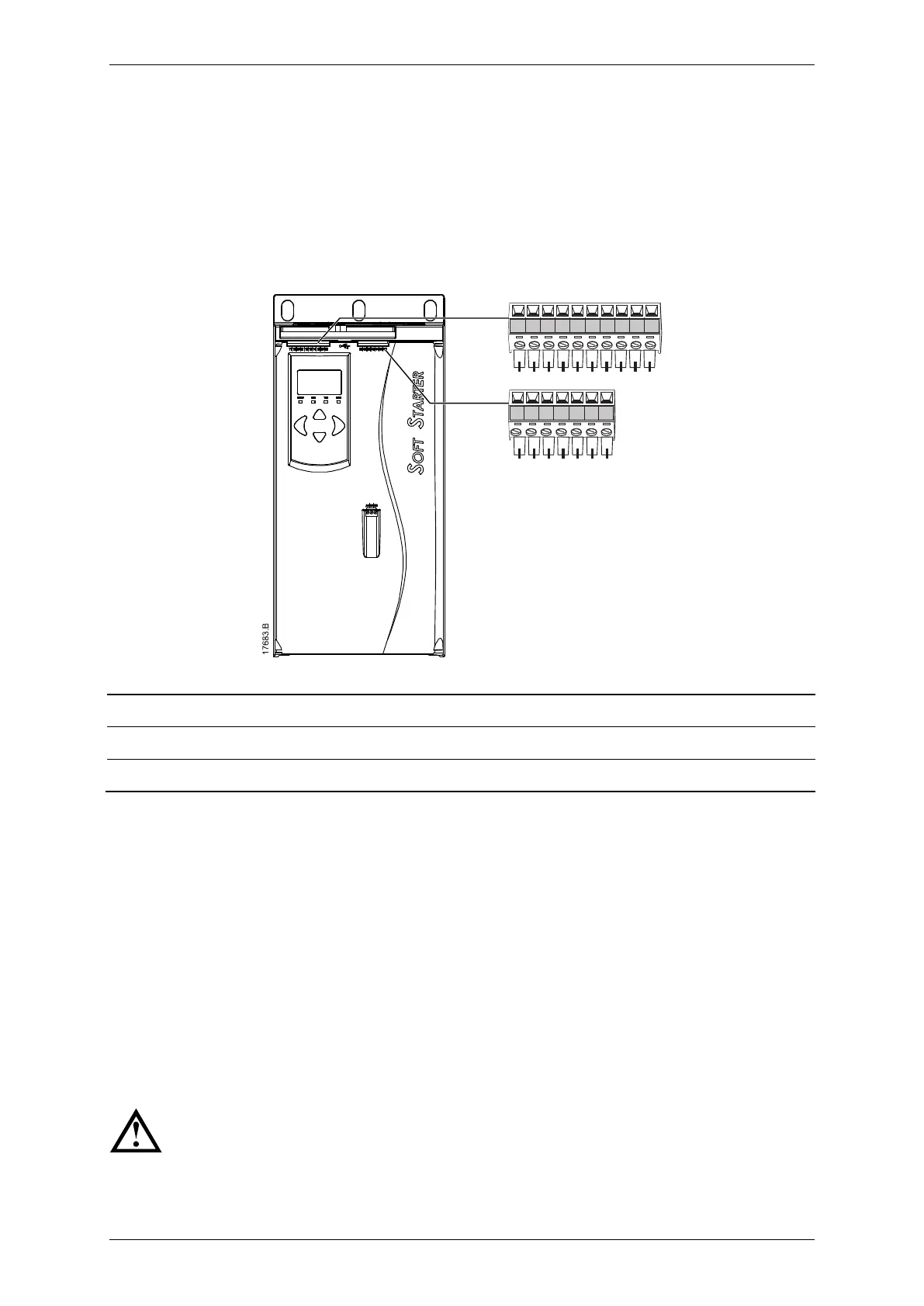
33 34 41 42 44 53 54
B4 B5 10 11 12 13 14 15 21 22
21, 22 Analog output
Relay output A (default = Run)
53, 54 Relay output B (default = Run)
Analog Output
The EMX4i has an analog output, which can be connected to associated equipment
to monitor motor performance.
The operation of the analog output is controlled by parameters 9A~9D.
Main Contactor Output
The main contactor output (33, 34) closes as soon as the soft starter receives a start
command and remains closed while the soft starter is controlling the motor (until
the motor starts a coast to stop, or until the end of a soft stop). The main contactor
output will also open if the soft starter trips.
Some electronic contactor coils are not suitable for direct switching with
PCB mount relays. Consult the contactor manufacturer/supplier to
confirm suitability.



 To Next Page