SETUP TOOLS
710-14888-00C EMX4i User Manual 39
The network address can also be set using parameters 12H~12S.
To configure the EMX4i for use with other communication protocols, use
parameters 12A~12G.
5.9 Digital I/O State
The top line of the screen shows the start/stop, reset
and programmable inputs.
The bottom line of the screen shows the fixed Main
Contactor output, then programmable outputs A and B.
Digital I/O State
Inputs: 00000000
Outputs: 00000000
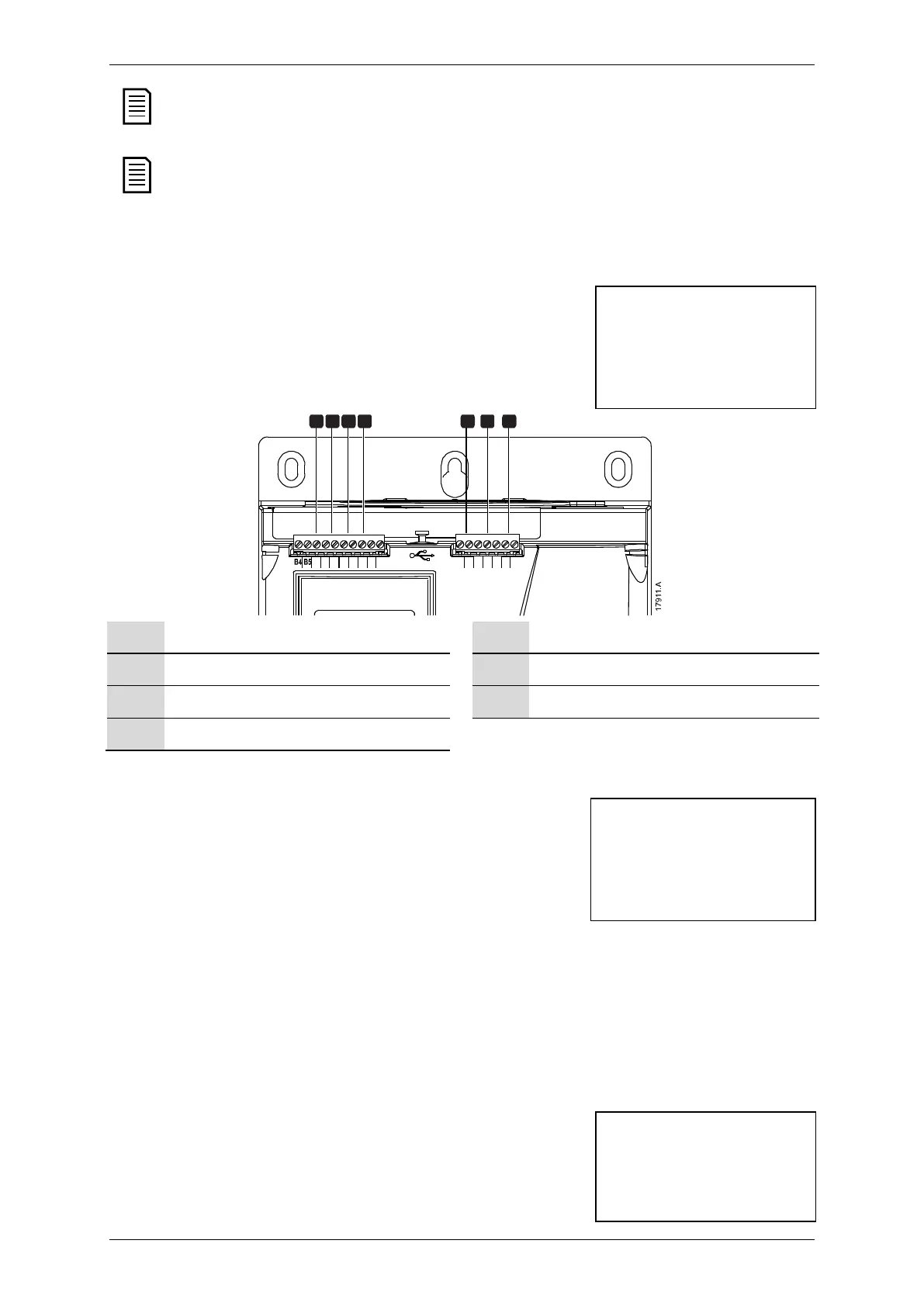
33 34 41 42 44 53 54
10 11 12 13 14 15 21 22
7654321
10, 11: Reset input
33, 34: Main contactor output
11, 12: Start/stop input
41, 42, 44: Relay output A
13, 14: Programmable input A
53, 54: Relay output B
13, 15: Programmable input B
5.10 Analog I/O State
The top line of the screen shows the state of the
motor thermistor input.
The bottom line of the screen shows the value of the
analog output.
Analog I/O State
Thermistor: 0
4-20mA Output: 04.0
mA
Thermistor input:
S = Short
H = Hot
C = Cold
O = Open
5.11 Serial Number & Rating
The top line of the screen shows the product name.
The middle line shows the unit's serial number.
The bottom line of the screen shows the model number.
Serial Number & Rating
EMX4i
123456-123



 To Next Page