SETUP TOOLS
36 EMX4i User Manual 710-14888-00C
5.5 Load/Save Settings
Load/Save Settings allows users to:
• Reset the EMX4i's parameters to default values
• Load parameter settings from an internal file
• Save the current parameter settings to an internal file
The internal file contains default values until a user file is saved.
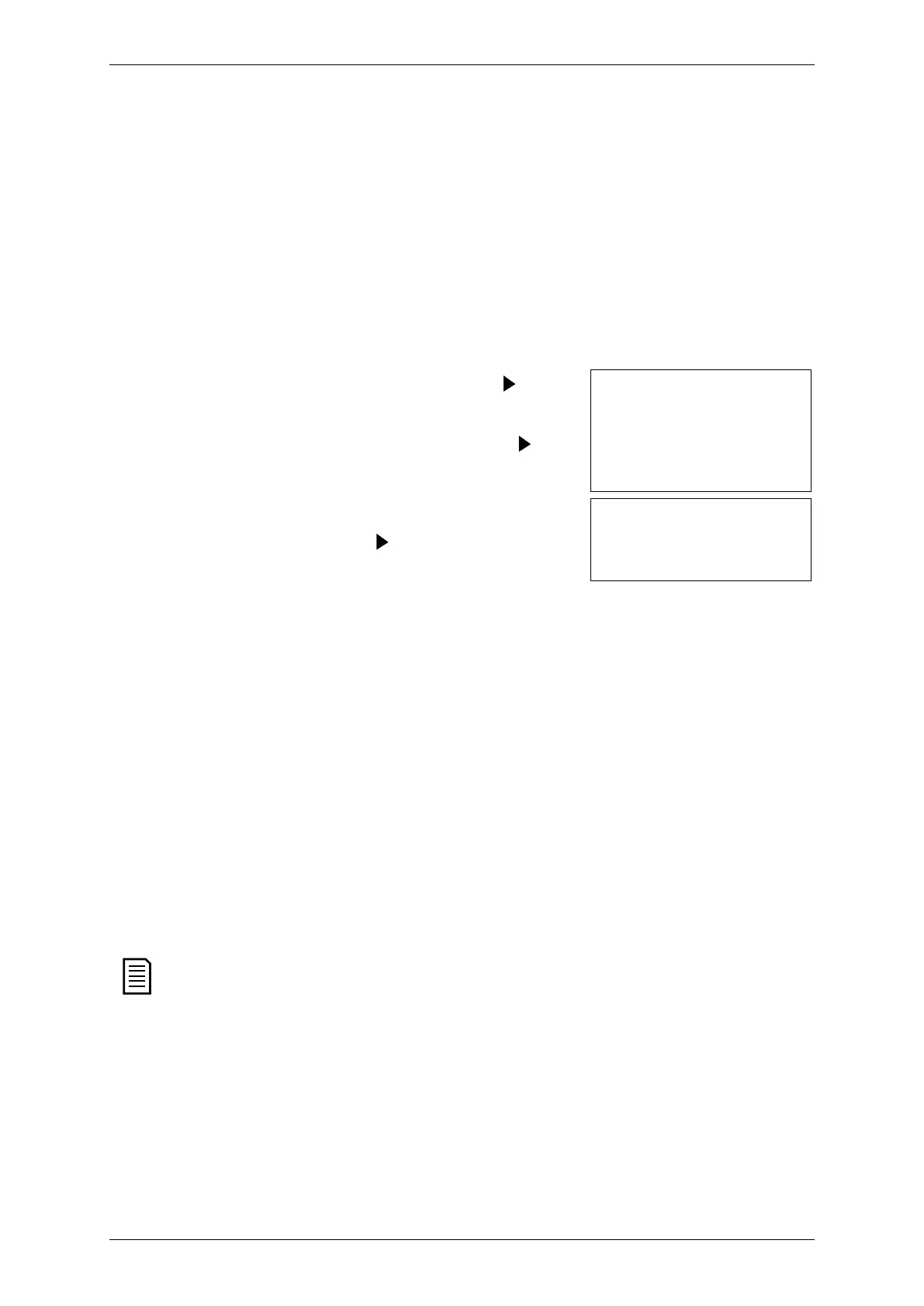
To load or save parameter settings:
Press MENU to open the menu then select Setup
Tools.
2. Scroll to Load/Save Settings and press the
button.
3. Scroll to the required function and press the
button.
Load/Save Settings
Load Defaults
Load User Set
Save User Set
4. At the confirmation prompt, select YES to confirm
or NO to cancel, then press
to proceed.
Load Defaults
No
When the action has been completed, the screen
will briefly display a confirmation message, then
return to the previous menu level.
5.6 USB Save & Load
The USB Save & Load menu lets you:
• Save parameter settings and all event log entries to an external file (CSV
format)
• Save parameter settings to an external file (proprietary format)
• Load parameter settings from a previously saved external file
• Load custom messages to display on the keypad when a programmable
input is active
The EMX4 supports FAT32 file systems. The EMX4's USB functions are not
compatible with NTFS file systems.



 To Next Page