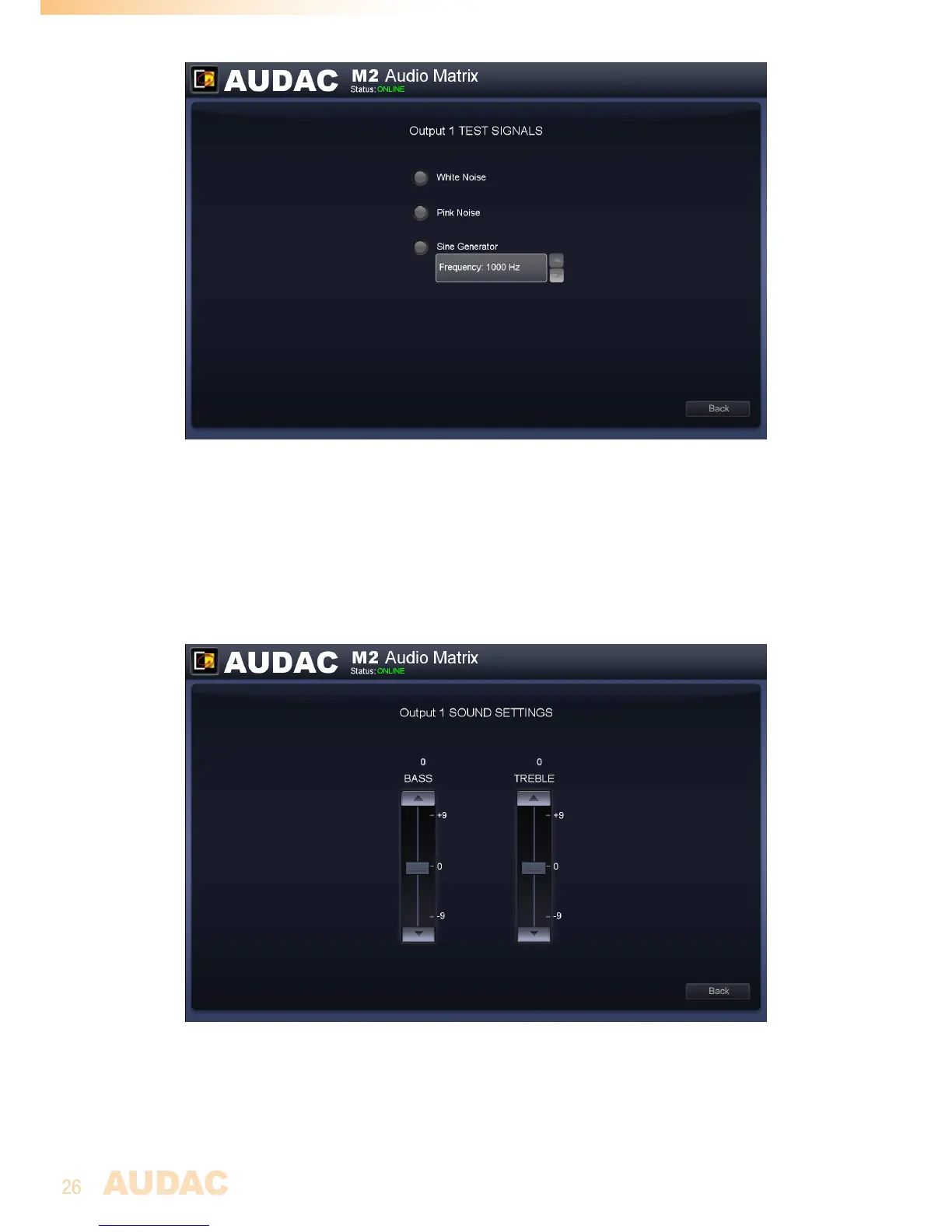
M2 Output Test Signals
Sound Settings
Thesoundsettingsscreengivestheuserthepossibilitytomakeadjustmentsaccording
tothelistener’spreferenceusingatwo-bandtonecontrol.Theleftmostfaderindicated
with‘Bass’offersthepossibilitytoadjustthelevelofthelowfrequencies,whilethe
rightmostfaderindicatedwith‘Treble’offersthepossibilitytoadjustthelevelofthehigh
frequencies.Thesoundlevelforbothlowandhightonescanbeamplifiedorattenuated
between+9dBand-9dB.Thiscanbedoneeasilybyslidingthefadersupanddown.
M2 Output Sound Settings


 To Next Page