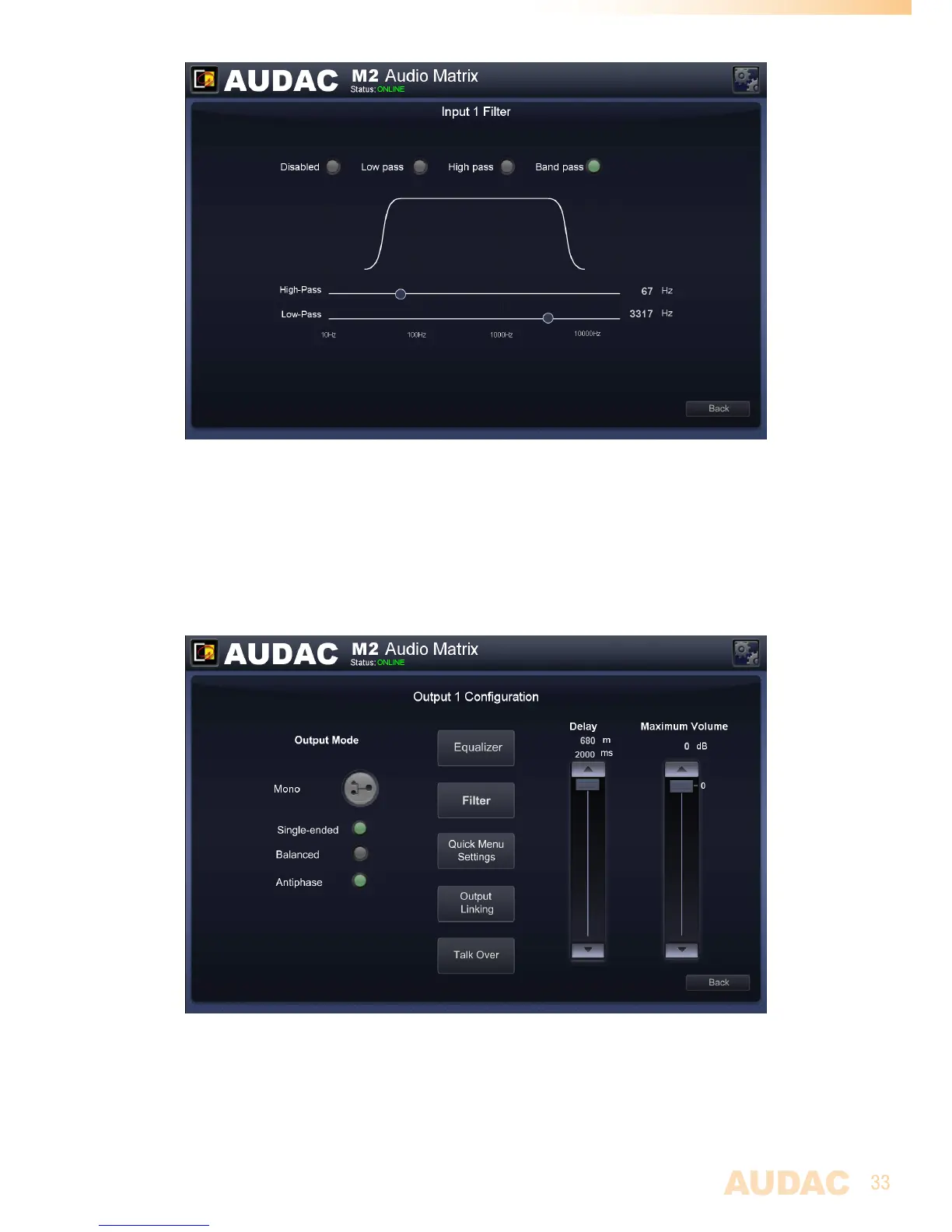
M2 Filter configuration
Settings >> Output configuration
Afterclickingthe‘Outputconfiguration’button,anoverviewofalltheavailableoutputs
(Outputs1to8)willbeshown.Simplyclickoneofthebuttonstoproceedtotheoutput
settingswindowforthecorrespondingchannel.
M2 Output configuration
AlloutputscanbeswitchedbetweenMono and Stereo.Whenswitchedtomono,asummed
signal(Left+Right)willbeavailableonboth(Left&Right)lineoutputsandtheindicator
buttonwillbeshowninGreen.


 To Next Page