User's Manual 6. Configuration Using the Web Interface
Version 6.6 119 MediaPack Series
3. After configuring/modifying the parameter fields, click Submit. The changes are
entered into the system and the page is refreshed.
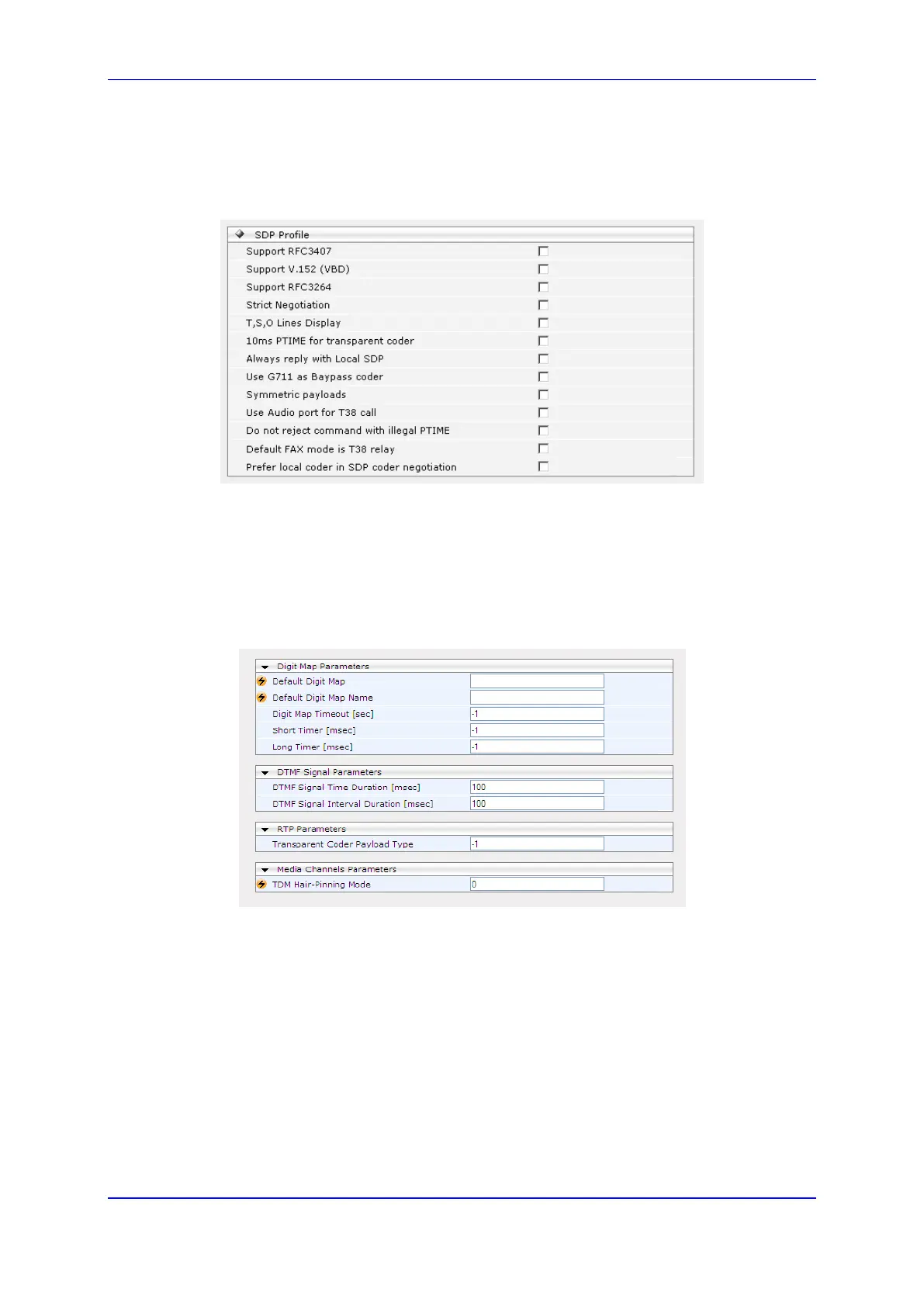
4. When clicking on the SDP Profile icon, the SDP Profile page appears. The user can
check one or more of the following options.
Figure 77: SDP Profile - MEGACO
6.5.2.9.5 Channel Configuration
To configure the Channel Configuration:
1. Open the MEGACO Channel Protocol Settings page (Configuration tab > VoIP menu
> Call Control > Channel Configuration).
Figure 78: Channel Protocol Settings - MEGACO
2. Use the appropriate tables in the Product Reference Manual as a reference when
configuring/modifying the Channel Protocol Settings, in the Channel Protocol Settings
page.
3. After configuring/modifying the parameter fields, click Submit. The changes are
entered into the system and the page is refreshed.













 To Next Page