User's Manual 128 Document #: LTRT-71405
MediaPack Series
You can load a Software Upgrade Key using:
The Web interface (refer to Loading the Software Upgrade Key Using the Web
Interface below).
BootP/TFTP startup (refer to 'Loading the Software Upgrade Key Using BootP/TFTP'
on page
128).
AudioCodes’ EMS (refer to the EMS User’s Manual or EMS Product Description).
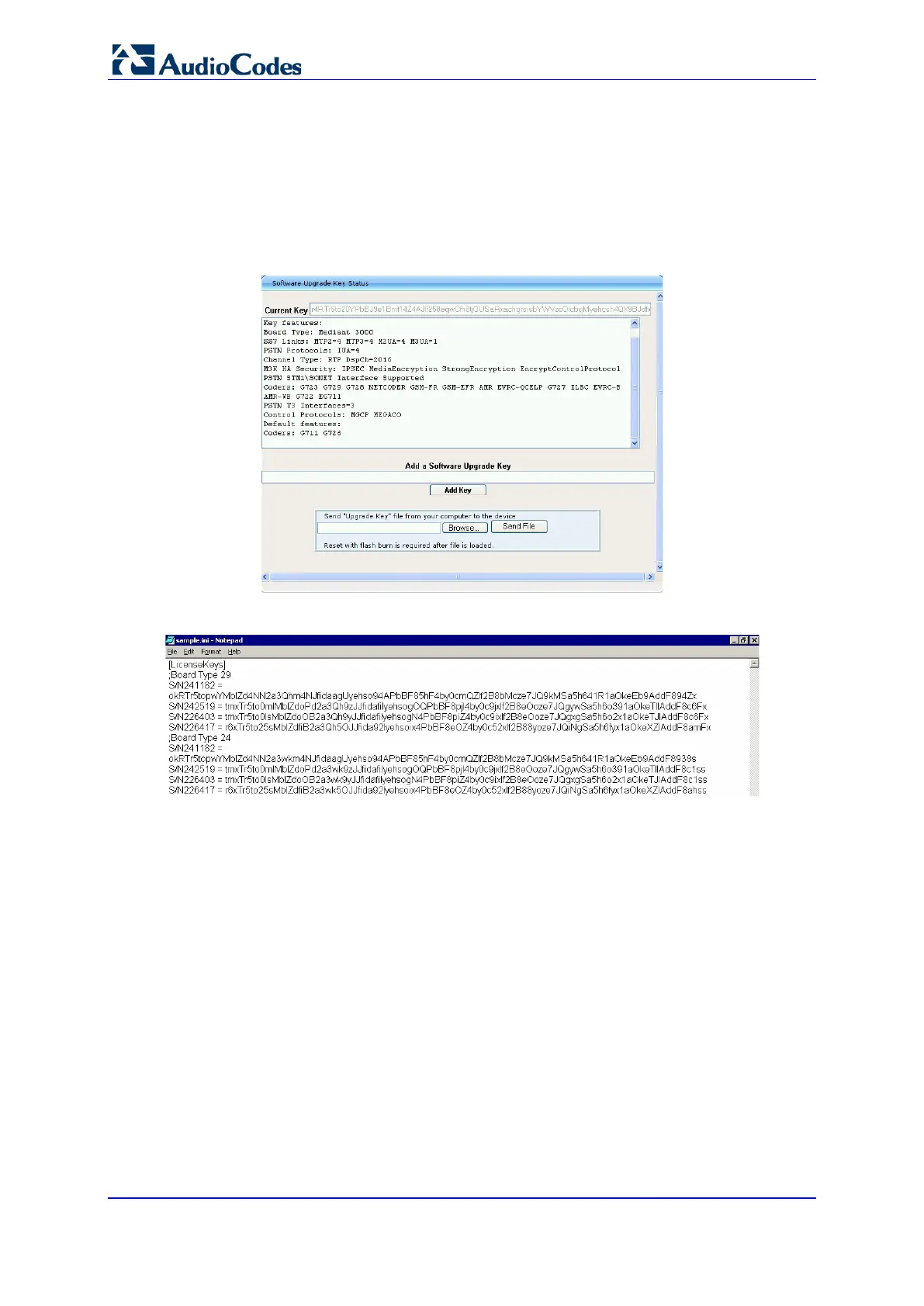
Figure 85: Software Upgrade Key Status
Figure 86: Example of a Software Upgrade Key File (*.out) Containing Multiple S/N Lines
6.6.2.2.3 Loading the Software Upgrade Key Using BootP/TFTP
To load the Software Upgrade Key file using BootP/TFTP:
1. Place the file in the same location you’ve saved the device’s cmp file. Note that the
extension of the Software Upgrade Key must be ini.
2. Start your BootP/TFTP configuration utility and edit the client configuration for the
device.
3. Select the Software Upgrade Key file instead of the device’s ini file.
4. Reset the device; the device’s cmp and Software Upgrade Key files are loaded to the
device.













 To Next Page