User's Manual 134 Document #: LTRT-71405
MediaPack Series
10. Revert to the Previous Configuration Files:
• From any of the file type pages, you can revert to the previous configuration by
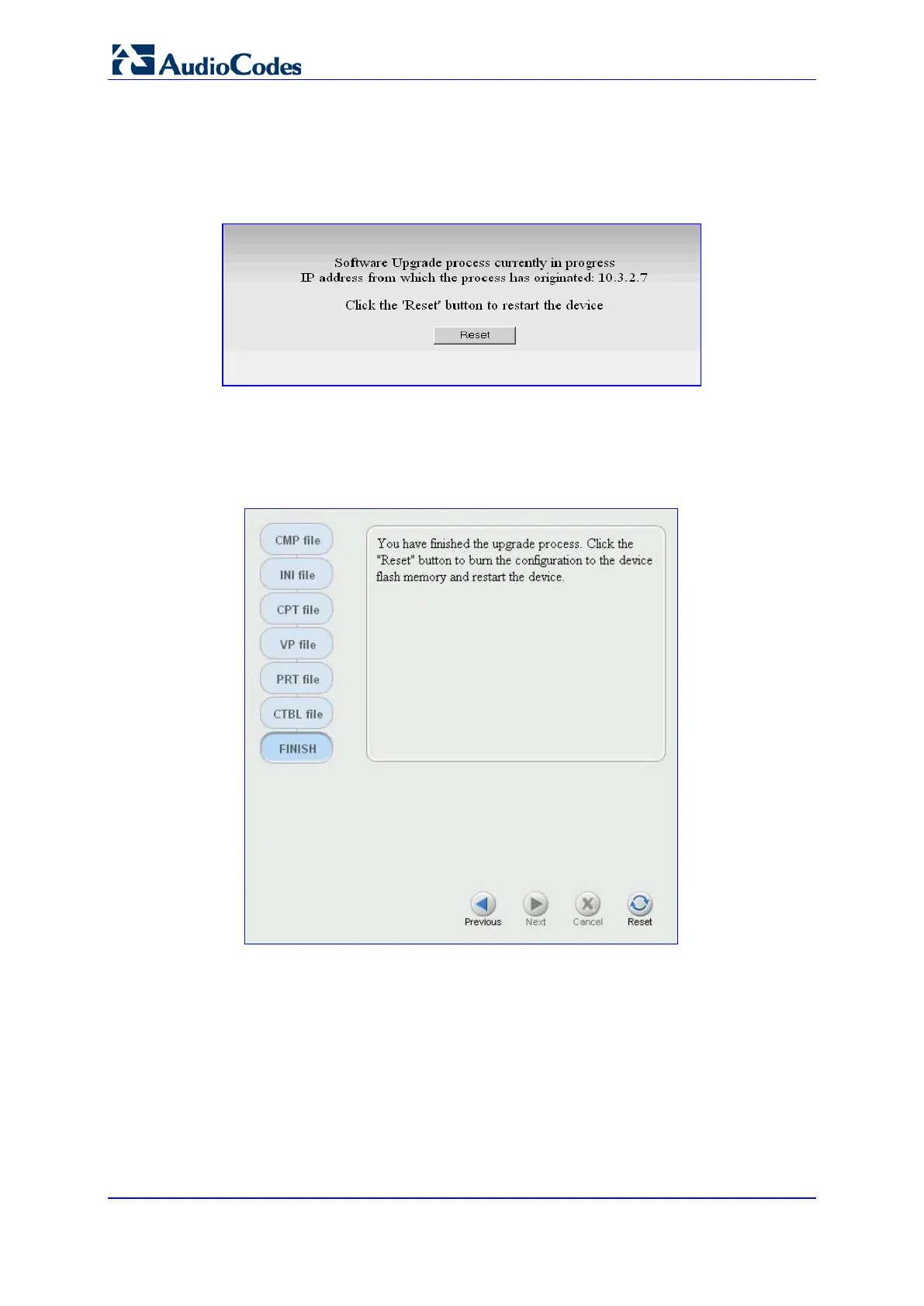
closing the File Loading Dialog page. The Software Upgrade process is
terminated and the following page appears.
Figure 92: Software Upgrade Process
• Click the Reset button; the device is reset utilizing the previous configuration
files.
11. When continuing through the Software Upgrade process, you complete the process
from the Finish page by clicking the Reset button (the Next button is disabled).
Figure 93: File Loading Dialog Screen - Reset Button Stage













 To Next Page