User's Manual 138 Document #: LTRT-71405
MediaPack Series
4. Click the Open button on the Choose File page.
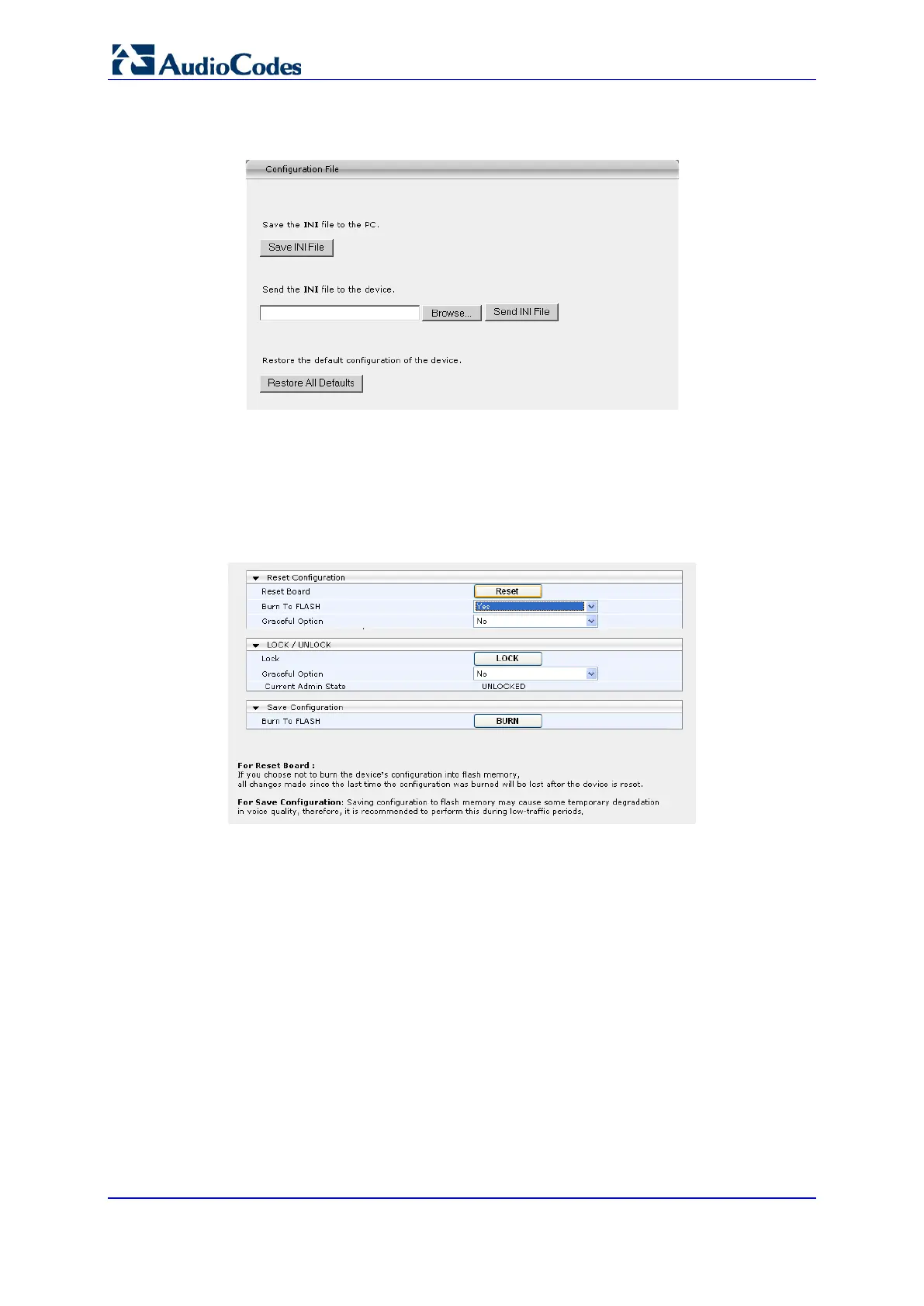
Figure 97: Configuration File
5. When the file has been selected, click on the Send INI File button to load the file from
the PC to the device. The file loading process is activated. When the loading is
complete, a verification message is displayed at the bottom of the page: File XXXX
was successfully loaded into the device.
6. Select the Device Actions and then Reset. On the next Maintenance Actions page,
ensure the Burn to Flash option under Reset Configuration, is set to Yes.
Figure 98: Maintenance Actions
7. Click Reset. The new configuration will take effect once the blade has been loaded.













 To Next Page