User's Manual 6. Configuration Using the Web Interface
Version 6.6 87 MediaPack Series
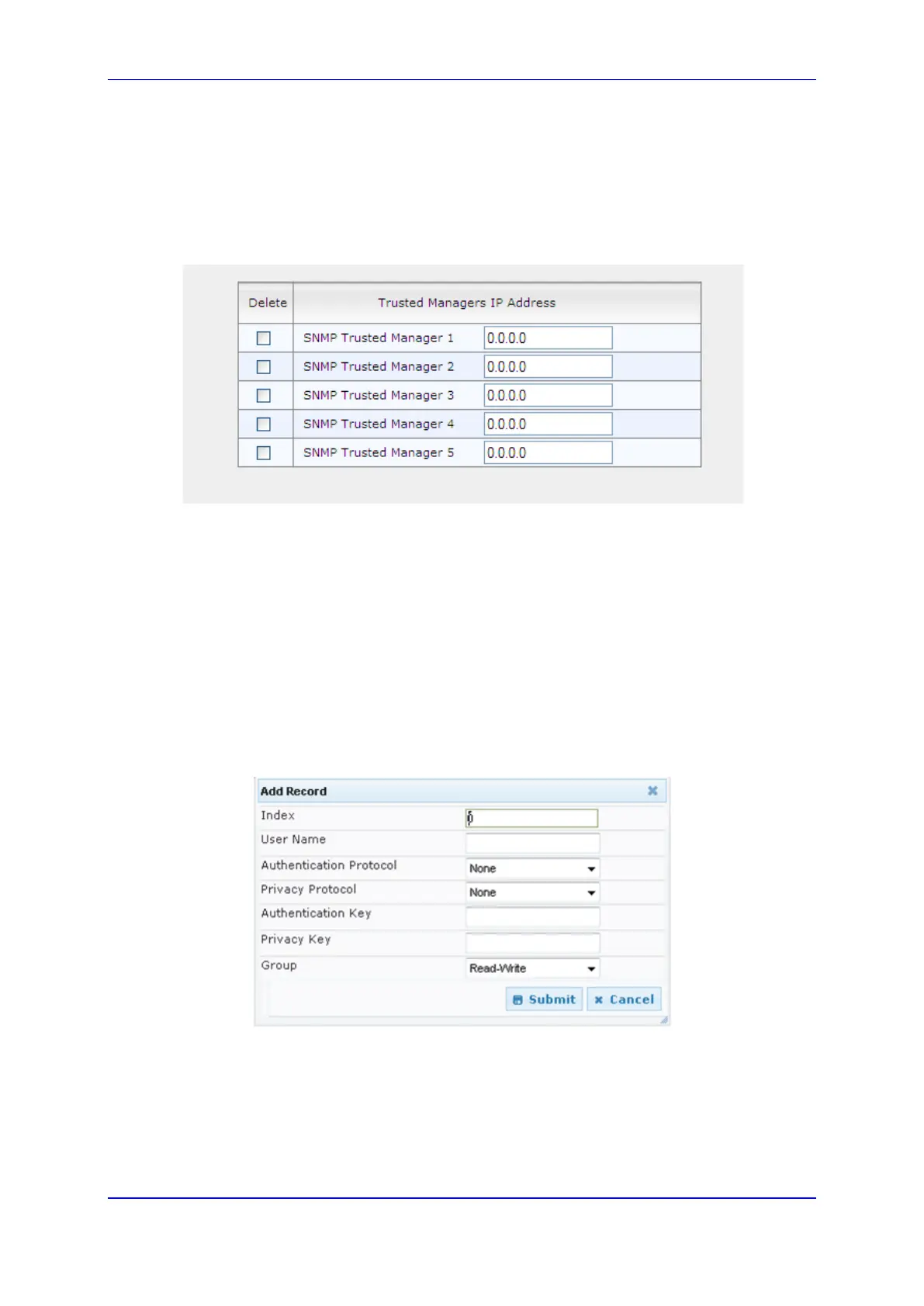
6.5.1.5.4.3 SNMP Trusted Managers
To configure the SNMP Trusted Managers:
1. Open the SNMP Trusted Managers page (Configuration tab > System menu >
Management > SNMP > SNMP Trusted Managers).
Figure 51: SNMP Trusted Managers
2. To configure this page, refer to the SNMP parameters sub-section in the Product
Reference Manual.
3. After configuring/modifying the parameter fields, click the Submit button. The changes
are entered into the system and the page is refreshed.
6.5.1.5.4.4 SNMP V3 Users
To configure the SNMP V3 Users:
1. Open the SNMP v3 Users page (Configuration tab > System menu > Management
> SNMP > SNMP V3 Users).
2. Click Add; the following dialog box appears:
Figure 52: SNMP V3 Users
3. To configure this page, refer to the SNMPv3 USM Users sub-section in the Product
Reference Manual.
4. After configuring/modifying the parameter fields, click the Submit button. The changes
are entered into the system and the page is refreshed.













 To Next Page