User's Manual 98 Document #: LTRT-71405
MediaPack Series
6.5.2.6.4 IP Sec Proposal Table
Note: IP Security Proposal Settings availability is in accordance with the
device's Software Upgrade Key.
To configure the IP Security Proposal Table:
1. Open the IP Security Proposal Table page (Configuration tab > VoIP menu >
Security > IPSec Proposal Table).
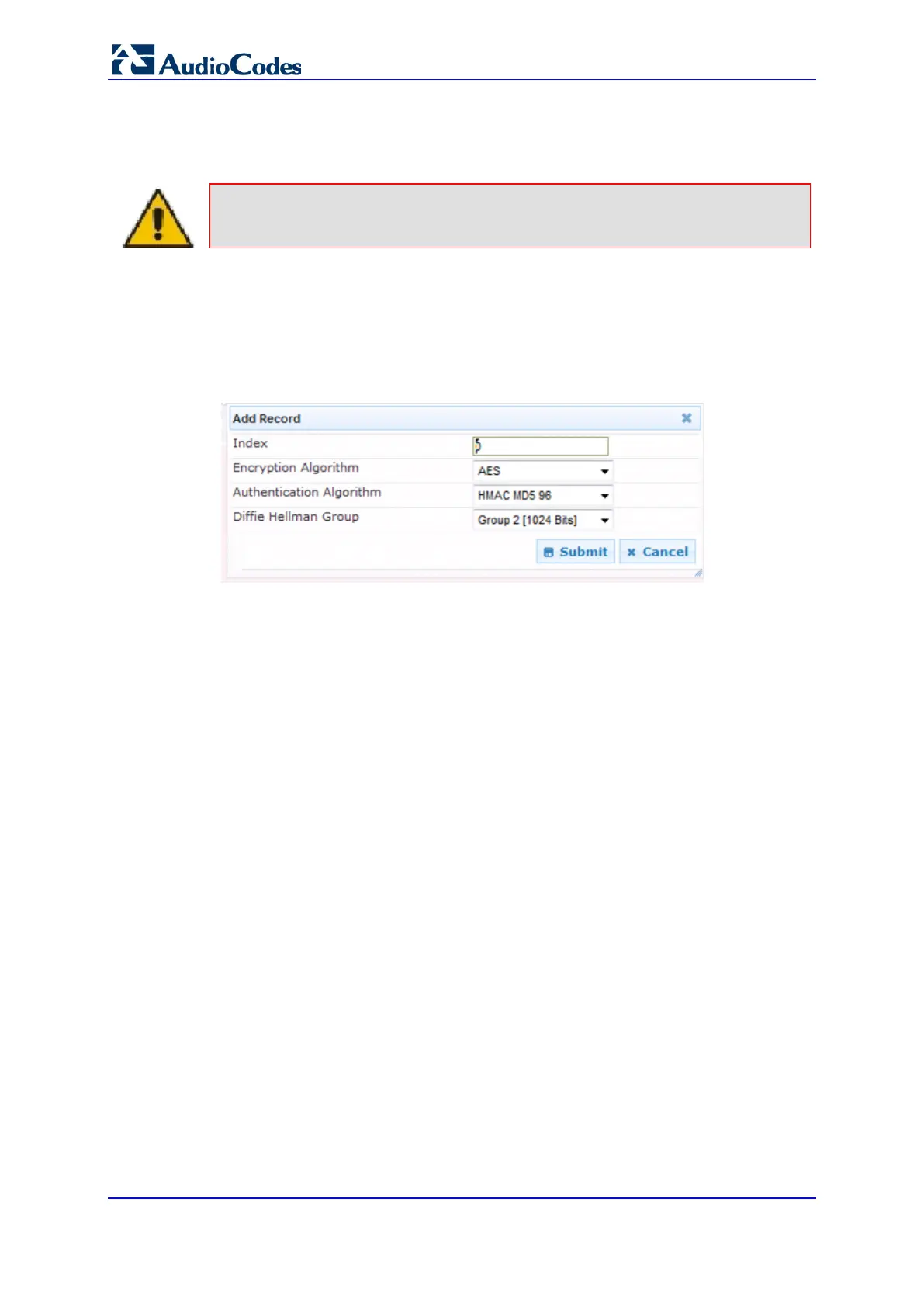
2. Click the Add button; the following dialog box appears:
Figure 60: IP Security Proposals Table - Add Record Dialog Box
3. Use the appropriate tables in the Product Reference Manual as a reference when
configuring/modifying the parameter fields in the page.
4. After configuring/modifying the parameter fields, click Submit. The changes are
entered into the system and the page is refreshed.
5. To commit the changes to non-volatile (flash) memory, click Reset on the Toolbar. The
Reset page appears. If you are modifying multiple pages, perform the reset after you
are finished modifying all of the pages you intended and NOT after each page.
6. Select the Burn option and click Reset.













 To Next Page