USER’S MANUAL / bit Tune /
23
13.
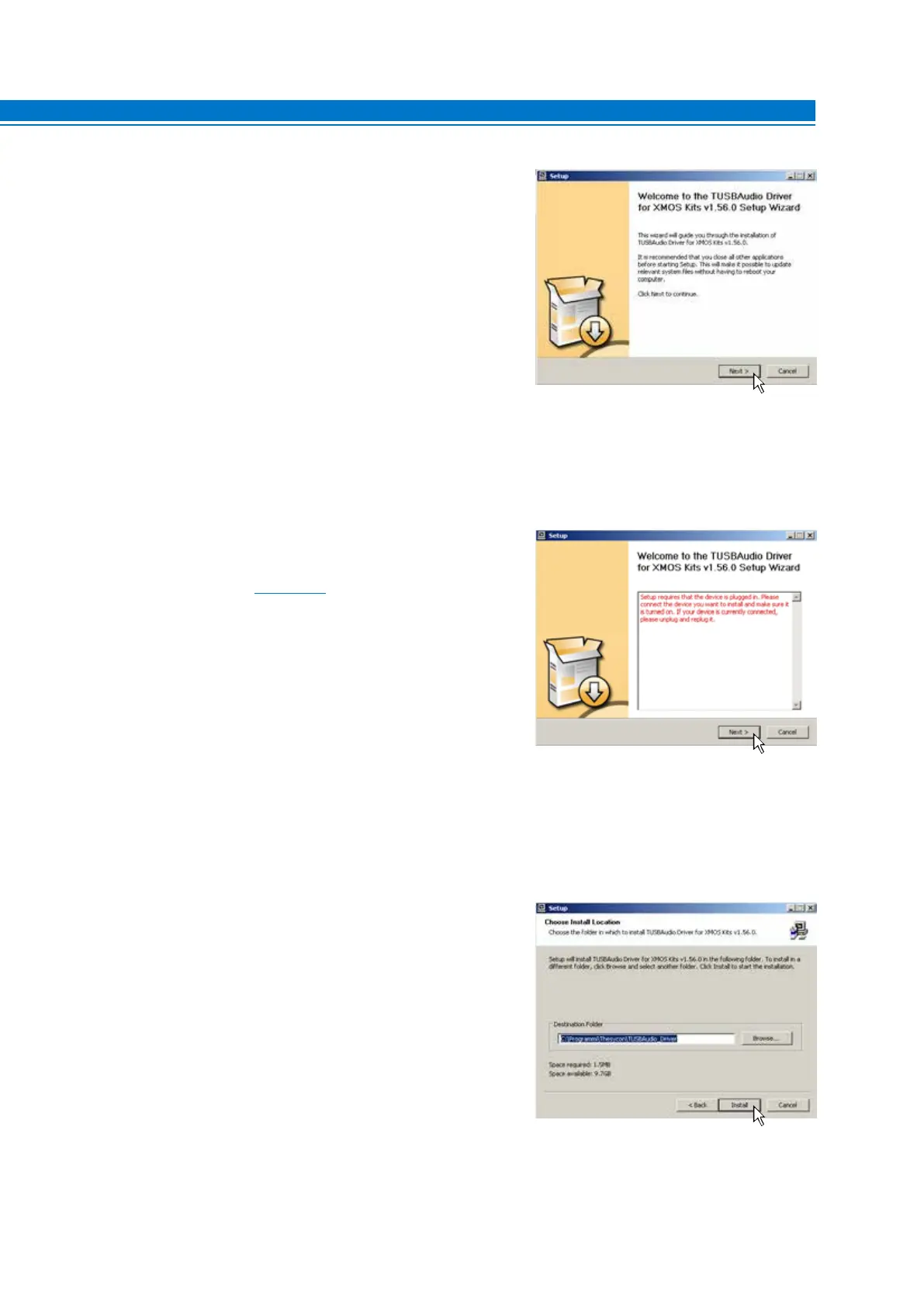
Windows XP: Select NEXT to start the installation of the
audio driver, turn the bit Tune on and connect it to the USB
port of your PC.
Windows Vista: Select NEXT to start the installation of
the audio driver, turn the bit Tune on and connect it to the
USB port of your PC.
Windows 7: Select NEXT to start the installation of the
audio driver, turn the bit Tune on and connect it to the
USB port of your PC.
Windows 8 / 10: Select NEXT to start the installation of the
audio driver, turn the bit Tune on and connect it to the
USB port of your PC.
14.
Windows XP: Select NEXT to start the installation.
Windows Vista: Select NEXT to start the installation.
Windows 7: Select NEXT to start the installation.
Windows 8 / 10: Select NEXT to start the installation.
Possible error message:
If the bit Tune is not recognized by PC, make sure that the bit Tune
is turned on and connected to the PC via USB, then select NEXT.
If the problem persists,
see section 9.2 on troubleshooting the
installation.
5



 To Next Page