USER’S MANUAL / bit Tune /
96
8. Reconnect the mains socket and the USB port to the bit Tune.
9. Turn on the bit Tune.
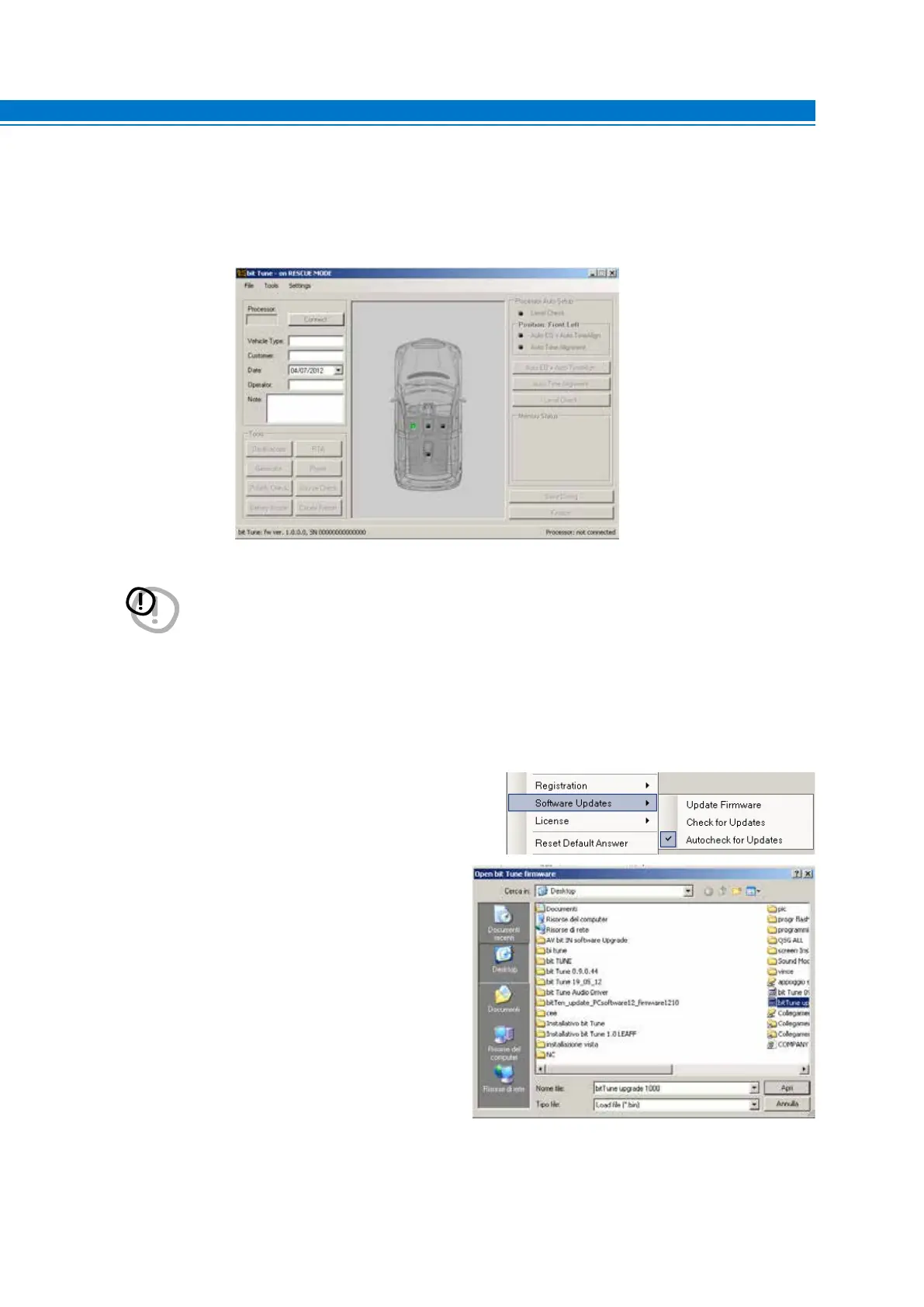
10. Restart the PC software of the bit Tune and select the RESCUE MODE.
11. Select “Update Firmware” from the
“SETTINGS” menu. The program will
ask you to select the file you just saved
from the Download area or previously
saved to your PC.
WARNING: The procedure for updating the bit Tune firmware can be tricky. It is of the utmost importance
that this is done in the best possible conditions: if the operation should be initiated but prematurely
interrupted (e.g. locked computer, power failure of the bit Tune, accidental disconnection of the USB
cable during the update), you may need to reprogram the bit Tune in “Rescue Mode”.
In extreme cases,send the bit Tune to technical assistance for its reprogramming.
9



 To Next Page