72 300-002547-00 rev7
Targeting Views
Orbit View
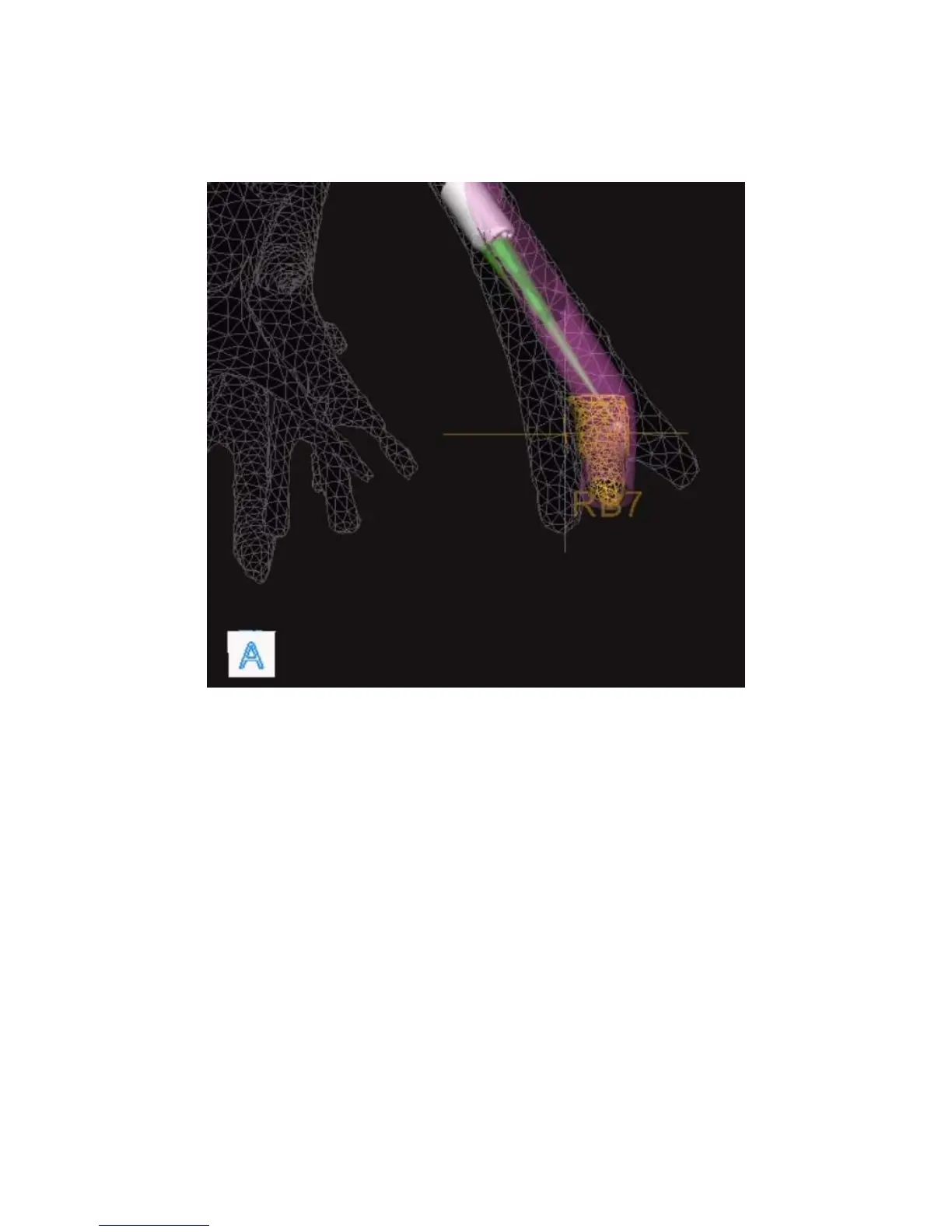
The Orbit view for targeting shows the biopsy position from the nodule’s
perspective. The view “orbits” around the target allowing you to view the
alignment from different angles.
This view always focuses on the nodule and attempts to adaptively keep the
scope tip in frame during the approach by revolving around the nodule to keep
both it and the scope in view.
You can control the orbit by holding the quick action button or by the Monarch
Tower Touchscreen. Releasing the button maintains the new position.
The indicator at the tip of the scope turns green when it intersects with the nodule
to confirm alignment.



 To Next Page