300-002547-00 rev7 73
Tip View
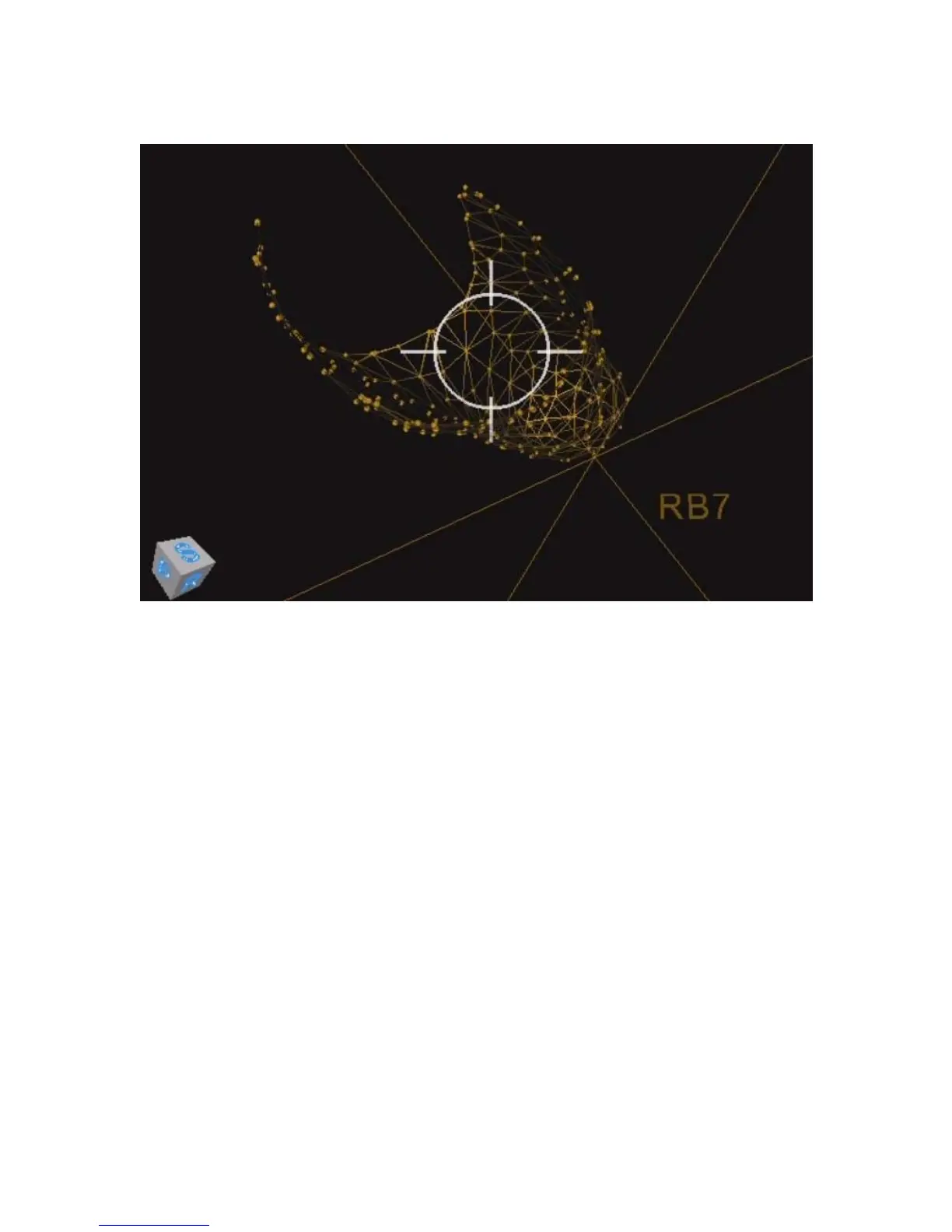
The Tip view is a targeting view that displays the biopsy position from the tip of
the scope’s perspective to aid in working channel alignment. The view is
comprised of a crosshair, which is aligned with the scope’s working channel, and
the nodule, which consists of a yellow grid. All other segmentation information is
removed.
To access the Tip view, select the Orbit view and tap the quick action button.
See Quick Action Button on page 77 for more information.



 To Next Page