13
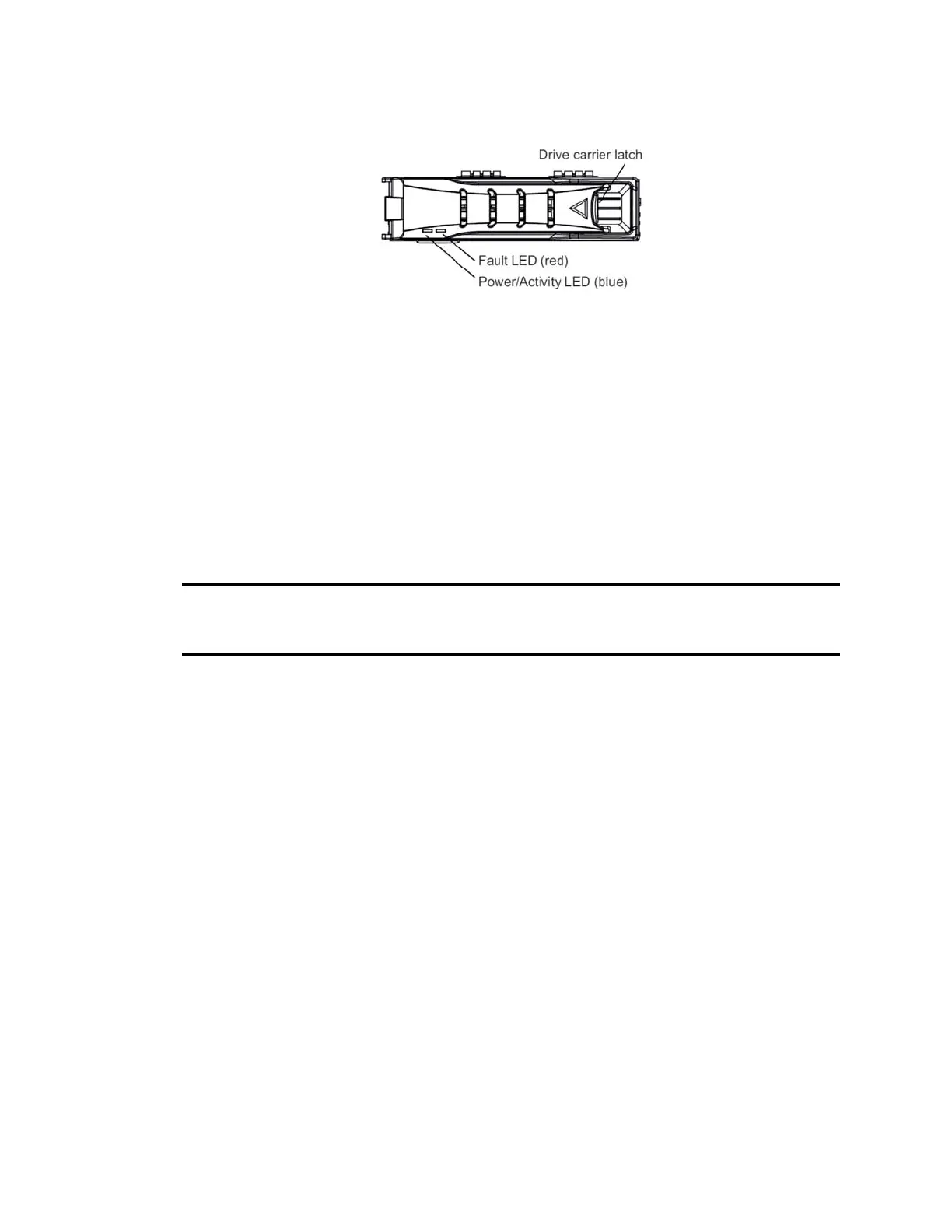
Media Drive Example
• The left Power/Activity LED (blue) is solid when a drive has power and flashes when the drive
is in use.
• The right Fault LED (red) is lit when an error is detected, or if the drive is rebuilding or
initializing. It flashes fast when it is initializing or rebuilding an array. It flashes slow when there
is a suspected problem with the drive.
Determine Media Drive Health by Viewing LED Status
This topic provides information on how to assess the health of your media drives by looking at the
LEDs on th
e front panel of the server. The following table provides some example LED states,
corresponding drive states, and required actions.
Media Drive LEDs
Power/Activity
(Blue) LED
Fault
(Red)
LED Drive State Action Required
On solid Off On-line Inactive - Indicates a healthy
online drive, with no disk I/O.
None.
Activity
(flashing)
Off On-line Active - Indicates a healthy
online drive, with disk I/O. Also occurs
after import initialization when moving a
set of configured drives to a different
RAID array.
None.
On solid/
Activity
Fast
flashing
Online Drive in a Failed Span - Indicates
the media drive is online, but another
media drive in the same span may have
failed.
Nothing needs to be done to the
flashing online media drives.
However, look for a failed (solid
Red LED) indicating a failed
media drive. If you find one,
replace it as soon as possible.
On solid/
Activity
One LED
on Solid
The drive with the solid Red LED has
fully failed and had been removed from
the RAID array.
The failed (solid Red LED) media
drive should be replaced as soon as
possible.
Activity
(flashing)
Fast
flashing
Data Rebuilding - Indicates the media
drive is rebuilding. Occurs when a drive
fails.
None.



 To Next Page