44
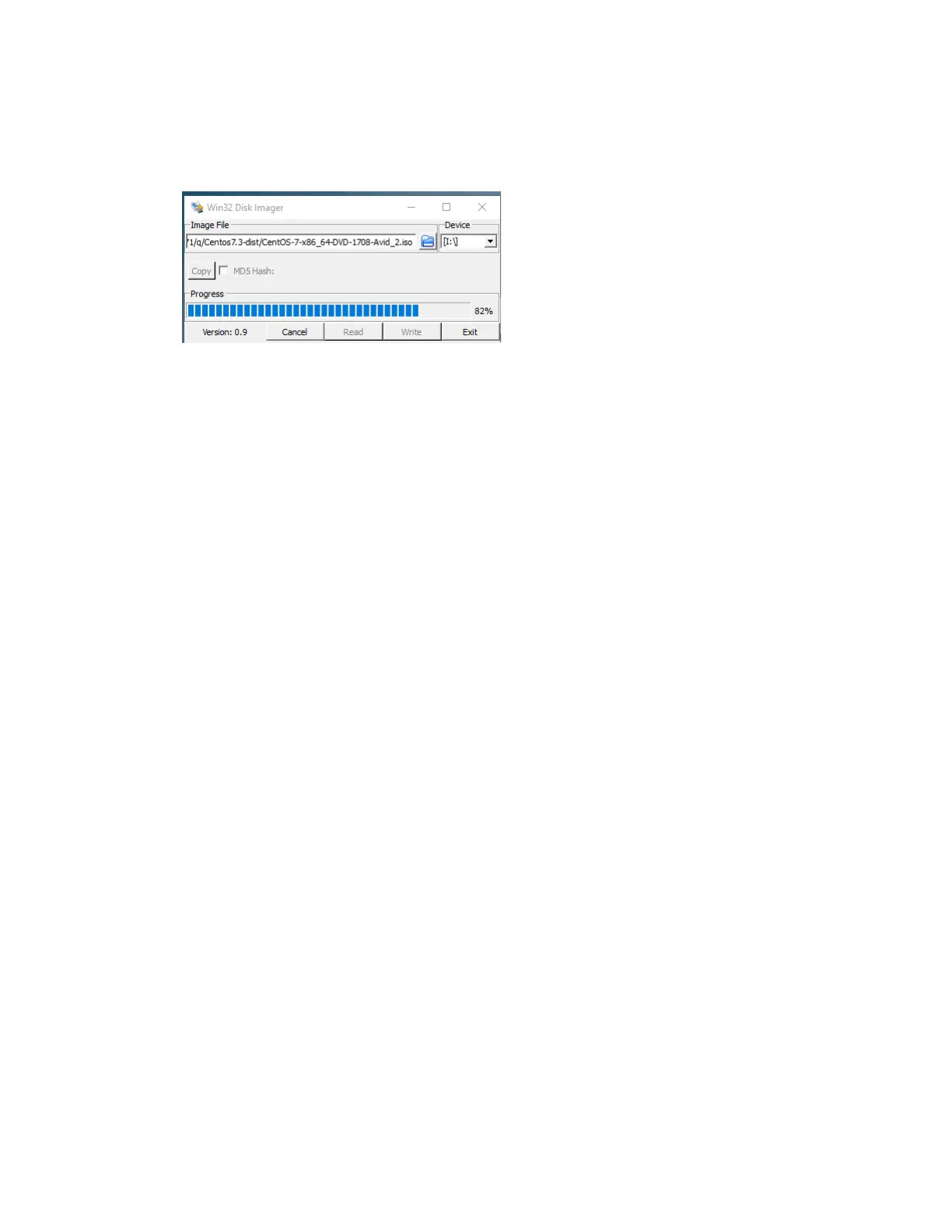
Using the Windows Win32DiskImager
Win32DiskImager is a Windows program for saving and restoring images from removable drives. It
can be used to write boot images to a USB flash device, making it bootable.
Loading the CentOS 7 Image on Your Server
This topic contains information on how to load the CentOS 7 restore image on your FastServe | Live
Edit or FastServe | Ingest system.
To load the CentOS 7 Restore image:
1. Insert the USB Flash Drive (UFD) with Avid CentOS 7 Image v1.4.2 into one of the USB ports.
2. Reboot the server while holding the Esc key on your keyboard to enter BIOS, or connect through
th
e IPMI Console.
3. In the BIOS Boot Manager, press the right arrow on your keyboard and press Enter.
4. Select the plugged in Legacy USB portable drive, press th
e do
wn arrow multiple times (mostly it
is 4 times) and press Enter to install the system.
5. Wait circa 7 minutes while the CentOS 7 system is b
e
ing installed. Once the installation is
finished, press Enter and wait 3 minutes to fully reboot the server.
6. Change the boot order back to its original state, by going to BIOS boot options and moving the
USB dri
v
e lower in the hierarchy.
7. Unplug the UFD device from the USB port.
8. Check if the system disks are i
n the “sync” option:
cat /proc/mdstat
If the “sync” action is in progress then wait and recheck again. This action can take even 30
minutes.



 To Next Page