36
Setting IPMI Connection
Your FastServe | Live Edit or FastServe | Ingest server gives you access to the Intelligent Platform
Management Interface.
Correctly configured IPMI performs power control operations or gives you remote access to a Linux
cons
ole.
To configure an IPMI connection:
1. Turn on your FastServe | Live Edit or FastServe | Ingest server.
n
The server does not need to be powered on. Make sure the power supply and 1 Gb Ethernet cables
are connected. You can boot the FastServe server after establishing the IPMI connection.
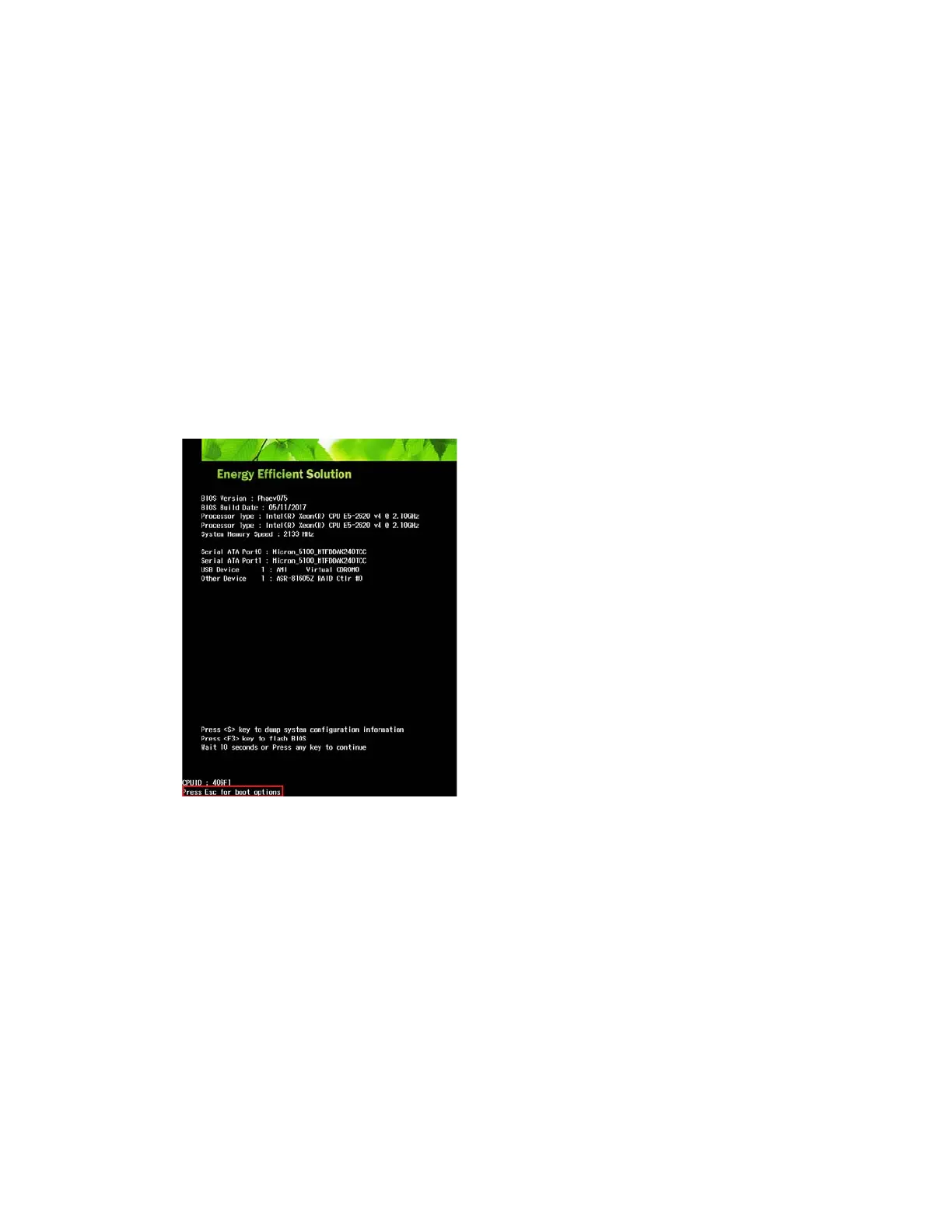
2. Enter BIOS by pressing the Esc button during the server startup.
3. Once the JV
iewer window is displayed, press Esc once again to enter boot options.
4. In the boot options, use the right arrow on your keyboard to open Advanced options.
Press Enter.
5. Use the keyboard arrows to go to H
20 IMPI Configuration.
Press Enter.
6. Use the keyboard arrows to go open BMC
Configuration.
Press Enter.
7. Use the keyboard arrows to go open IPV
4 Source.
Press Enter.
8. Using the arrows, set the IP as <Static>.
Press Enter.
9. Put in your IPv4 ad
dress (e.g.: 10.10.31.2xx).



 To Next Page