37
Press Enter.
10. Set IPv4 Sub
net Mask according to your network settings (e.g.: 255.255.224.0).
Press Enter.
11. Set IPv4
Gateway Address according to your network configuration (Ex: 10.10.0.254).
Press Enter.
12. Save and Exit by pressing F10.
13. Restart your FastServe | Live Edit or FastServe | Ingest server.
To connect to your FastServe | Live Edit or FastServe | Ingest server through IPMI:
1. Make sure your FastServe | Live Edit or FastServe | Ingest server is connected to the network
through the 1 GB socket. The server does not need to be powered on.
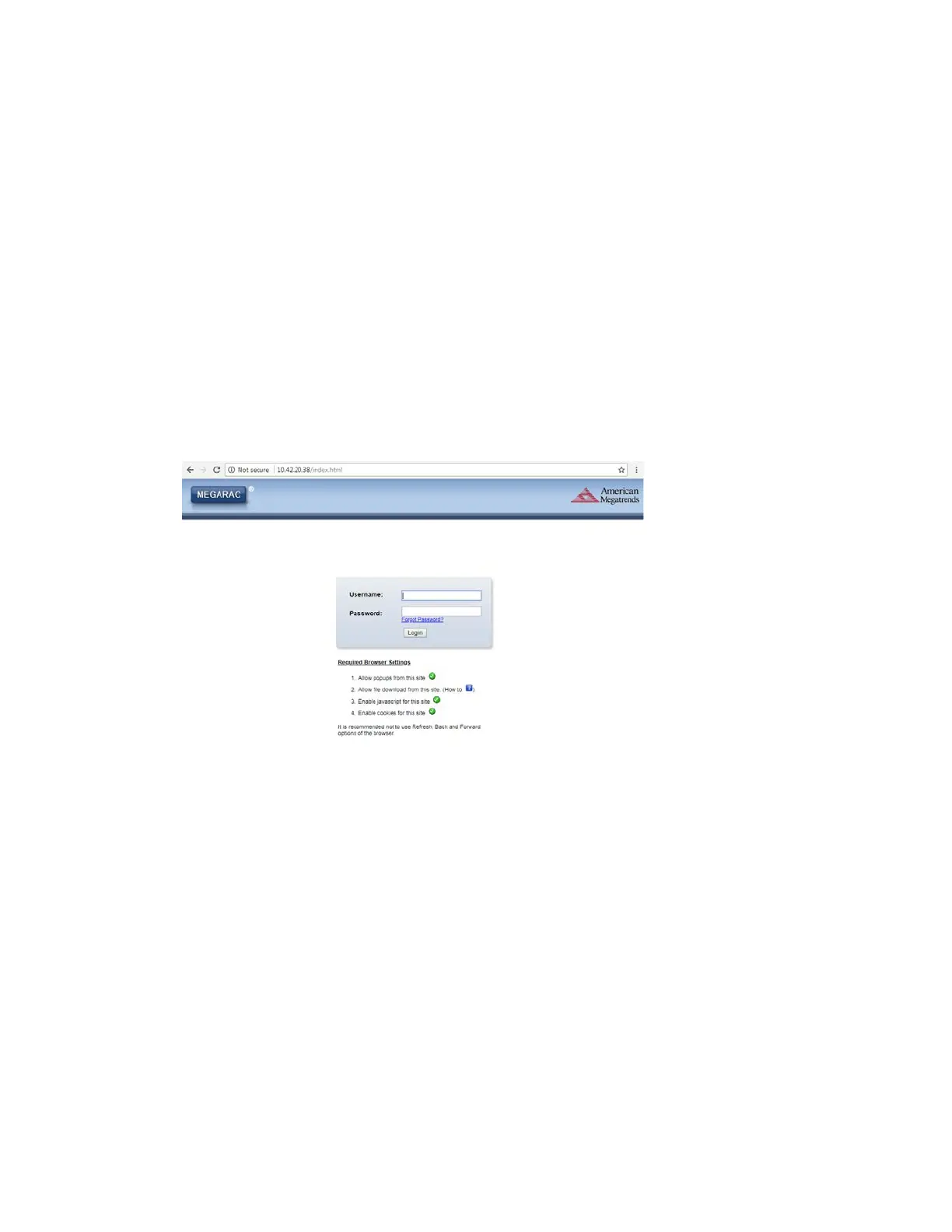
2. Open a web browser and enter your IPv4 address in the address bar.
A login window opens.
3. Enter your credentials and click Logi
n.
n
Default username is admin, and the default password is admin. For BIOS 86 users, default
credentials are: admin / Avid123.



 To Next Page