38
Configuring the Remote Console Connection
Once you have logged on to the IPMI web service, you can now configure your Remote Console
connection.
To connect to the Remote Console for the first time:
1. Log into the IPMI service as described above.
2. Move the mouse to Remote Control at the TaskBar. Left-click on it to unfold the Menu.
3. Select C
onsole Redirection.
4. Press the Jav
a Console button.
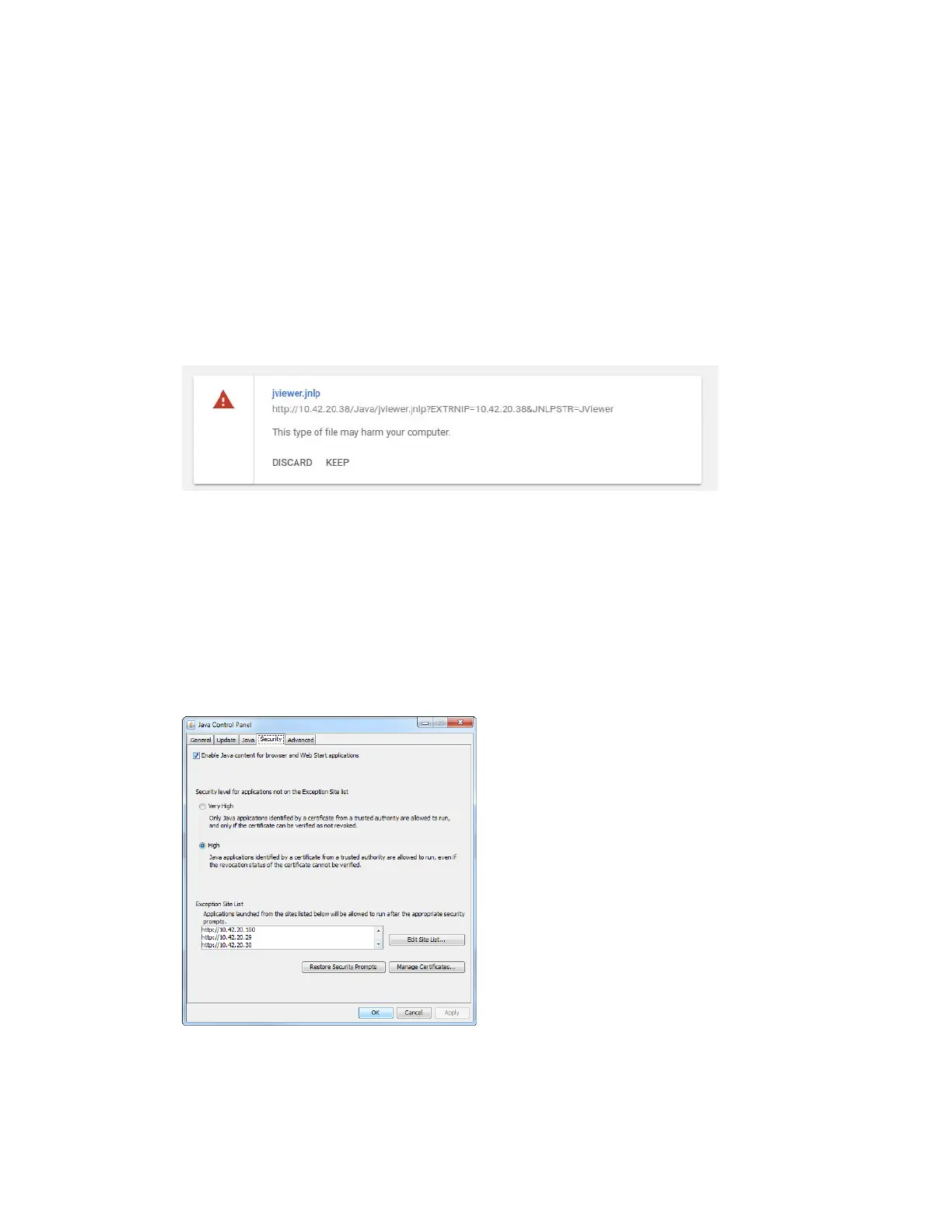
In the warning window, click KEEP
.
5. Make Sure that proper Java is installed on your PC.
6. Add your IP to the Java Exception Site List:
a. Open the Windows Start menu.
b. Open the All Programs list.
c. Locate the Java folder and open Configure Java.
d. When the Java Control Panel appears, go to Security.
e. Click Edit Site List to add more addresses.
f. Enter your IPMI address as follows: http://10.10.X.X



 To Next Page