39
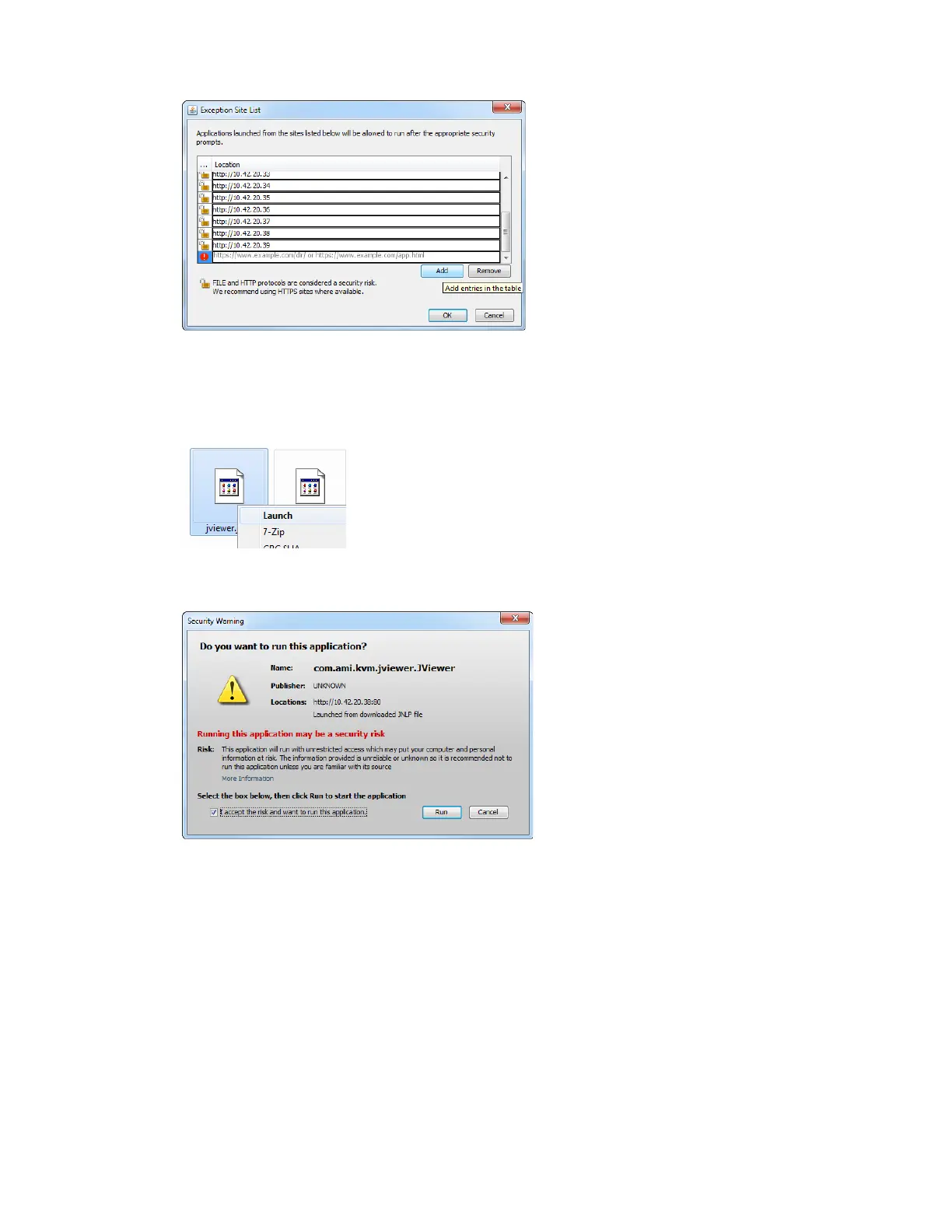
g. Press OK to close this window.
7. Press Apply and OK to close the Java Control Panel.
8. Go to the Do
wnloads folder and launch the jviewer.jnlp file.
9. Accept the Security Warning and press Run.
10. Your Remote Console is now available and can be used.
11. If the server is switched off, press t
he power button to turn it on.
Your server is booting up.



 To Next Page