79
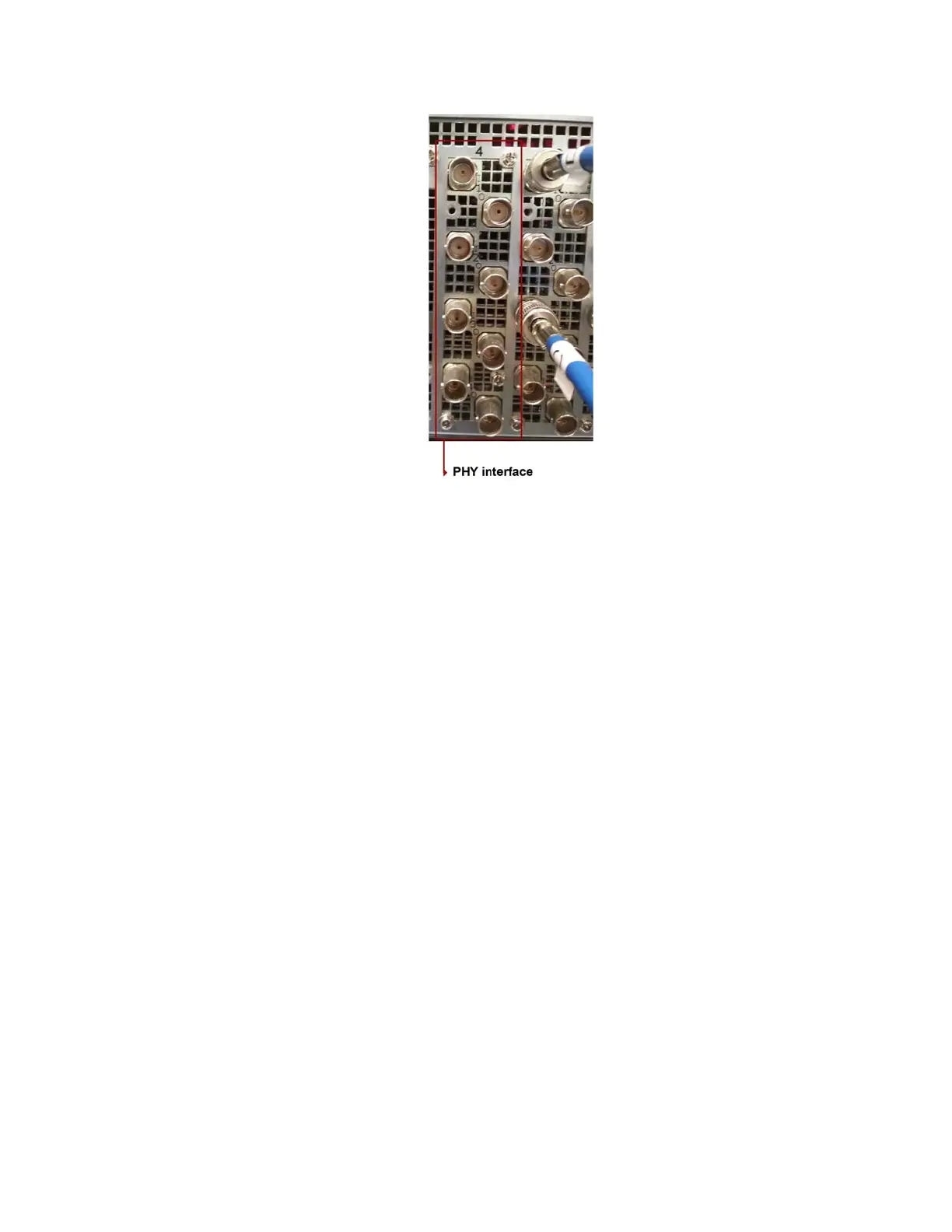
8. Release the PHY interface and then slide it out of the chassis.
Replacing Failed RAID Controller
In the event that you have one or more RAID controller failures, you can replace them.
n
The system should be taken offline and powered down before replacing boards.
Before you begin, you must obtain replacement RAID controller for your FastServe | Live Edit or
FastServe |
Ingest server.
To replace failed RAID controller:
1. Observe the safety precautions described in “Electrostatic Discharge Precautions” on page 28
and “Safety and Regulatory Information”.
2. Power down the server and unplug all peripheral
devices and the AC power cables.
3. Remove the server cover as described in the Removing and Replacing the Server Main Cover
topic.
4. Disconnect any cables that might be in danger when you are replacing the RAID controller.
5. Identify the RAID c
ontroller in your chassis:



 To Next Page