72
Removing and Replacing the Server Main Cover
The FastServe | Live Edit or FastServe | Ingest server must be operated with the chassis cover in
place to ensure proper cooling. However, you will need to remove the main cover to add or replace
components inside of the server (Video I/O board set). Before removing the main cover, power down
the server and unplug all peripheral devices and the AC power cables.
n
A nonskid surface or a stop behind the server may be needed to prevent the server from sliding on
your work surface.
To remove the server main cover:
1. Observe the safety precautions described in “Electrostatic Discharge Precautions” on page 28
and “Safety and Regulatory Information”.
2. Turn off all peripheral devices connected to the server. Then, turn off the server.
3. Disconnect the AC power cords.
4. Unscrew the thumbscrews at the back of the unit until they are loose.
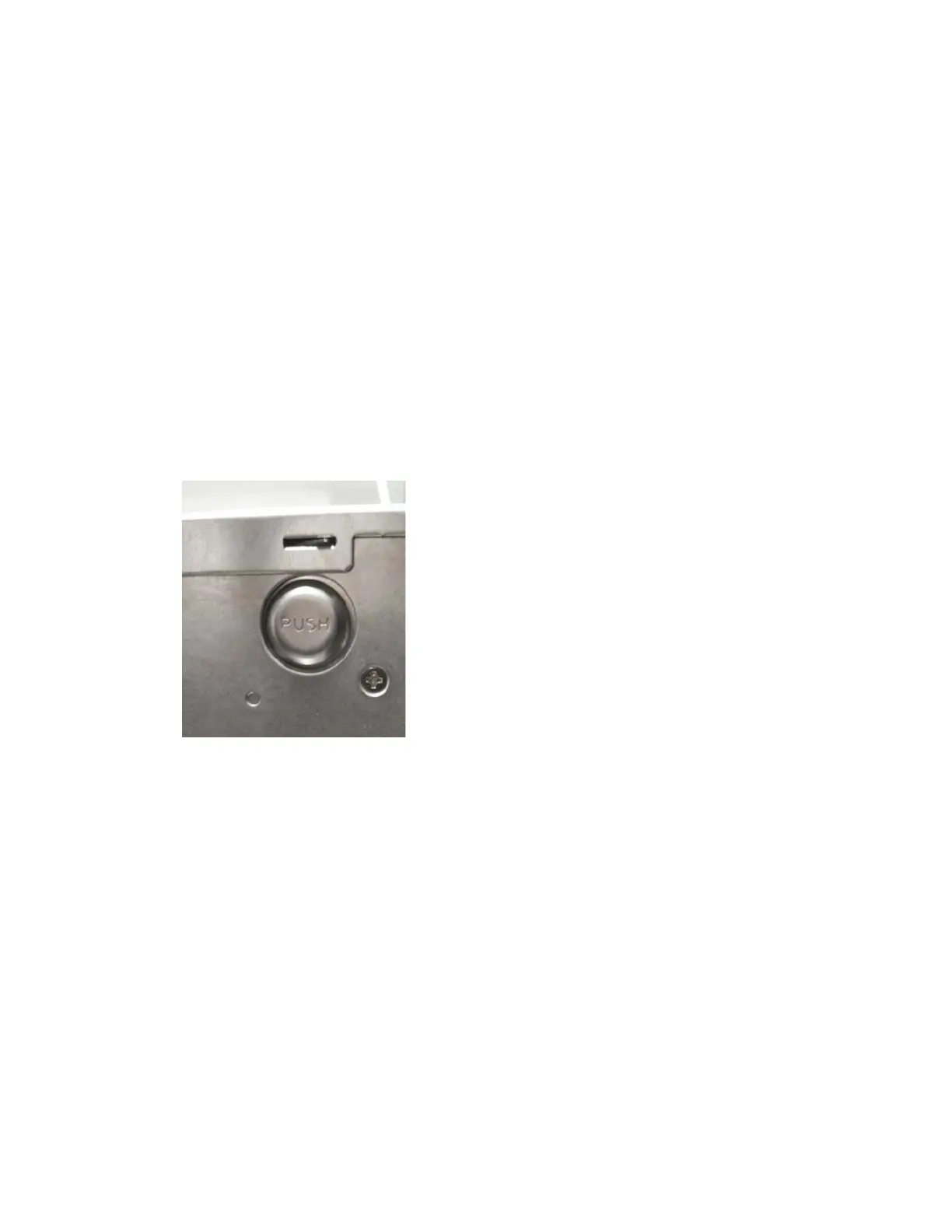
5. Press the PUSH button on the left and right sides of the server.
6. Slide back the rear cover until it will be released. Or slide forward the front cover until it will be
released.
7. Remove the main cover and set in a safe place.



 To Next Page