76
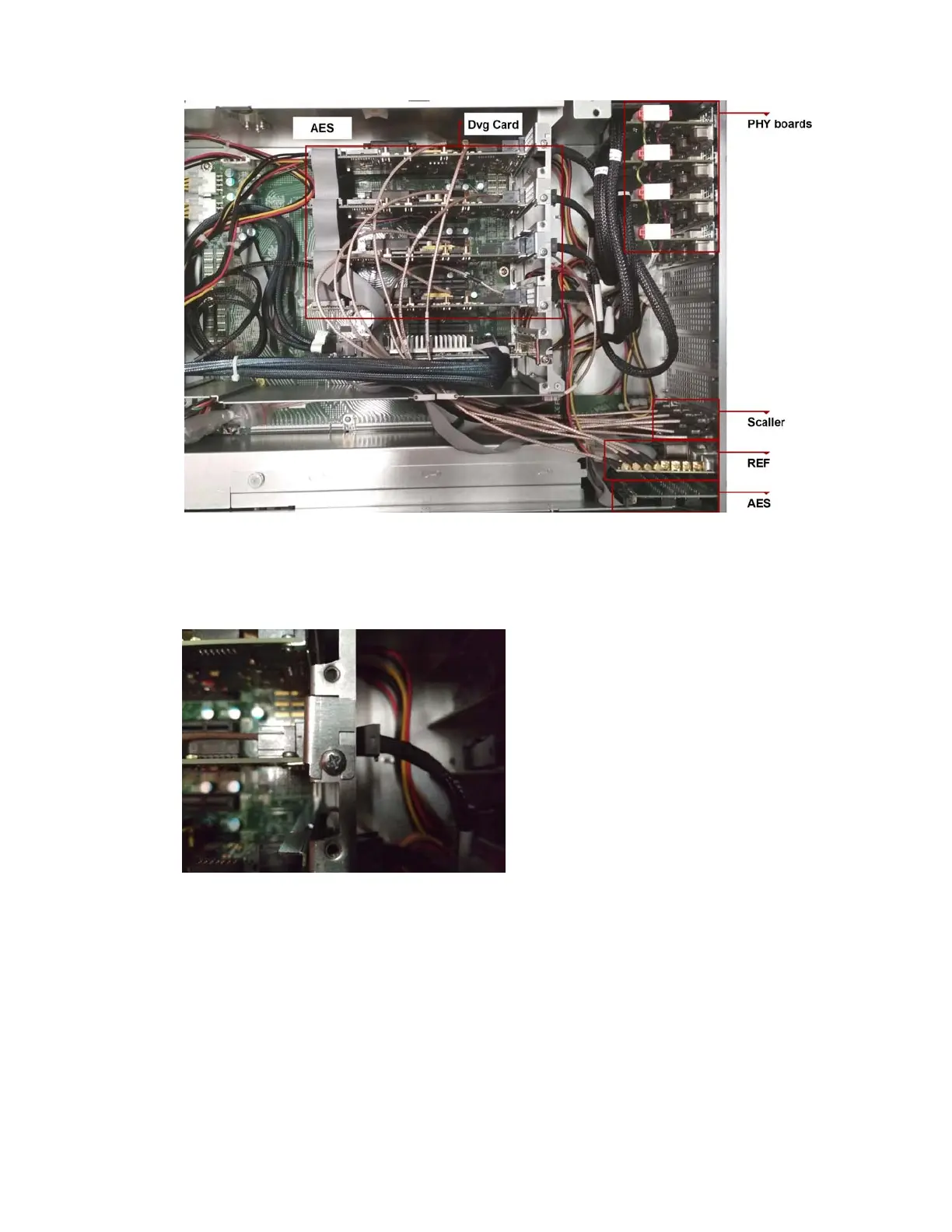
7. To remove a DVG board, do the following:
a. Remove the PHY data Harness (black cable) from the DVG board.
b.
Release the Hold Down Bracket using the thumbscrews, and then slide it out of the chassis.
c. Remove the remaining cables.
n
Before removing more than one card, it is recommended to observe how the cables are connected.



 To Next Page