6. CSE-200 Configurator
You can also add a personal wallpaper, e.g. your company logo. For more information on adding a new wall-
paper to the list, see "Personalisation, Personalized wallpaper", page 32.
Download wallpaper
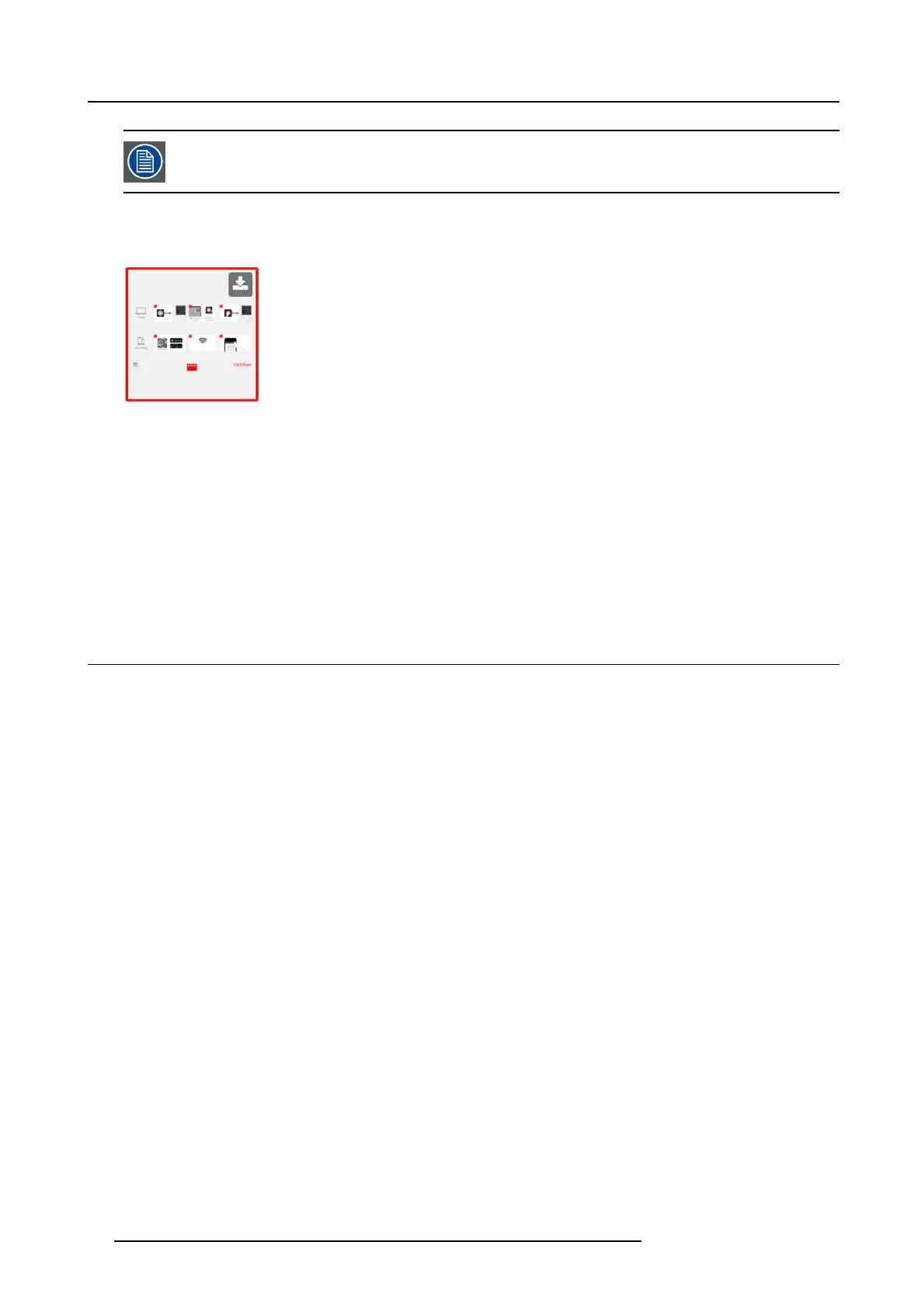
1. Hoover with your m ouse over the wallpaper to download and click on the download symbol on the upper right corner.
Image 6-7
Download wallpaper
The wallpaper is downloaded to your P C.
Enable - disable Wallpaper
1. Within the Wallpaper pane, ch eck the chec k box next to S how the wallpaper when n o one is sharing their screen.
Checked: wallpaper will be displayed w hen no one is sharing content.
Not checked: no wallpaper will be displayed when no one is sharing conten
t. The video output of the B ase Unit is disabled when
no content is shared. This feature is especially use ful when the Base Unit is integrated in a larger A K system
6.5 Personalisation, Personalized w allpaper
About a personalized wallpaper
Via the Configu rator it is p ossible to upload pers onalized background s or w allpapers.
The upload file should be a JPEG , PNG, BM P or TIFF format with a maximum size of 2.5MB.
Maximum 5 wallpaper can be uploaded.
How to upload
1. LogintotheConfigur ator
2. Click Personalisation → Wallpaper.
The Wallpaper selection pane is s hown. The current selected w allpaper is show n with a red border.
3. Hoover your mouse over the free place and click on Choose imag e.
32
R5900023 CSE-200 11/04/2016



 To Next Page
 Loading...