R5906167 /00 ImagePRO–4K Video Processor
35
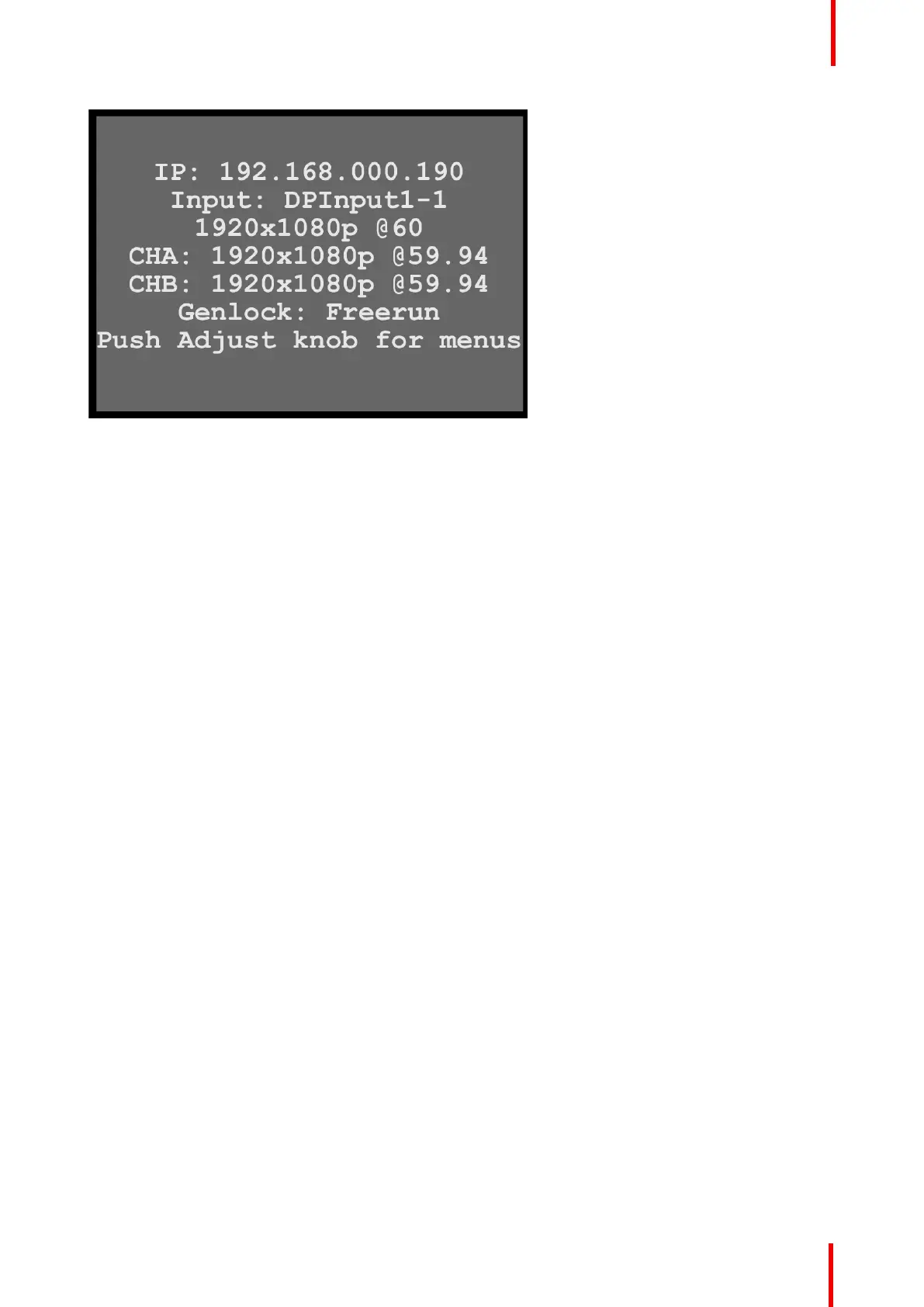
Image 6-3: System status
The status screen displays the IP address and the status of the inputs, output channels A and B, and the
Genlock status. The status screen also displays a message telling the user to push the Adjust knob to access
the menus.
6.2 ImagePRO–4K menus
ImagePRO–4K menu tree
The diagram on the following pages illustrates the entire ImagePRO– 4K menu tree. Use this diagram for
reference as you learn how to operate the system.
Menu orientation



 To Next Page