R5906167 /00 ImagePRO–4K Video Processor
95
6.10 Reset menu
General
This section provides information about the Reset menu.
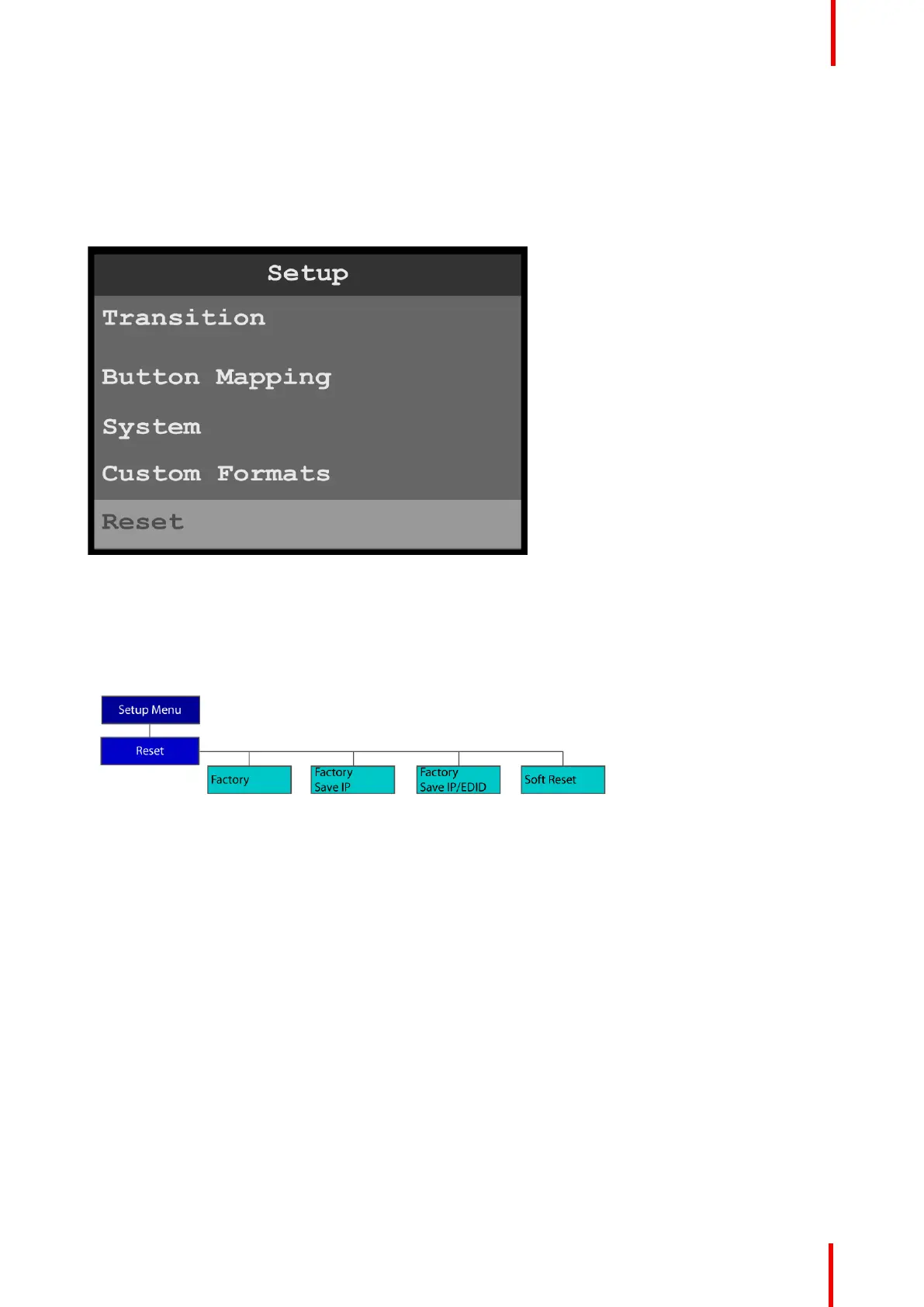
To enter the Reset menu from the System menu, scroll to and select Reset.
Image 6-114: Setup menu: Reset
Use the Reset menu to perform a factory reset.
Reset menu tree
Refer to Image 6-115 for an illustration of the Reset menu tree.
Image 6-115: Reset menu tree
Factory reset
1. Press the adjust knob to select Reset.
Menu orientation



 To Next Page