R5906167 /00 ImagePRO–4K Video Processor
94
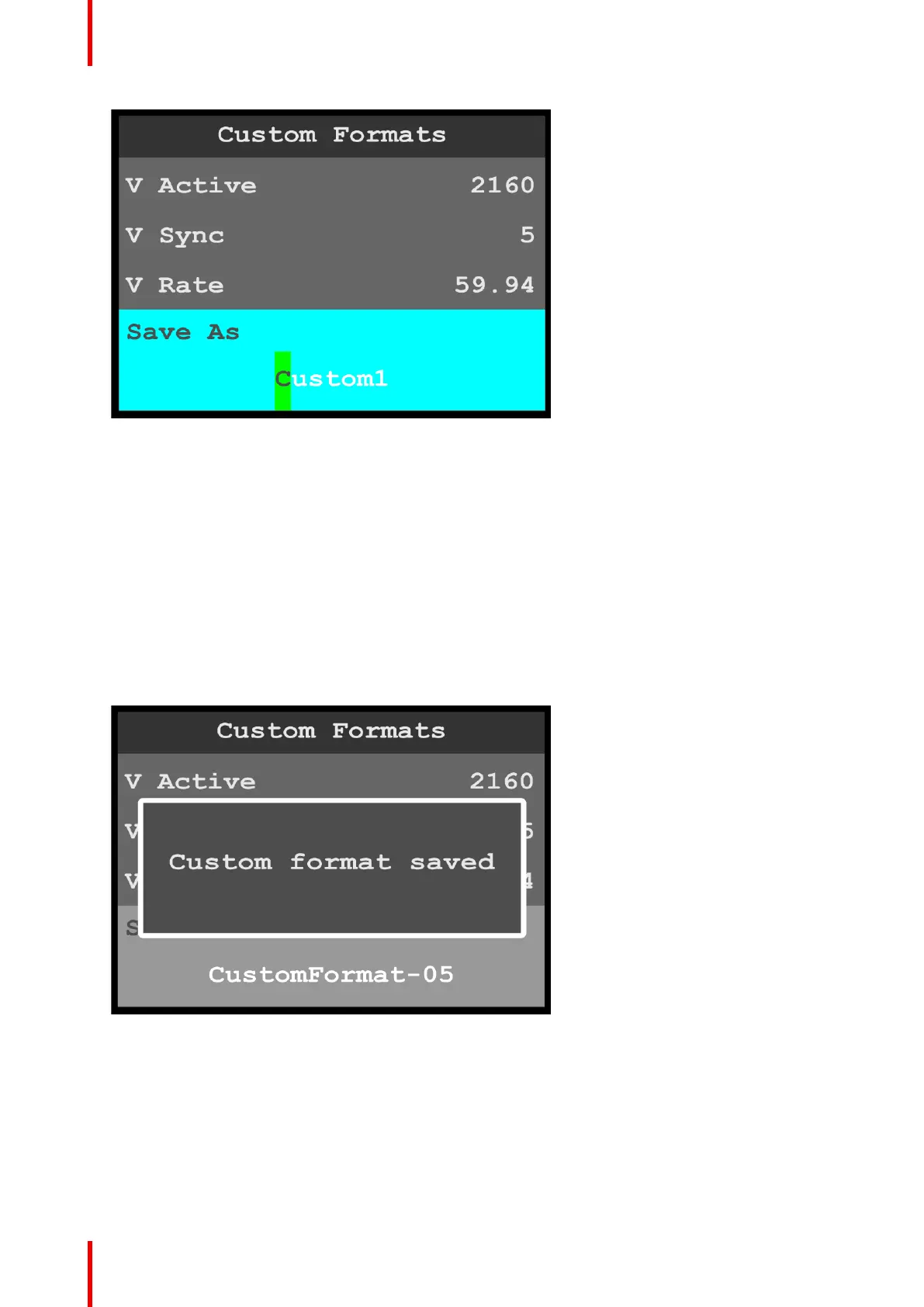
Image 6-112: Custom Formats menu: Save As
2. Use the adjust knob to adjust the first character of the custom format name, and press the adjust knob
when the desired character is reached.
The available characters are:
• A – Z
• a – z
• 0 – 9
• - (hyphen)
• . (period)
• / (slash)
3. Repeat Step 2 for each character of the custom format name.
The custom format name may have up to 21 characters.
4. Press the adjust knob, once you have entered the new name for the custom format.
The system displays a message that says that the custom format has been saved.
Image 6-113: Custom Formats menu: Save As
How to adjust a format
1. Scroll to and select Select Format.
2. Scroll through and select the desired format name.
3. Scroll through, select, and adjust the desired format properties, for example H Active and V Active.
4. If you do not wish to overwrite the currently selected format, scroll to and select Save As, and give the
adjusted format a new name.
Menu orientation



 To Next Page