R5906167 /00 ImagePRO–4K Video Processor
43
• Blue contrast – Range: 50 to 150; Default: 100
• Overall brightness – Range: 25 to 150; Default: 100
• Red brightness – Range: 25 to 150; Default: 100
• Green brightness – Range: 25 to 150; Default: 100
• Blue brightness – Range: 25 to 150; Default: 100
• Hue – Range: –90 to 90; Default: 0
• Gamma – Range: 0.30 to 3.30; Default: 1.00
• Saturation – Range: 0 to 150: Default: 100
• Reset returns the color adjustments to their initial settings.
5. Scroll to and select Save Source to save any adjusted source settings.
a) Overwrite Source overwrites the current source configuration with the adjusted settings.
b) Save As saves the adjusted settings to a new source configuration.
Source configurations are chosen from the from the Input Source menu.
6. Scroll to and select Delete to delete the currently selected source.
SDI Setup
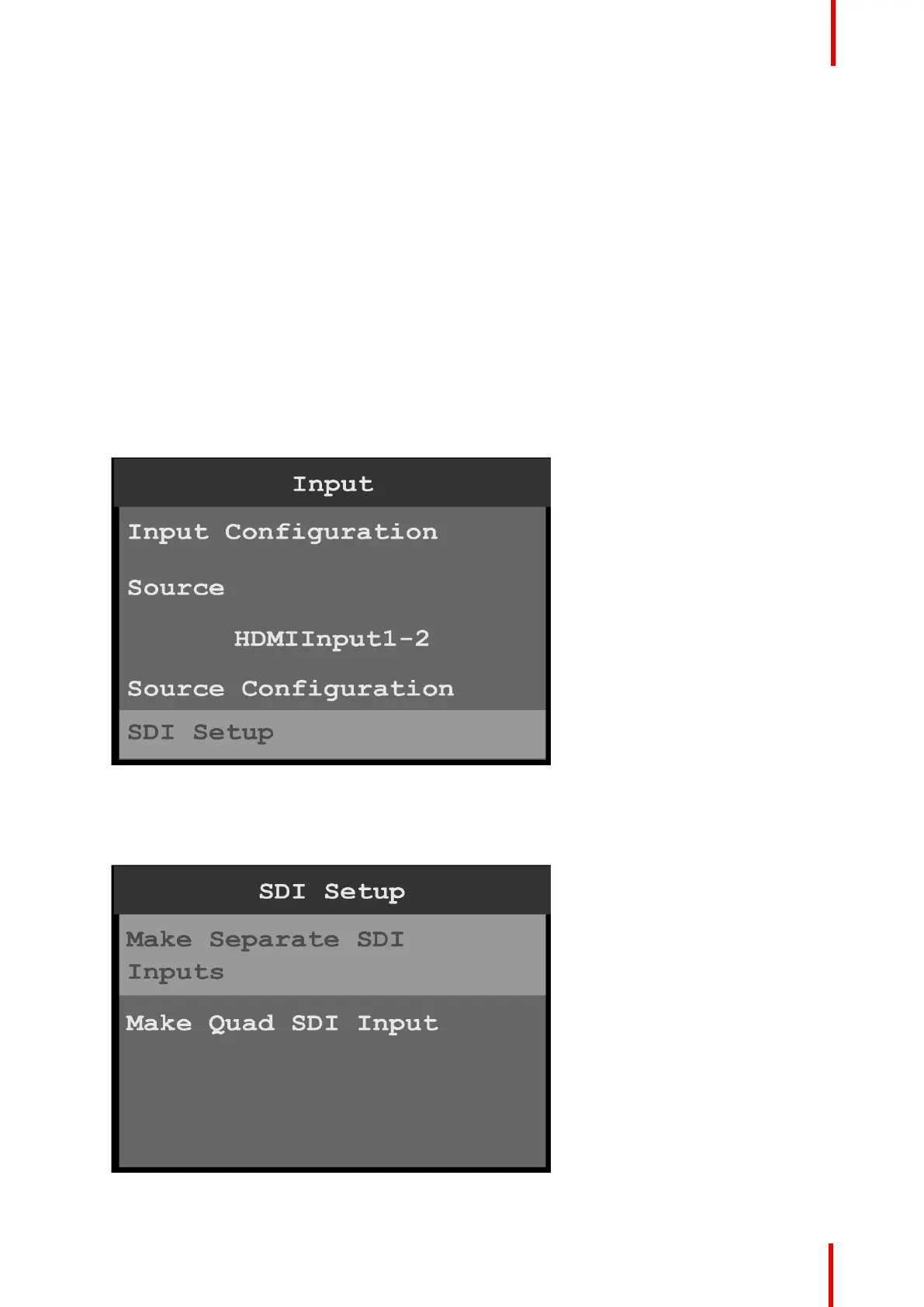
1. Scroll to and select SDI Setup on the Input menu to set up the SDI inputs.
Image 6-15: Input menu: SDI Setup
SDI may be set up in two configurations:
• Four separate SDI inputs.
• A single Quad SDI input.
Image 6-16: SDI Setup
Menu orientation



 To Next Page