R5906167 /00 ImagePRO–4K Video Processor
79
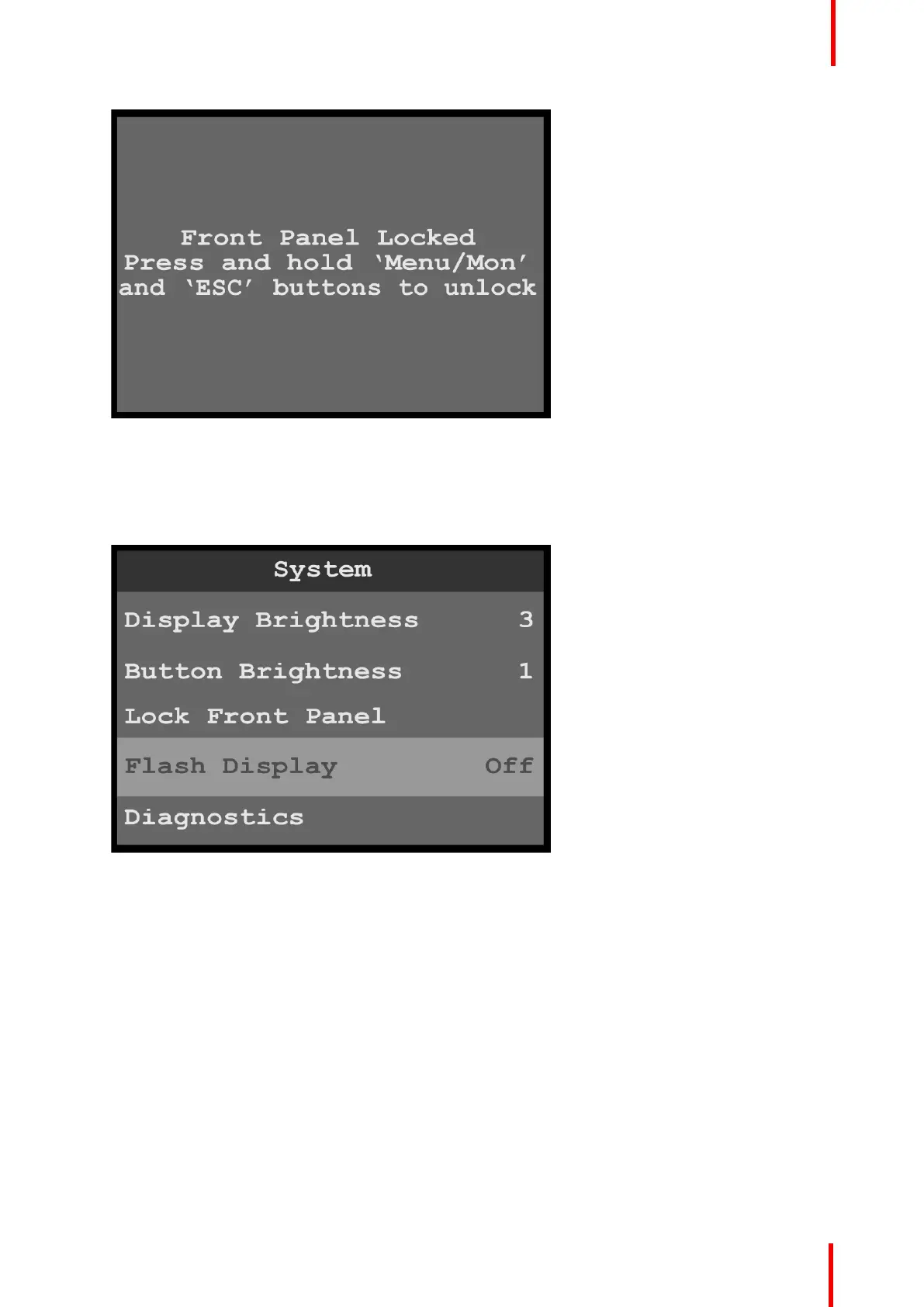
Image 6-83: Lock Front Panel message
2. Press and hold the MENU/MON and ESC menu keys to unlock the front-panel buttons.
Flash Display
1. Select Flash Display on the System menu to choose between not flashing and flashing the display screen.
Image 6-84: System menu: Flash Display
Once Flash Display is selected, the highlight bar turns from gray to cyan.
2. Scroll between Off (default) and On, and select the desired setting.
When Flash Display is set to On, the display flashes from dark, to dim, to bright.
Diagnostics
The Diagnostics menu allows an operator to check if the ImagePRO–4K unit is functioning normally. Front
panel and card operations can be checked. Various system temperatures can be monitored and backup log
files can be saved for customer service troubleshooting.
1. Select Diagnostics on the System menu to enter the Diagnostics menu.
Menu orientation



 To Next Page