R5906167 /00 ImagePRO–4K Video Processor
90
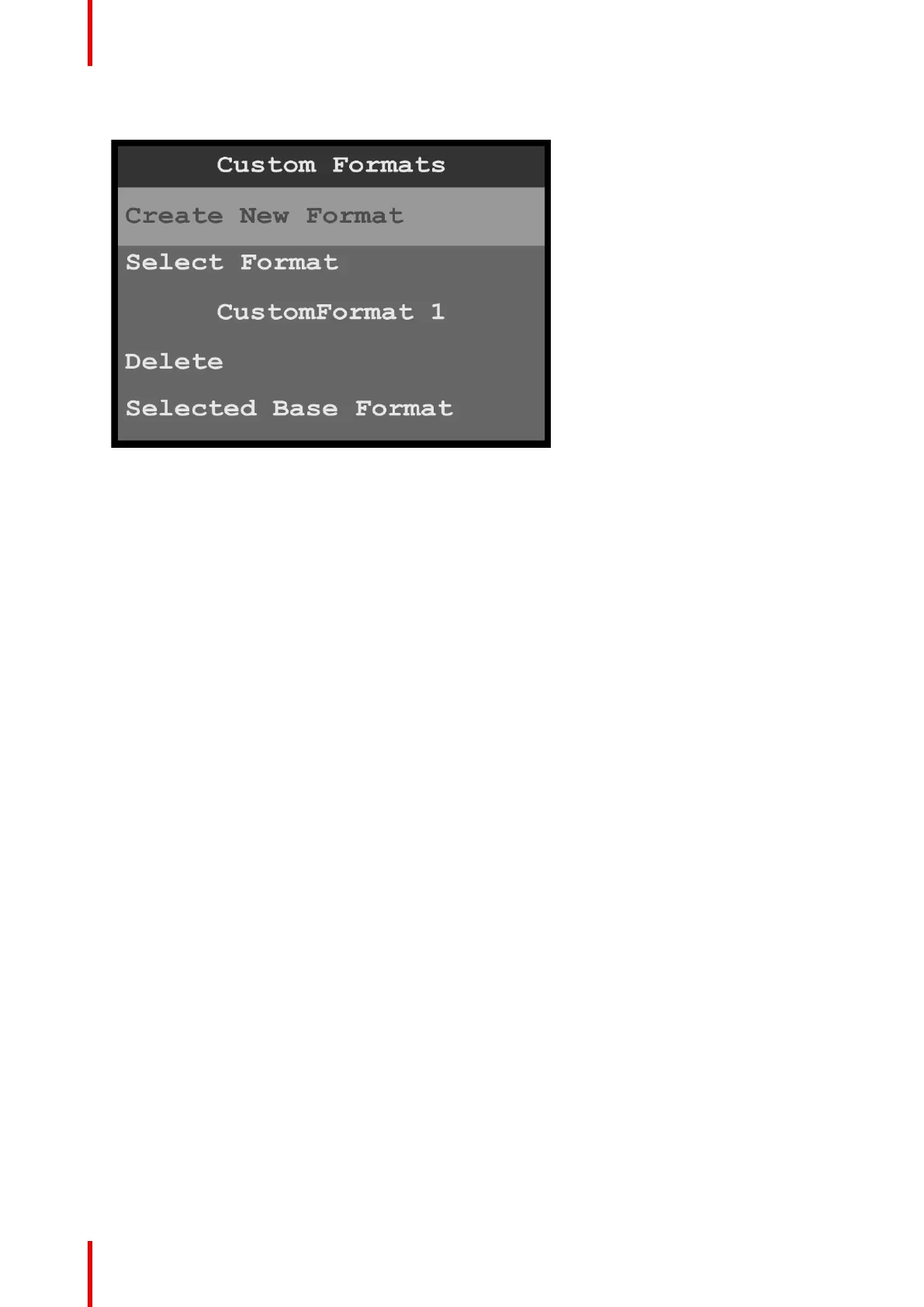
After a custom format has been created, the system updates the Custom Formats menu.
Image 6-105: Custom Formats menu: Created format
Select Format now shows the name of the first created custom format. More submenus are available
below the Delete submenu. The additional submenus are:
• Selected Base Format—Name of the selected base format
• H Total—Total pixel count per line
• H FrontPorch—The offset between the end of the active area and the beginning of H sync
• H Active—The horizontal size in pixels of the active area
• H Sync—H sync width in pixels
• V Total—Total line count per frame
• V FrontPorch—The offset in lines between the end of the output active area and the beginning of V
sync
• V Active—The vertical size of the output active area
• V Sync—V sync width in lines
• V Rate—Vertical frame rate in frames per second
• Save As—New custom format name
Select Format
To select a format…
1. Scroll to and select Select Format.
Once Select Format is selected, the highlight bar turns from gray to cyan. Turning the adjust knob scrolls
through the available custom formats.
Menu orientation



 To Next Page