R5906167 /00 ImagePRO–4K Video Processor
91
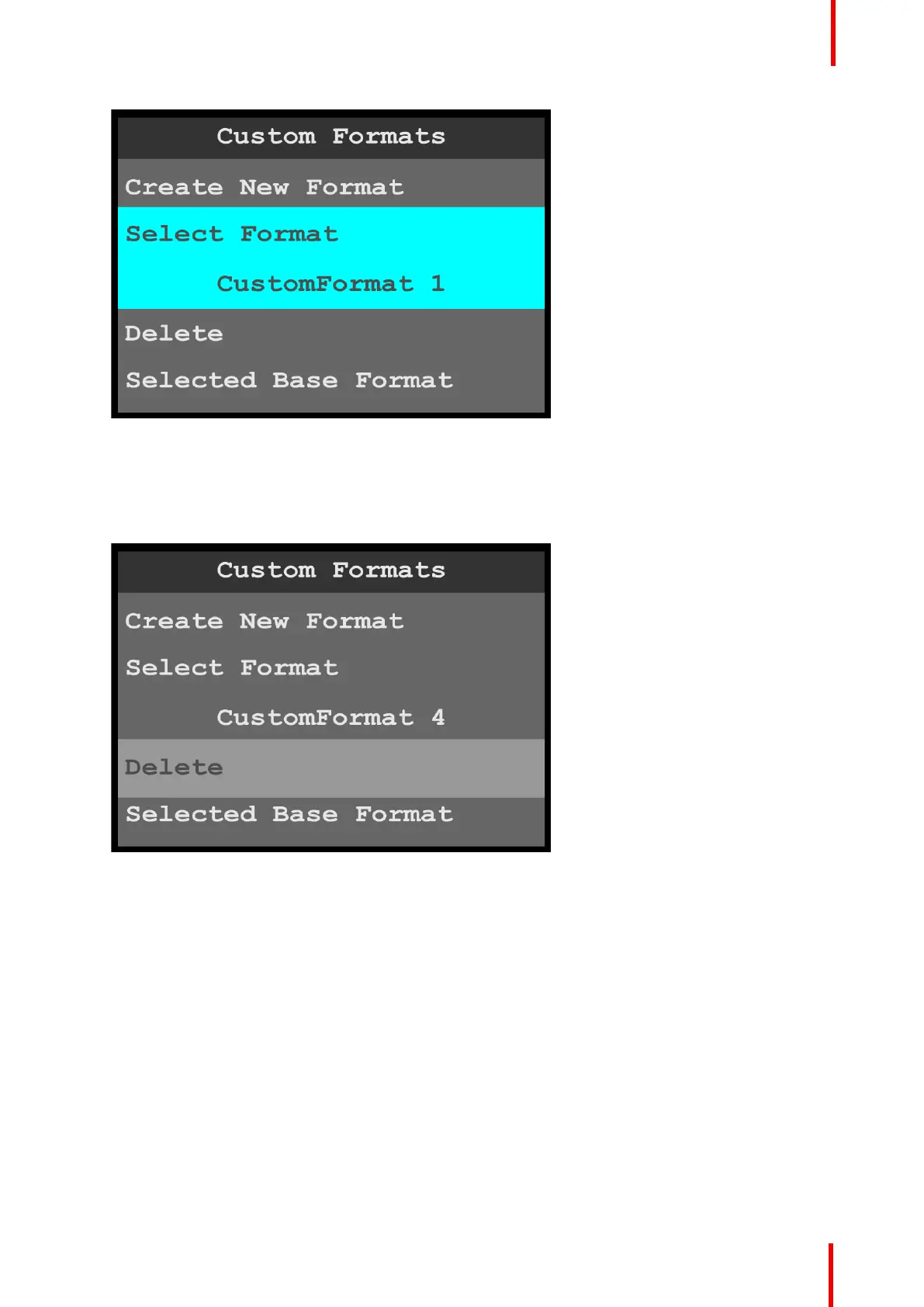
Image 6-106: Custom Formats menu: Select Format
2. Scroll through and select the desired custom format, for example CustomFormat 4.
Delete
1. Scroll to and select Delete, to delete the selected format.
Image 6-107: Custom Formats menu: Delete
The system displays a message that asks if you really want to delete the custom format.
Menu orientation



 To Next Page