R5906167 /00 ImagePRO–4K Video Processor
85
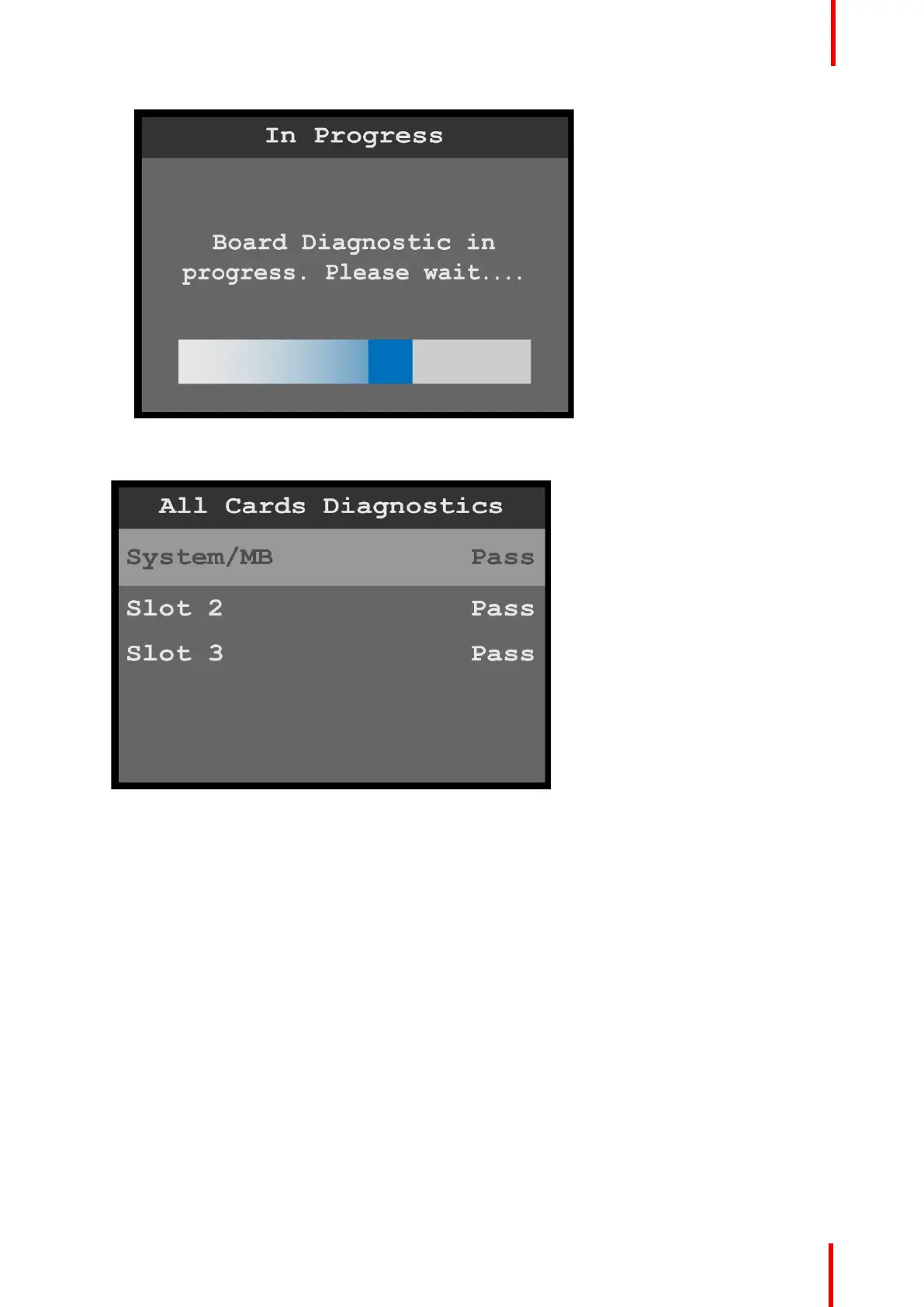
Image 6-95: Board Diagnostic in Progress message
When the diagnostic is finished, the system displays the results.
Image 6-96: Board diagnostics results
6. Press the ESC key to return to the Card Diagnostics menu.
Temperature diagnostics
1. Scroll to and select Temperature from the Diagnostics menu.
The system performs the temperature diagnostics and displays the results.
Menu orientation



 To Next Page